Frequently Asked Questions
Themes and Configuration
How do I choose or switch themes?
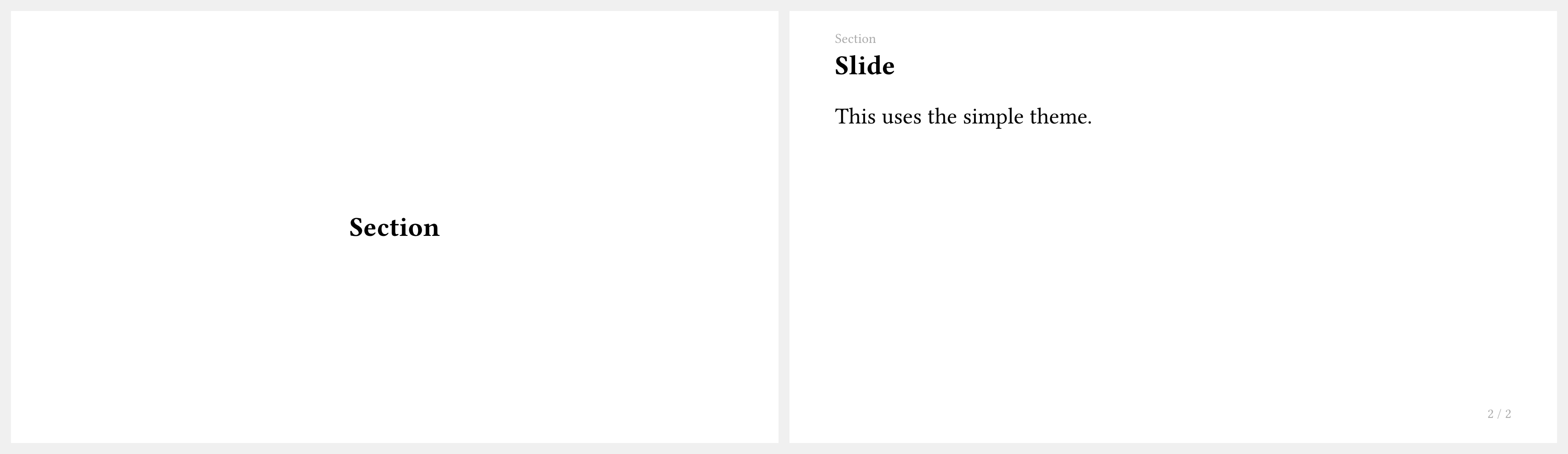
Import a theme and apply it with #show:
#import "@preview/touying:0.7.4": *
#import themes.simple: *
#show: simple-theme
= Section

== Slide

This uses the simple theme.
Available themes: simple, default, metropolis, aqua, dewdrop, stargazer, university.
How do I customize theme colors?
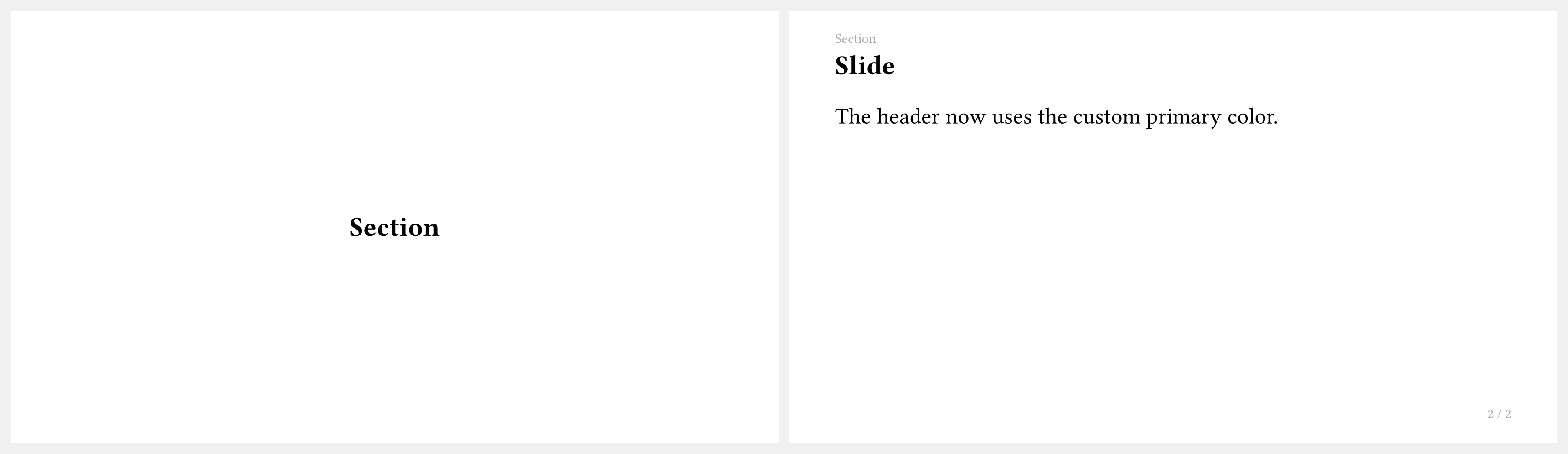
Pass a config-colors(...) argument to your theme:
#import "@preview/touying:0.7.4": *
#import themes.simple: *

#show: simple-theme.with(
  aspect-ratio: "16-9",
  config-colors(primary: rgb("#d94f00")),
  config-info(title: [Custom Color], author: [Author]),
)

= Section

== Slide

The header now uses the custom primary color.
How do I access the current theme colors in slide content?
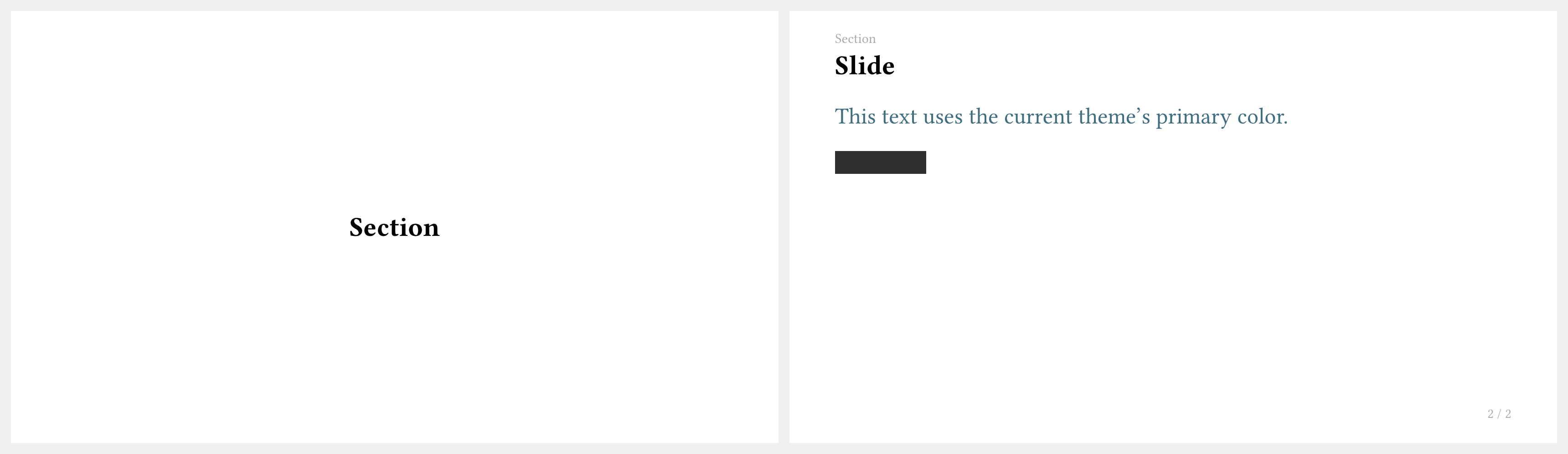
Theme colors live on self.colors. In ordinary slide content, wrap a function with touying-fn-wrapper so Touying can pass the current slide context as self:
#import "@preview/touying:0.7.4": *
#import themes.simple: *

#show: simple-theme.with(aspect-ratio: "16-9")

= Section

== Slide

#touying-fn-wrapper((self: none) => text(fill: self.colors.primary)[
  This text uses the current theme's primary color.
])

#touying-fn-wrapper((self: none) => rect(
  fill: self.colors.secondary,
  width: 4em,
  height: 1em,
))
If you are writing a theme method or callback that already receives self, access colors directly as self.colors.primary, self.colors.neutral-lightest, and so on.
Layout and Columns
How do I create a two-column layout?
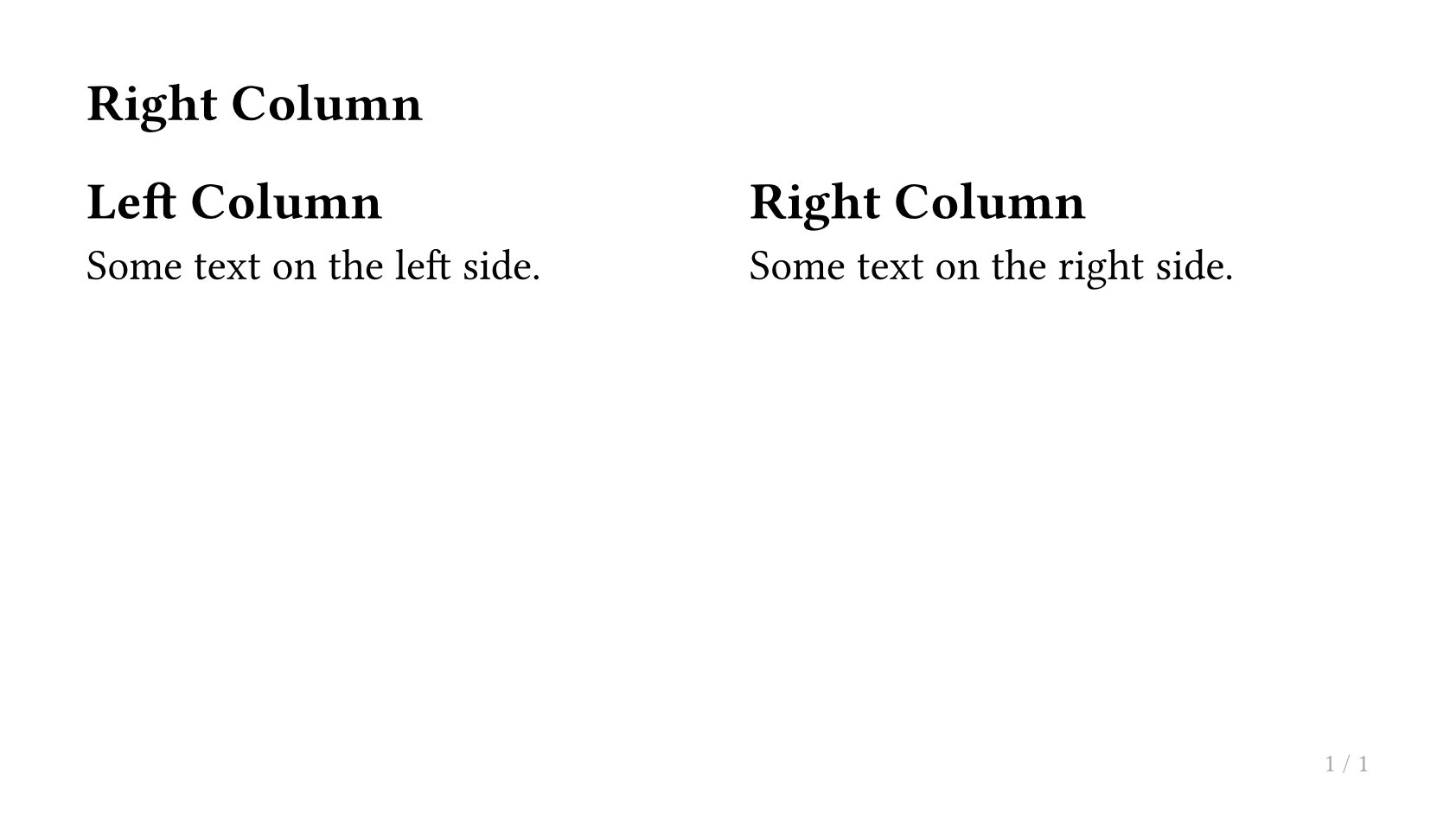
Use slide with a composer argument to split content into columns:
#import "@preview/touying:0.7.4": *
#import themes.simple: *
#show: simple-theme
#slide(composer: (1fr, 1fr))[
  == Left Column

  Some text on the left side.
][
  == Right Column

  Some text on the right side.
]
For unequal widths, adjust the fractions, e.g. (2fr, 1fr).
How do I place content at an absolute position?
Use Typst's place function for absolute positioning:
#import "@preview/touying:0.7.4": *
#import themes.simple: *
#show: simple-theme
#slide[
  Main slide content here.

  #place(bottom + right, dx: -1em, dy: -1em)[
    #rect(fill: blue.lighten(80%), inset: 0.5em)[Note]
  ]
]

How do I fit content to fill the remaining slide height or width?
Use utils.fit-to-height or utils.fit-to-width:
#import "@preview/touying:0.7.4": *
#import themes.simple: *
#show: simple-theme
#slide[
  #utils.fit-to-width(1fr)[
    == This heading fills the slide width
  ]

  Some content below.
]
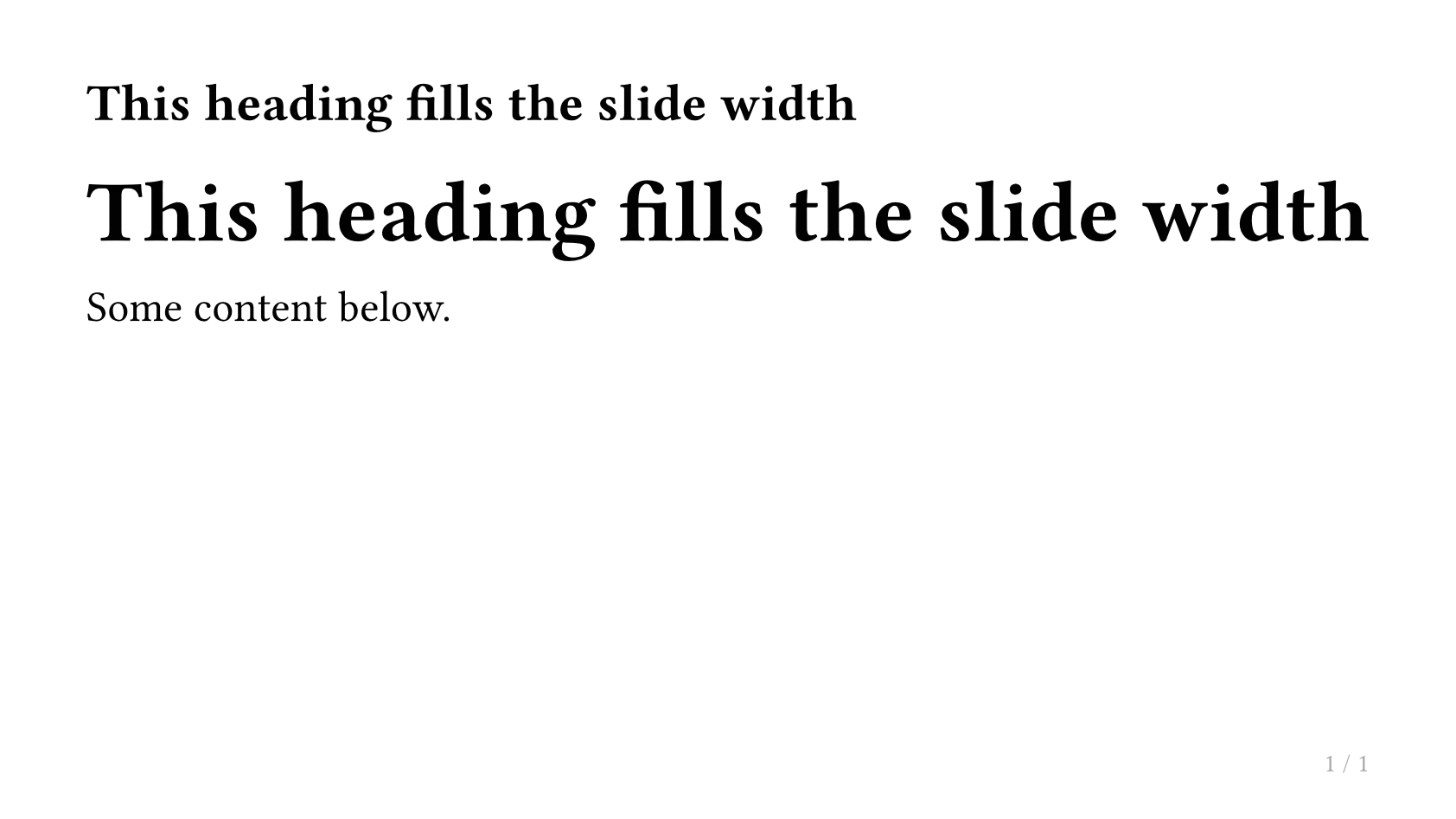
Table of Contents
How do I display a table of contents?
Use components.adaptive-columns wrapping Typst's built-in outline:
#import "@preview/touying:0.7.4": *
#import themes.simple: *

#show: simple-theme.with(aspect-ratio: "16-9")

== Outline <touying:hidden>

#components.adaptive-columns(outline(title: none, indent: 1em))

= First Section

== Introduction

Hello, Touying!

= Second Section

== Details

More content here.
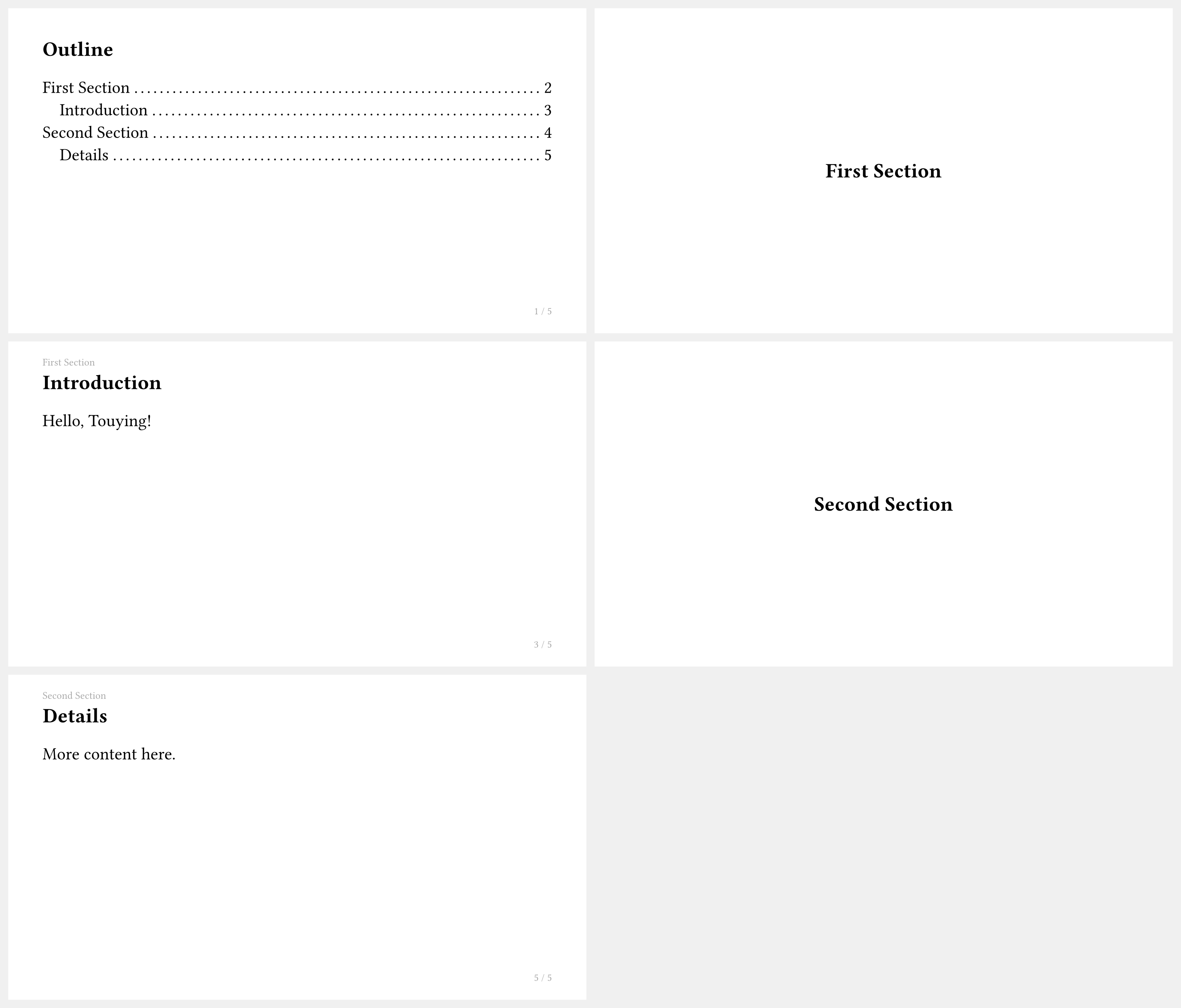
The <touying:hidden> label hides the outline slide from the outline itself.
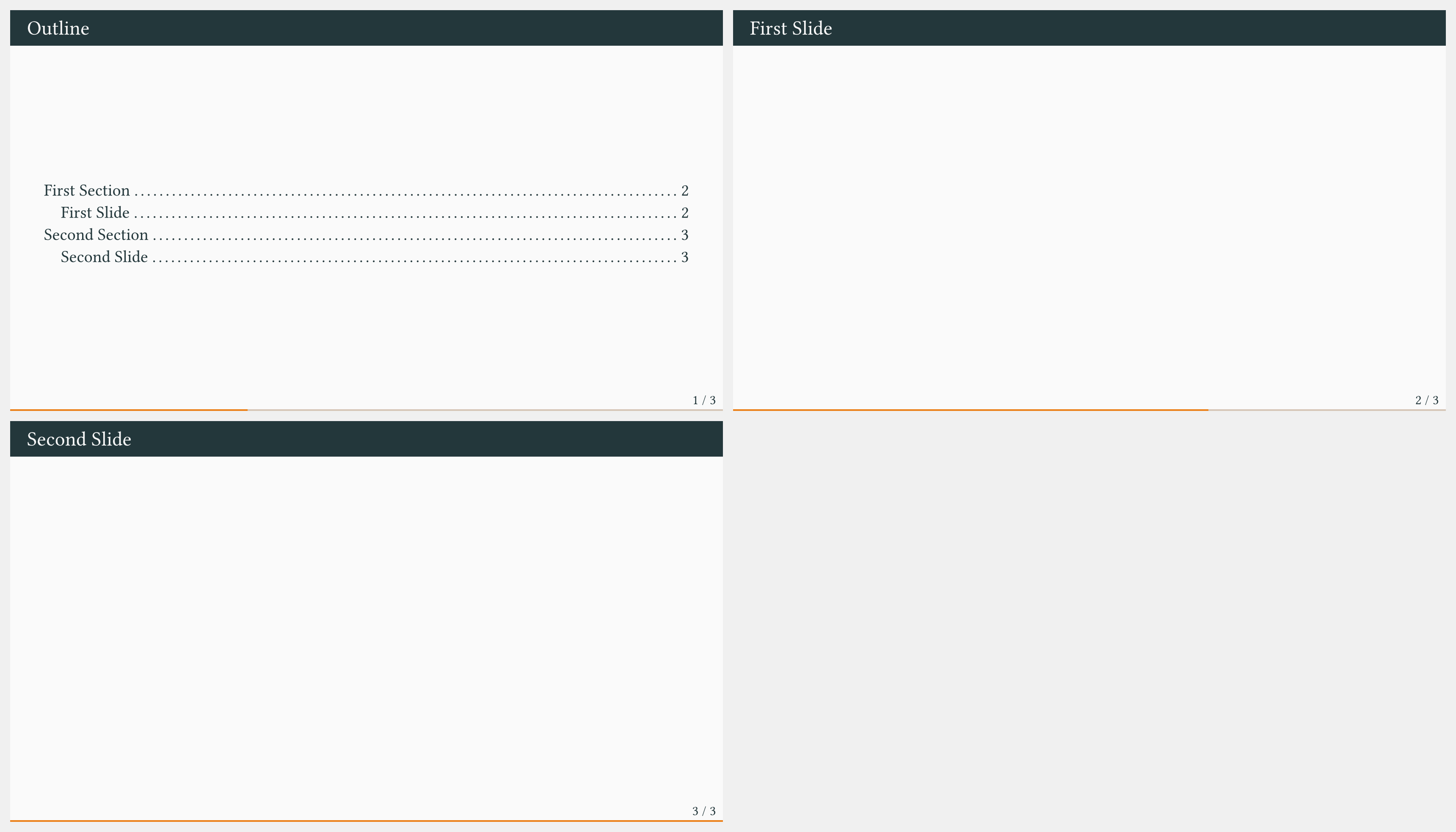
How do I keep only the main outline and disable automatic section slides?
Some themes generate an automatic section slide (often an outline or section overview) when they see a new top-level section (=). Disable those generated section slides with config-common(new-section-slide-fn: none), then keep only the main outline slide you write yourself:
#import "@preview/touying:0.7.4": *
#import themes.metropolis: *

#show: metropolis-theme.with(
  aspect-ratio: "16-9",
  config-common(new-section-slide-fn: none),
)

== Outline <touying:hidden>

#components.adaptive-columns(outline(title: none, indent: 1em))

= First Section

== First Slide

= Second Section

== Second Slide
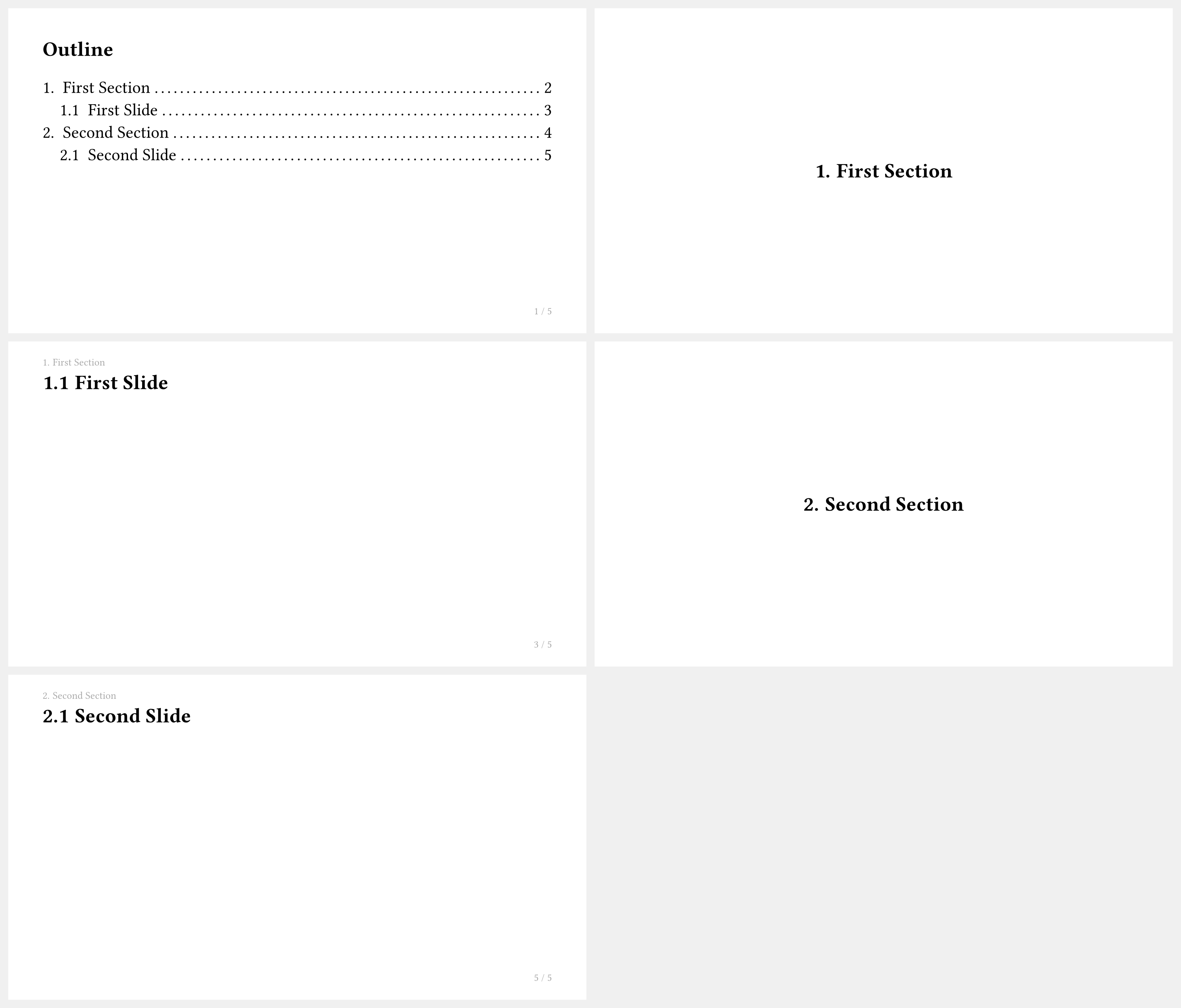
How do I add numbering to sections in the outline?
Use the numbly package together with #set heading(numbering: ...):
#import "@preview/touying:0.7.4": *
#import themes.simple: *
#import "@preview/numbly:0.1.0": numbly

#set heading(numbering: numbly("{1}.", default: "1.1"))

#show: simple-theme.with(aspect-ratio: "16-9")

== Outline <touying:hidden>

#components.adaptive-columns(outline(title: none, indent: 1em))

= First Section

== First Slide

= Second Section

== Second Slide
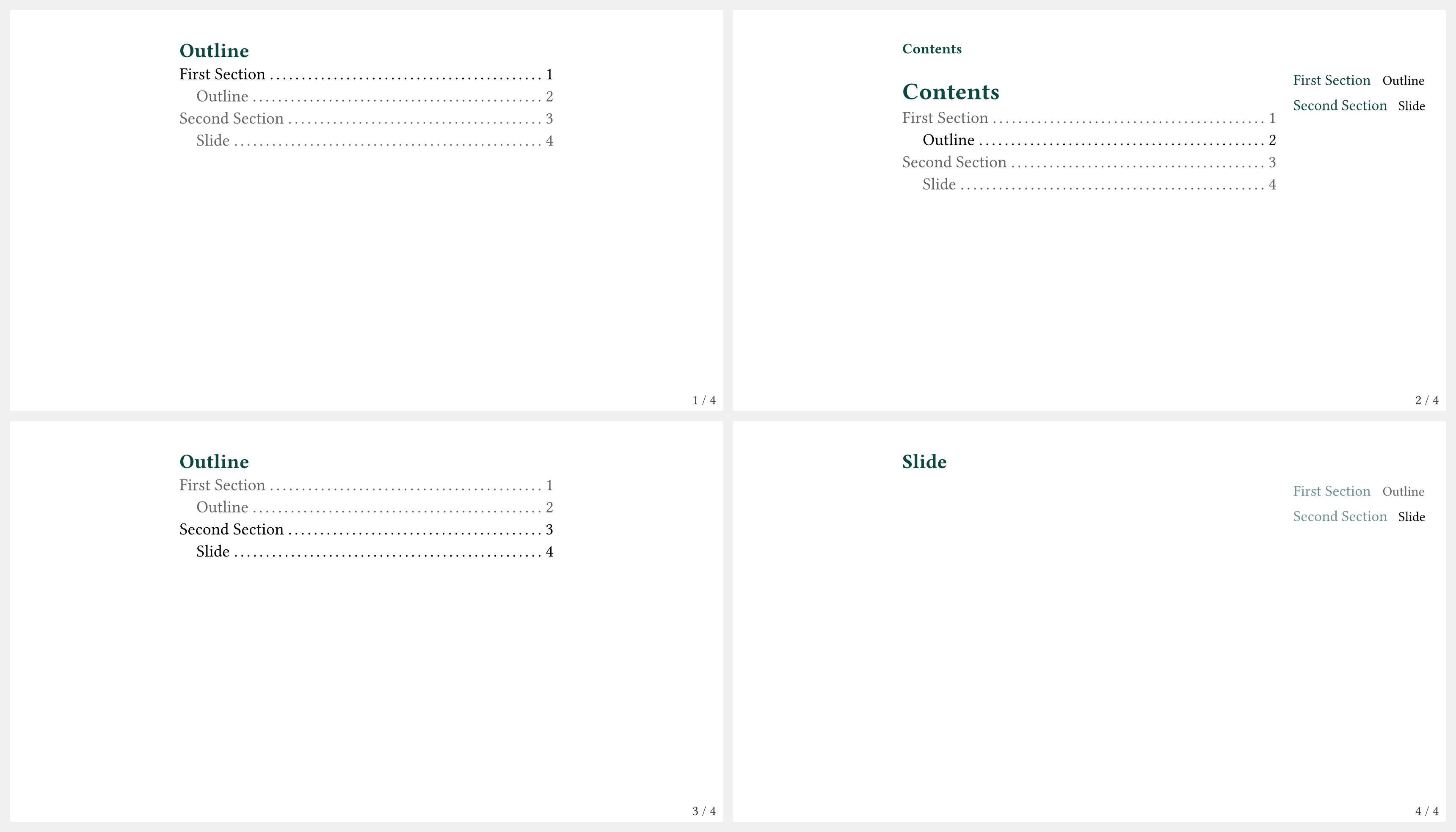
How do I show a progressive/highlighted outline?
Use components.progressive-outline to highlight the current section:
#import "@preview/touying:0.7.4": *
#import themes.dewdrop: *

#show: dewdrop-theme.with(aspect-ratio: "16-9")

= First Section

== Outline

#components.progressive-outline()

= Second Section

== Slide
Bibliography and Citations
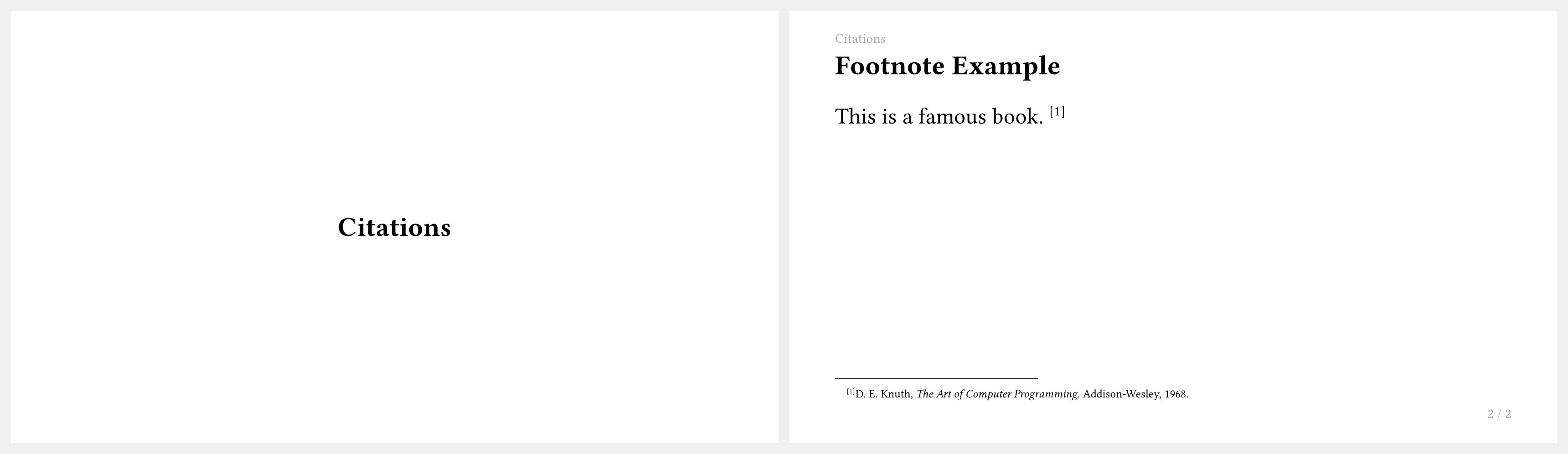
How do I show citations as footnotes?
Pass a bibliography(...) value to config-common(show-bibliography-as-footnote: ...):
#import "@preview/touying:0.7.4": *
#import themes.simple: *

#let bib = bytes(
  "@book{knuth,
    title={The Art of Computer Programming},
    author={Donald E. Knuth},
    year={1968},
    publisher={Addison-Wesley},
  }",
)

#show: simple-theme.with(
  aspect-ratio: "16-9",
  config-common(show-bibliography-as-footnote: bibliography(bib)),
)

= Citations

== Footnote Example

This is a famous book. @knuth
How do I add a bibliography slide at the end?
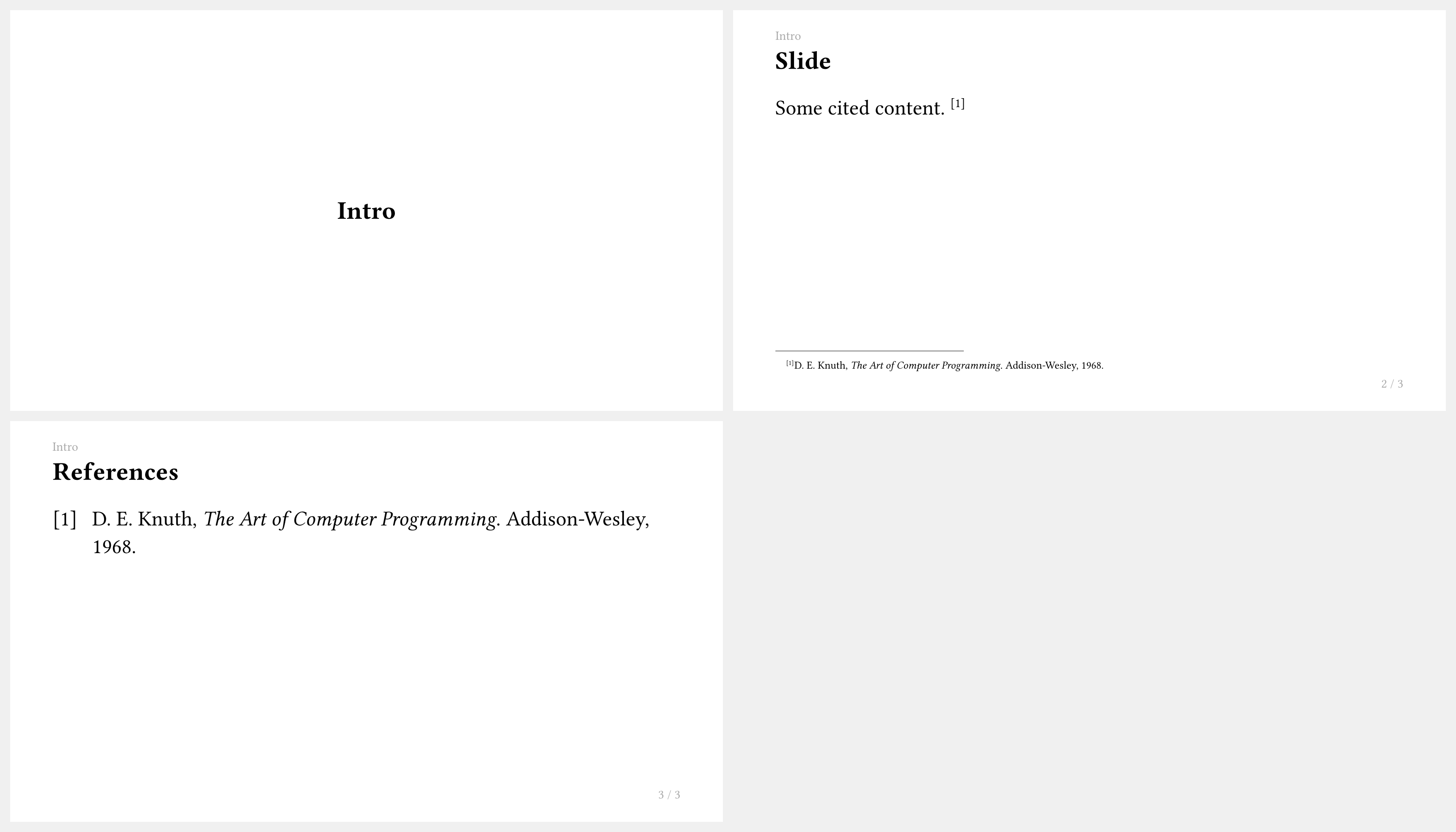
Use magic.bibliography(...) to display a references slide:
#import "@preview/touying:0.7.4": *
#import themes.simple: *

#let bib = bytes(
  "@book{knuth,
    title={The Art of Computer Programming},
    author={Donald E. Knuth},
    year={1968},
    publisher={Addison-Wesley},
  }",
)

#show: simple-theme.with(
  aspect-ratio: "16-9",
  config-common(show-bibliography-as-footnote: bibliography(bib)),
)

= Intro

== Slide

Some cited content. @knuth

== References

#magic.bibliography(title: none)
Speaker Notes
How do I add speaker notes to a slide?
Use the #speaker-note[...] function anywhere in a slide:
#import "@preview/touying:0.7.4": *
#import themes.simple: *
#show: simple-theme
#slide[
  == My Slide

  Visible content here.

  #speaker-note[
    - Remind the audience of the previous topic.
    - Emphasize the key takeaway.
    - Time check: should be at 10 min mark.
  ]
]

Speaker notes do not appear in the slide output by default.
How do I show speaker notes on a second screen?
Use config-common(show-notes-on-second-screen: right) to show notes beside the slides:
#show: simple-theme.with(
  aspect-ratio: "16-9",
  config-common(show-notes-on-second-screen: right),
)
This is compatible with presenter tools like pdfpc and pympress.
Slide Numbering and Appendix
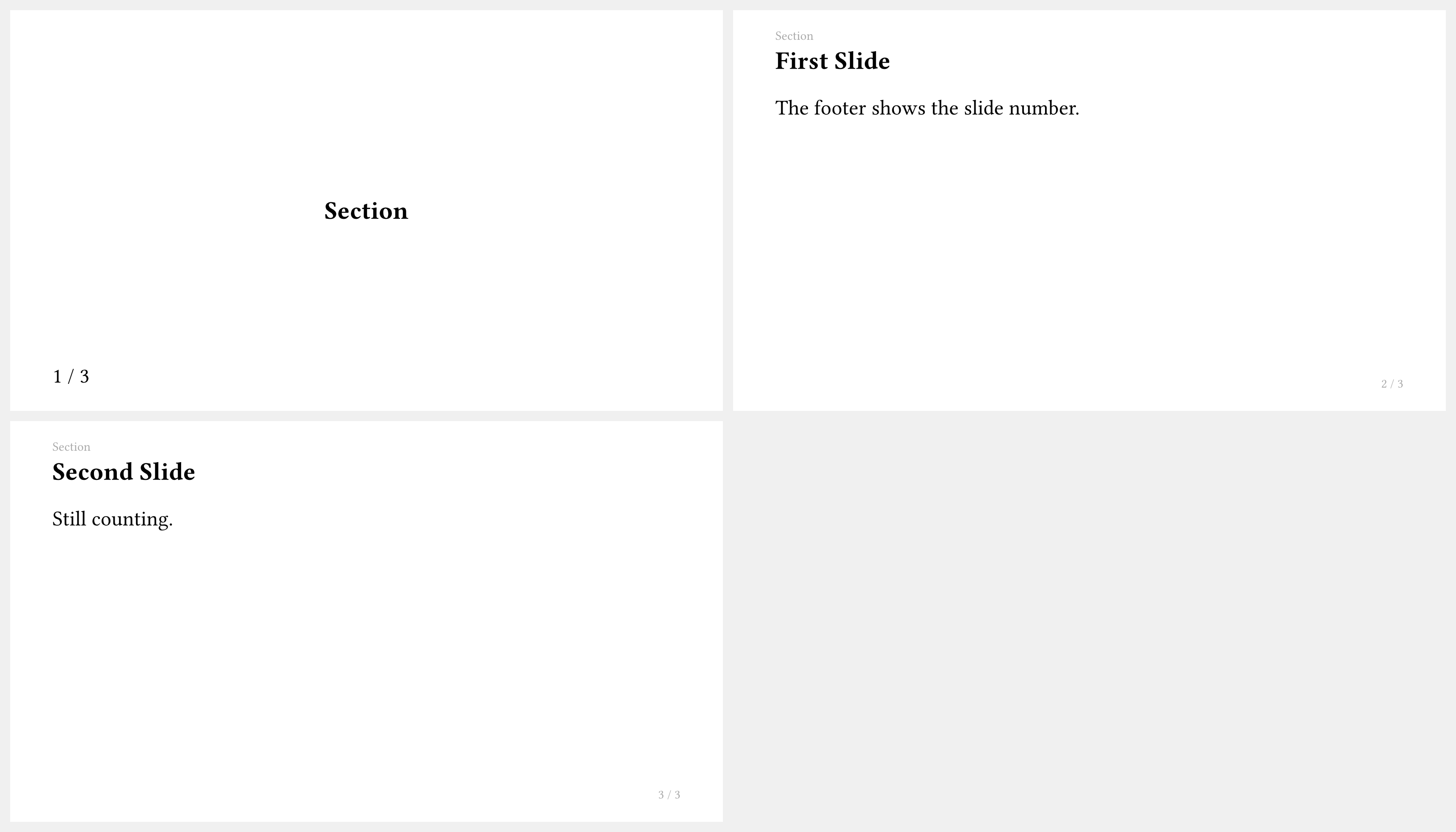
How do I display slide numbers in the footer?
Use utils.slide-counter.display() for the current slide number and utils.last-slide-number for the total:
#import "@preview/touying:0.7.4": *
#import themes.simple: *

#show: simple-theme.with(
  aspect-ratio: "16-9",
  config-page(
    footer: context [
      #utils.slide-counter.display() / #utils.last-slide-number
    ],
  ),
)

= Section

== First Slide

The footer shows the slide number.

== Second Slide

Still counting.
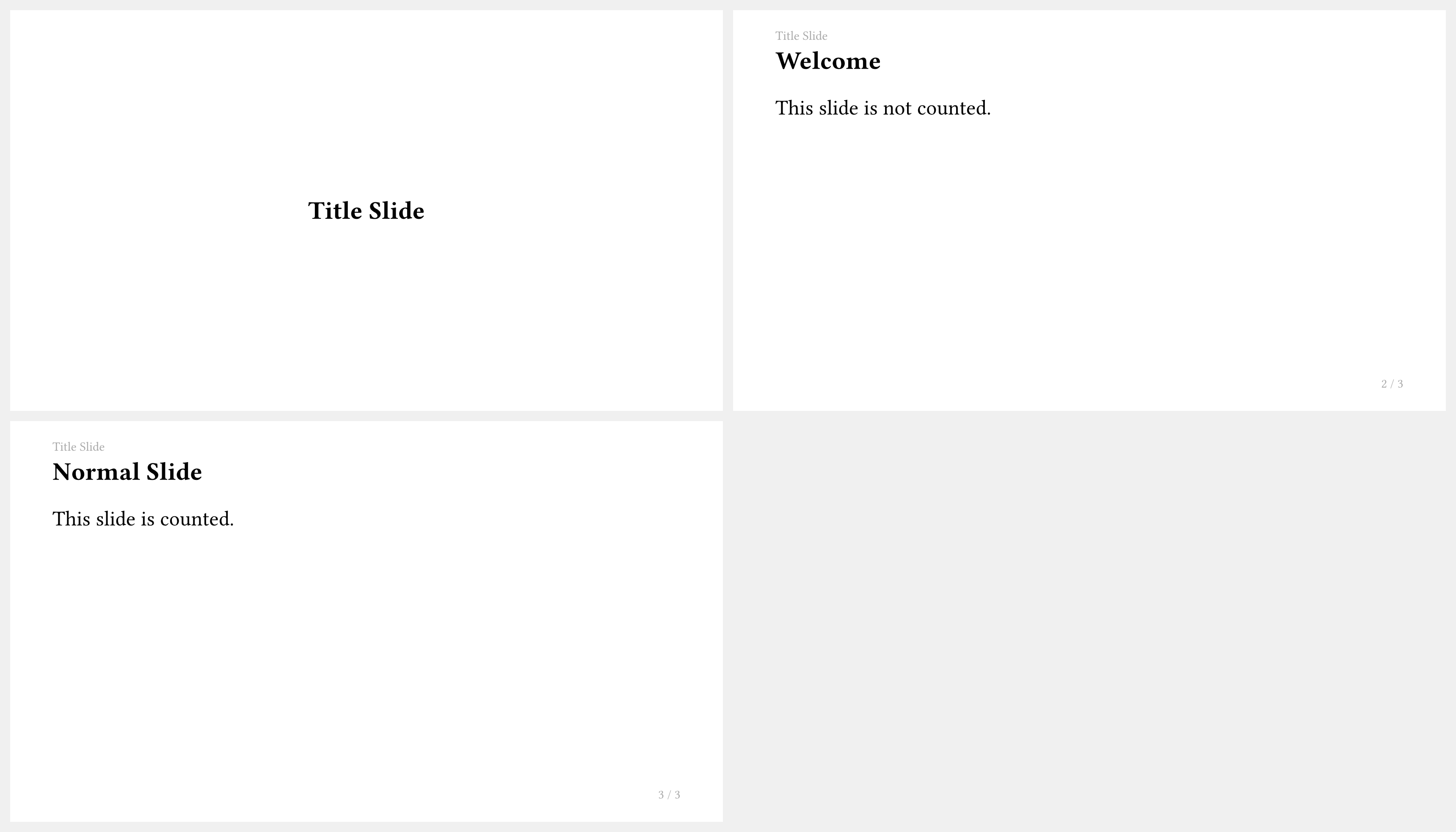
How do I mark a slide as unnumbered?
Add the <touying:unnumbered> label to the heading:
#import "@preview/touying:0.7.4": *
#import themes.simple: *
#show: simple-theme
= Title Slide <touying:unnumbered>

== Welcome

This slide is not counted.

== Normal Slide

This slide is counted.
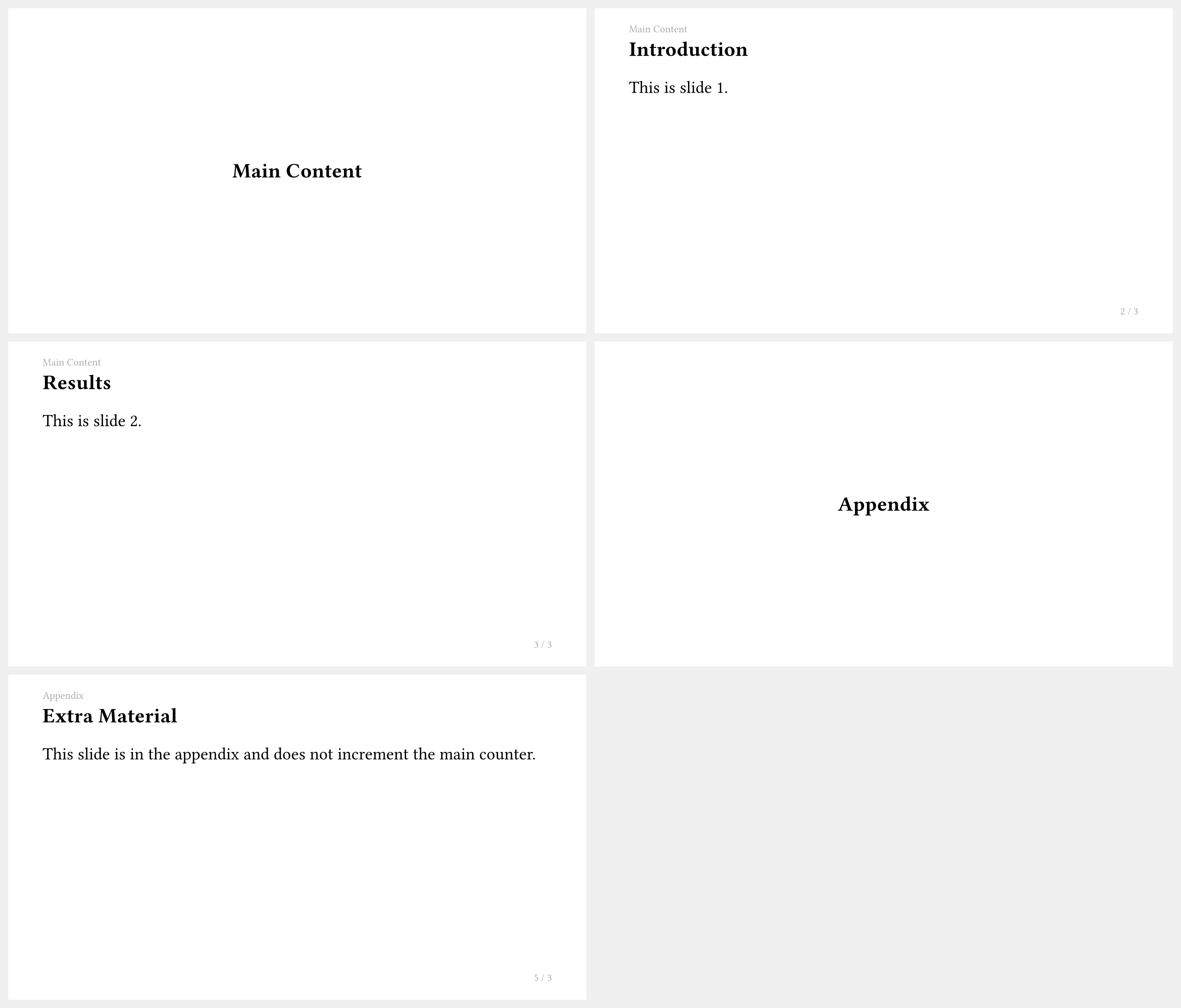
How do I use an appendix so it doesn't affect the slide count?
Apply #show: appendix after your main content. Slides after this point do not increment the slide counter:
#import "@preview/touying:0.7.4": *
#import themes.simple: *

#show: simple-theme.with(aspect-ratio: "16-9")

= Main Content

== Introduction

This is slide 1.

== Results

This is slide 2.

#show: appendix

= Appendix

== Extra Material

This slide is in the appendix and does not increment the main counter.
Animations and Dynamic Content
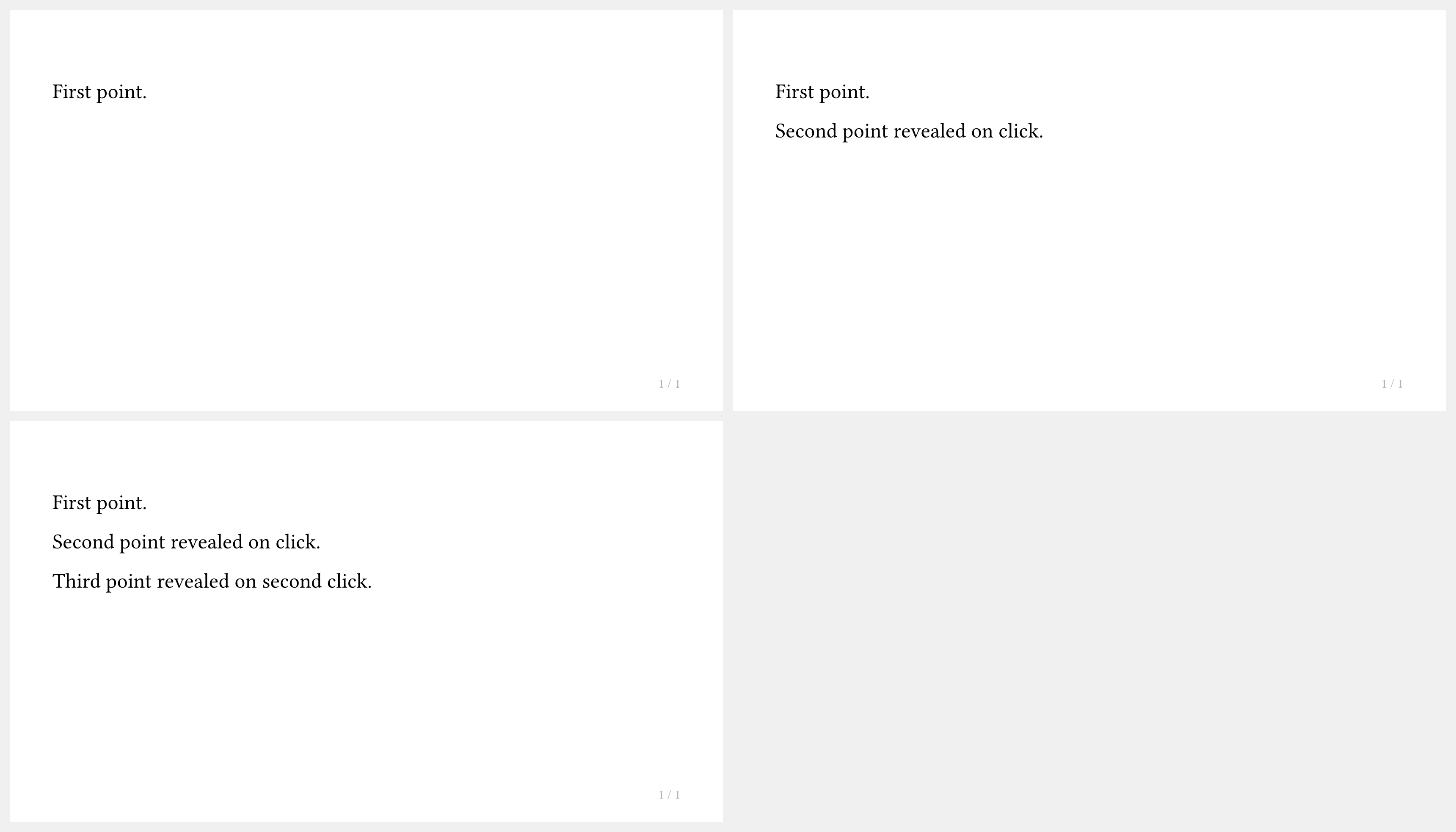
How do I use #pause to reveal content step by step?
Place #pause between content blocks within a #slide:
#import "@preview/touying:0.7.4": *
#import themes.simple: *
#show: simple-theme
#slide[
  First point.

  #pause

  Second point revealed on click.

  #pause

  Third point revealed on second click.
]
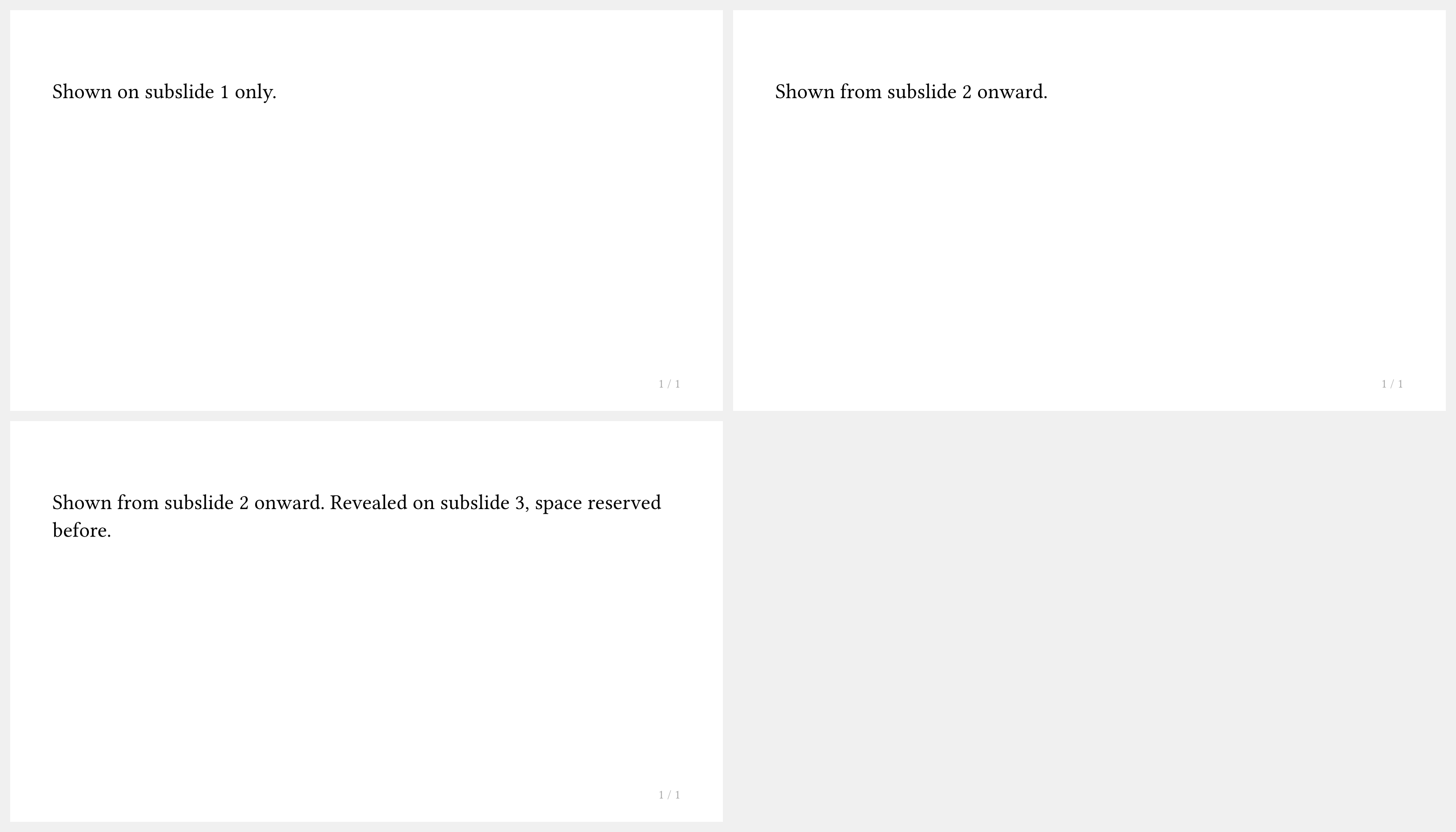
How do I show content only on specific subslides?
Use #only("...") to show content on particular subslides, or #uncover("...") to show it while reserving its space:
#import "@preview/touying:0.7.4": *
#import themes.simple: *
#show: simple-theme
#slide[
  #only("1")[Shown on subslide 1 only.]
  #only("2-")[Shown from subslide 2 onward.]
  #uncover("3-")[Revealed on subslide 3, space reserved before.]
]
Why doesn't #pause work inside a context expression?
#pause uses metadata injection that does not work inside context { ... } blocks. Use the callback-style slide instead to access self.subslide:
#import "@preview/touying:0.7.4": *
#import themes.simple: *
#show: simple-theme
#slide(self => {
  let (uncover, only) = utils.methods(self)
  [First content.]
  linebreak()
  uncover("2-")[Revealed on subslide 2.]
  linebreak()
  only("3")[Only on subslide 3.]
})

How do I use #pause inside a CeTZ drawing?
Use touying-reduce or the alias touying-diagram to wrap CeTZ canvas so Touying can animate it:
#import "@preview/cetz:0.5.2"

#let cetz-canvas = touying-reduce.with(cetz)

#slide[
  #cetz-canvas({
    import cetz.draw: *
    rect((0, 0), (4, 3))
    (pause,)
    circle((2, 1.5), radius: 1)
  })
]

How do I use #pause inside a Fletcher diagram?
Use touying-reduce to wrap Fletcher diagrams so Touying can automatically find the Fletcher reducer bindings:
#import "@preview/fletcher:0.5.8" as fletcher: diagram, node, edge

#let fletcher-diagram = touying-reduce.with(fletcher)

#slide[
  #fletcher-diagram(
    node((0, 0), [A]),
    edge("->"),
    (pause,),
    node((1, 0), [B]),
  )
]
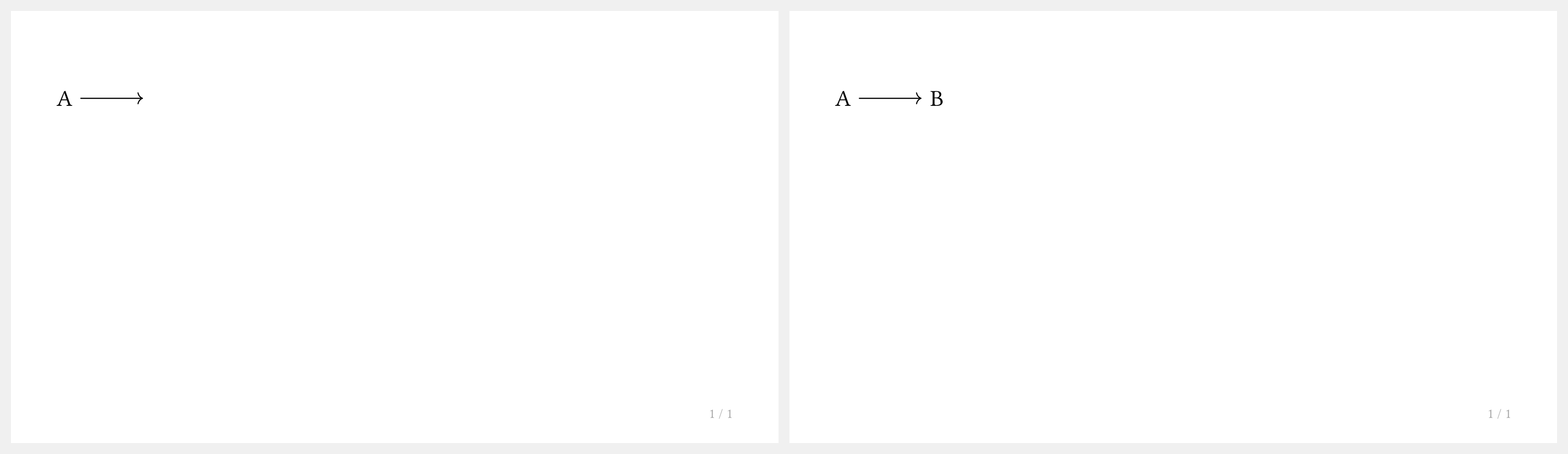
(we cannot provide the same easy syntax atm as fletcher does not expose its package name)
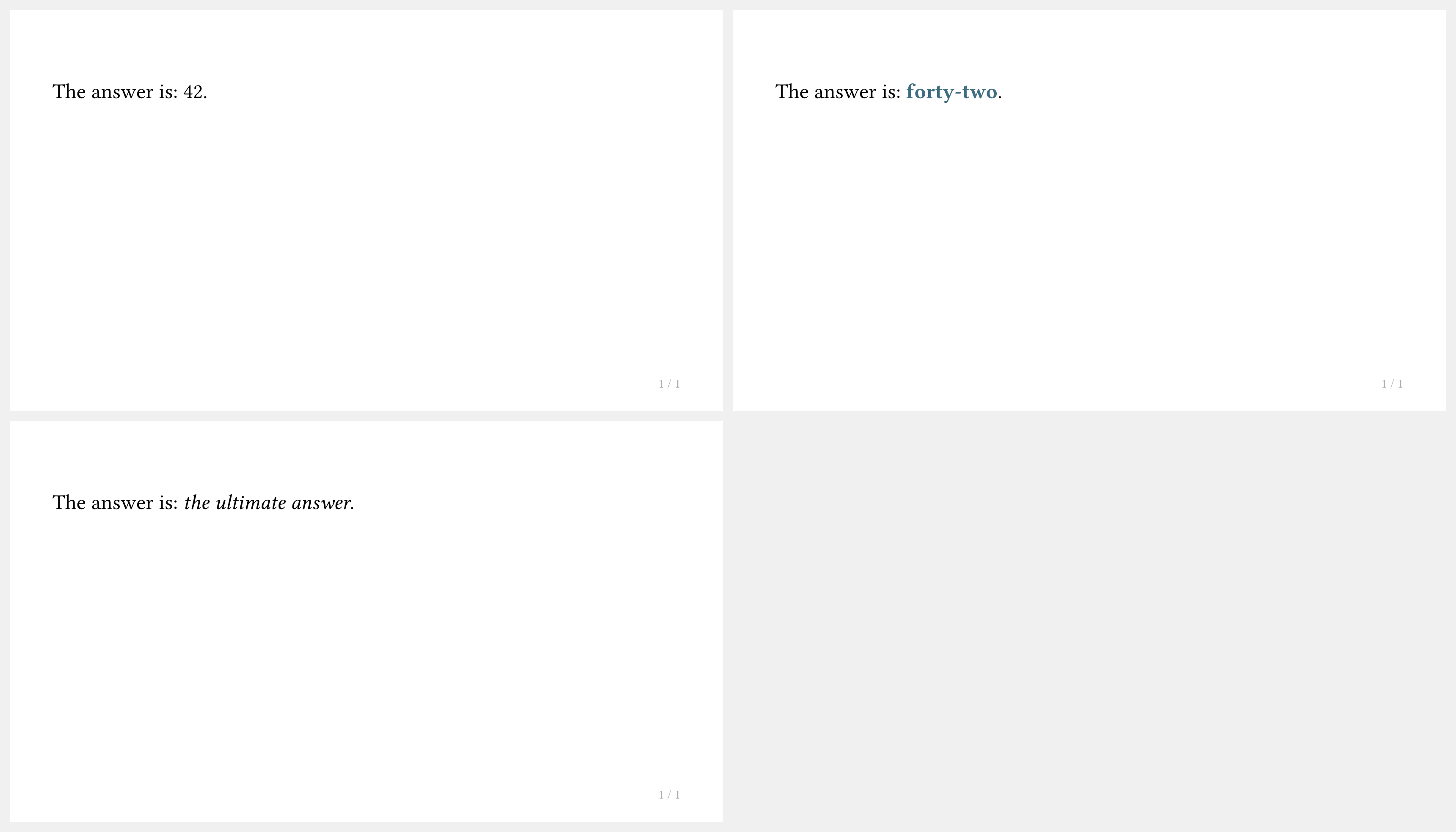
How do I show alternative content across subslides?
Use #alternatives to swap between different content versions:
#import "@preview/touying:0.7.4": *
#import themes.simple: *
#show: simple-theme
#slide[
  The answer is: #alternatives[42][*forty-two*][_the ultimate answer_].
]
How do I enable handout mode (no animations)?
Set config-common(handout: true) in your theme setup:
#show: simple-theme.with(
  aspect-ratio: "16-9",
  config-common(handout: true),
)
In handout mode, only the final subslide of each slide is output.
Fonts and Text
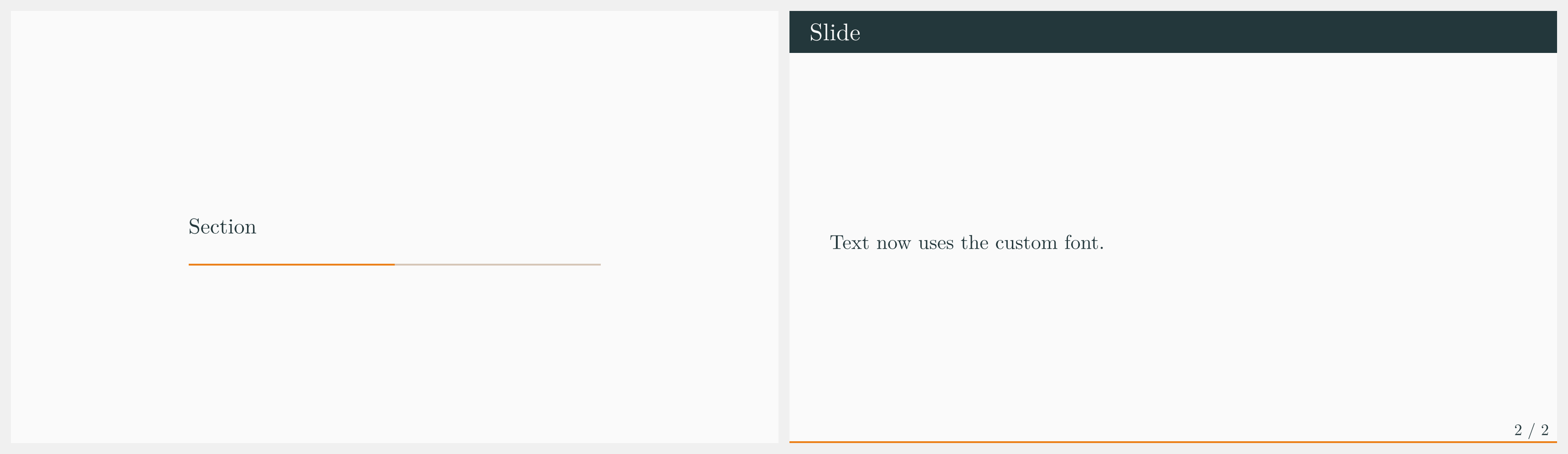
How do I change the font for my presentation?
Use a #set text(...) rule before or after your theme setup:
#import "@preview/touying:0.7.4": *
#import themes.metropolis: *

#show: metropolis-theme.with(
  aspect-ratio: "16-9",
  config-info(title: [Custom Font]),
)

#set text(font: "New Computer Modern", size: 22pt)

= Section

== Slide

Text now uses the custom font.
For math, also set the math font:
#show math.equation: set text(font: "New Computer Modern Math")
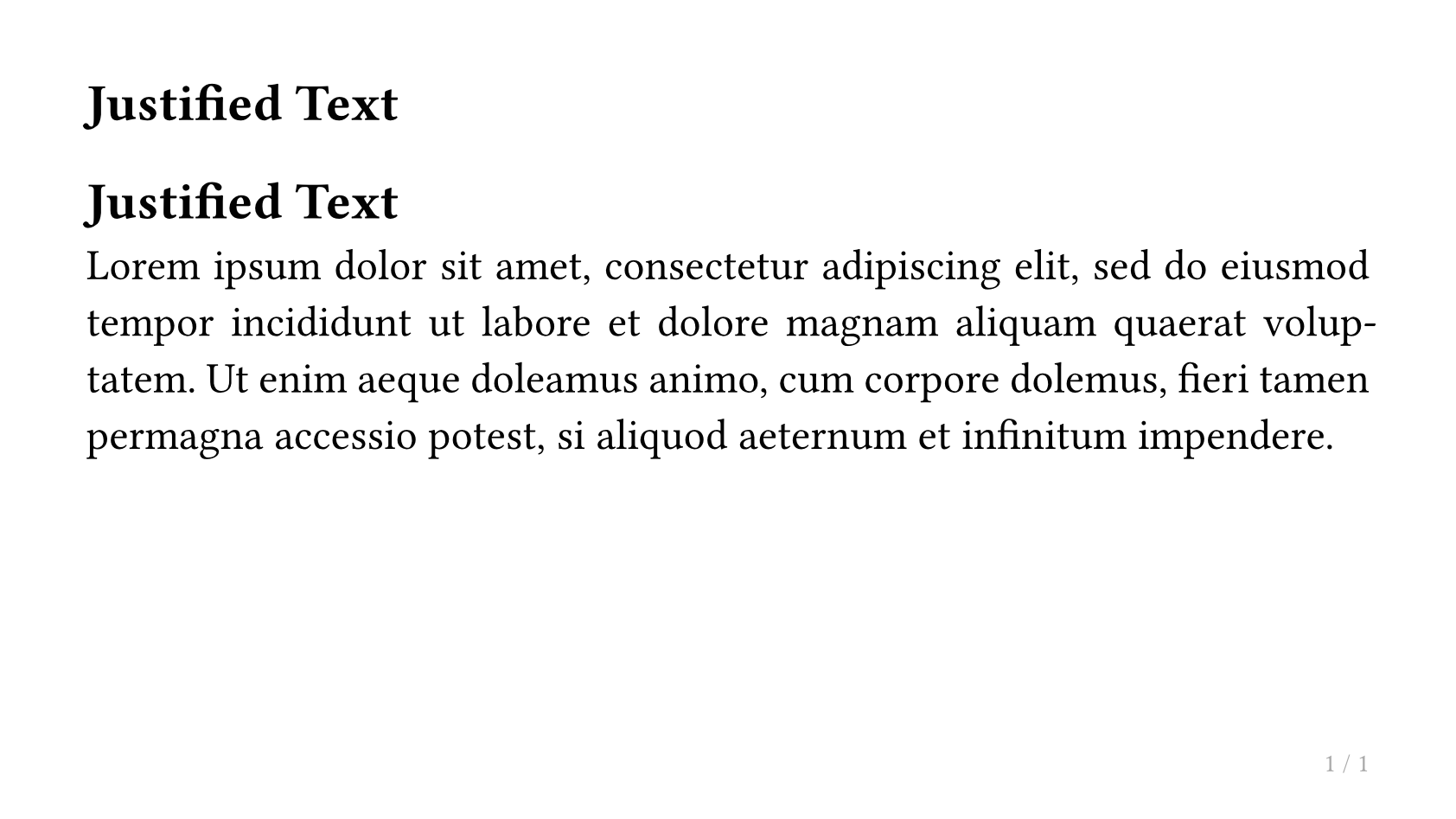
How do I justify paragraph text?
Use #set par(justify: true):
#import "@preview/touying:0.7.4": *
#import themes.simple: *
#show: simple-theme
#set par(justify: true)

#slide[
  == Justified Text

  #lorem(40)
]
Headings and Sections
How do I disable automatic section slides?
Set config-common(new-section-slide-fn: none):
#import "@preview/touying:0.7.4": *
#import themes.metropolis: *

#show: metropolis-theme.with(
  aspect-ratio: "16-9",
  config-common(new-section-slide-fn: none),
  config-info(title: [No Auto Sections]),
)

= Section

== Slide

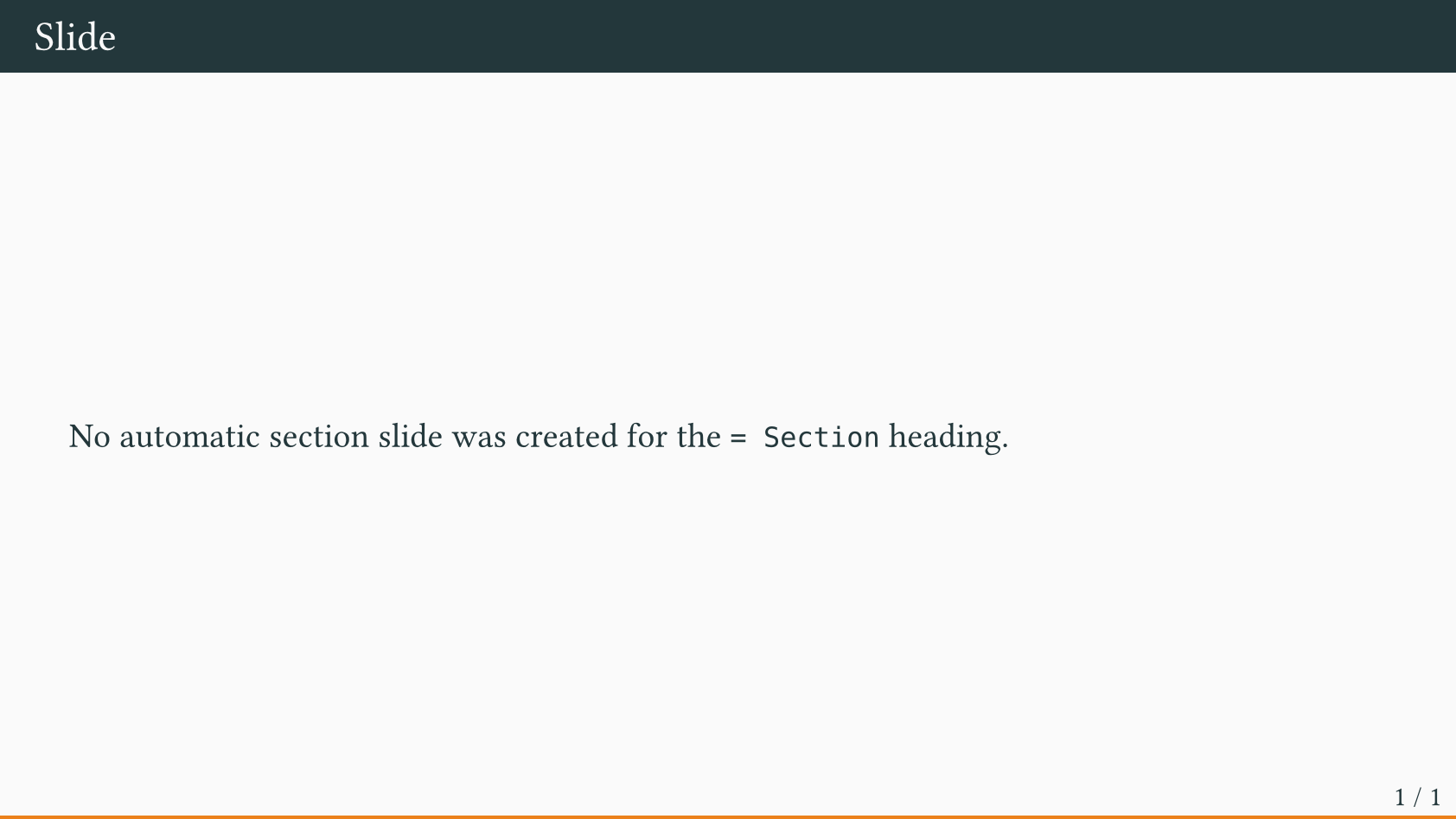
No automatic section slide was created for the `= Section` heading.
How do I write content for sections that have section slides?
Use pagebreak() or --- to force a new page for that section and write there.
>>>#import "@preview/touying:0.7.4": *
>>>#import themes.metropolis: *
>>>#show: metropolis-theme.with(
>>>)

= Section
---
Here is my content for this section.

== Slide
And this works normally.
You may also set config-common(receive-body-for-new-section-slide-fn: false). This however will prevent you from writing speaker-notes for the section slide.
How do I hide section slides, or keep headings out of outlines/bookmarks?
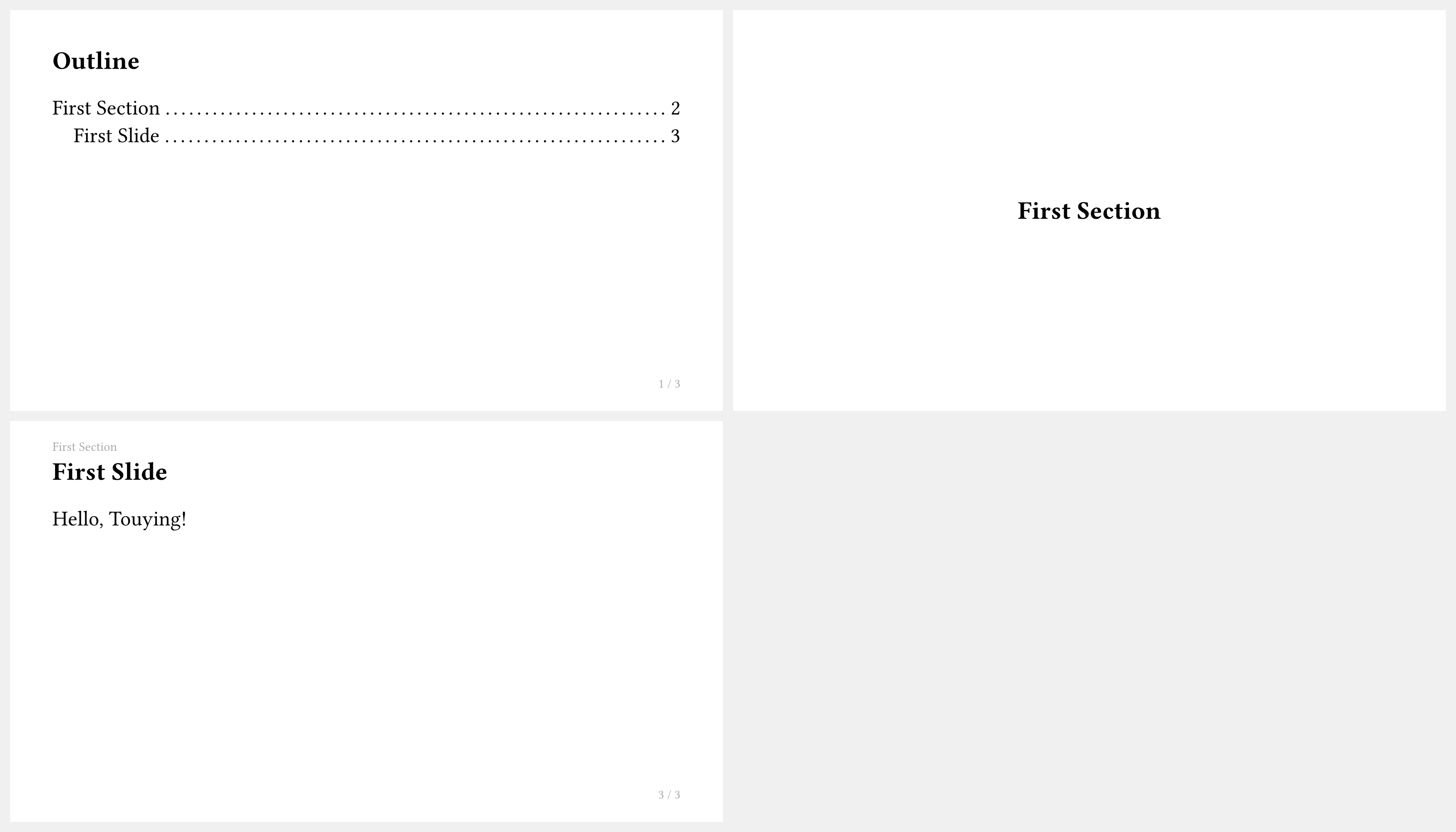
<touying:hidden> does not remove the ordinary slide content under that heading from the PDF output. It makes the generated invisible heading unnumbered, unoutlined, and unbookmarked, and it skips the automatic section/subsection slide that the heading would otherwise trigger.
This makes it suitable for slides such as an outline slide that should remain in the PDF, but should not appear in outlines/bookmarks or create an extra section slide:
#import "@preview/touying:0.7.4": *
#import themes.simple: *
#show: simple-theme
== Outline <touying:hidden>

#components.adaptive-columns(outline(title: none, indent: 1em))

= First Section

== First Slide

Hello, Touying!
If you need to temporarily remove a slide, delete or comment out the corresponding content.
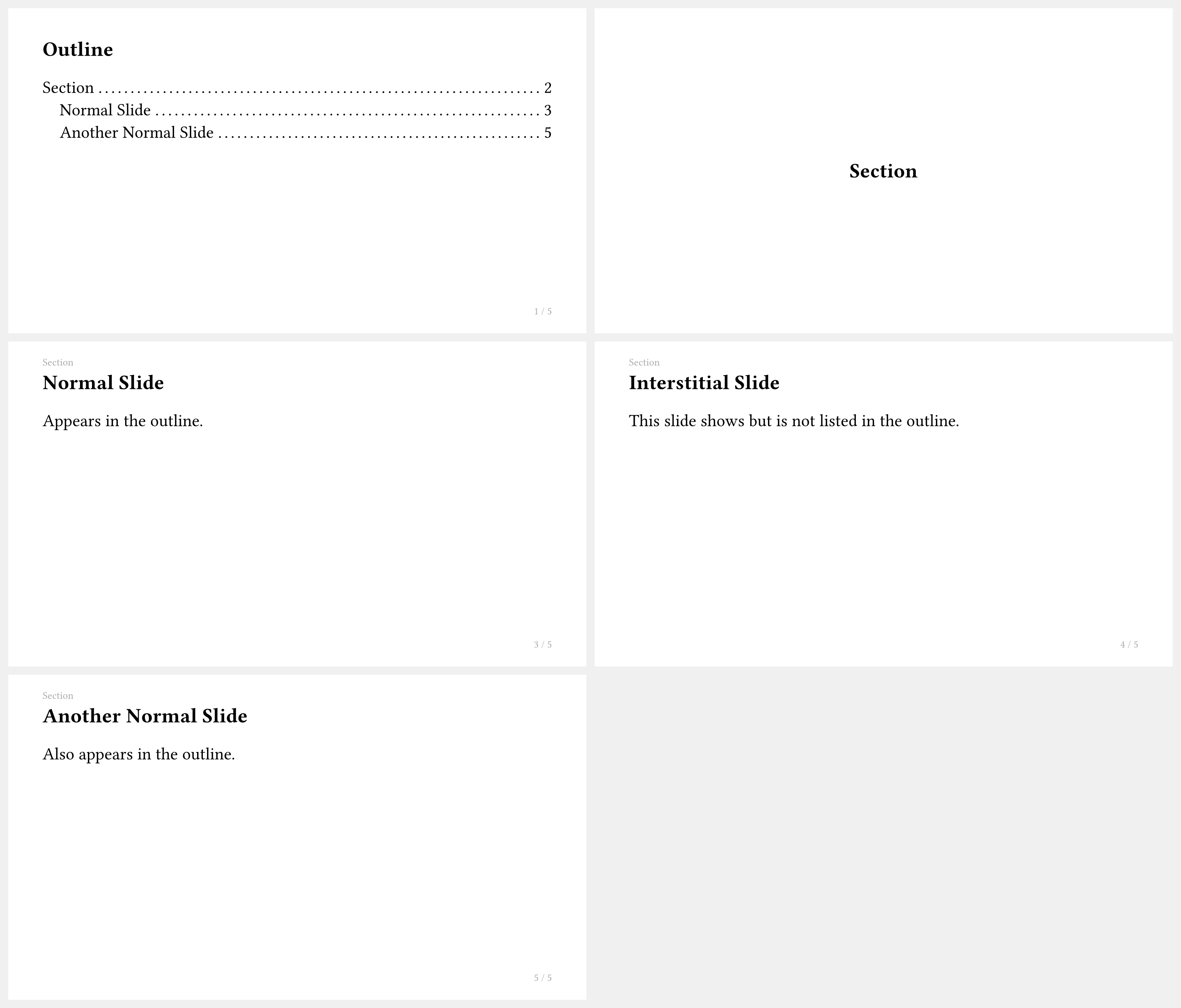
How do I exclude a slide from the outline but still show it?
Use the <touying:unoutlined> label:
#import "@preview/touying:0.7.4": *
#import themes.simple: *
#show: simple-theme
== Outline <touying:hidden>

#components.adaptive-columns(outline(title: none, indent: 1em))

= Section

== Normal Slide

Appears in the outline.

== Interstitial Slide <touying:unoutlined>

This slide shows but is not listed in the outline.

== Another Normal Slide

Also appears in the outline.
How do I control which heading level creates a new slide?
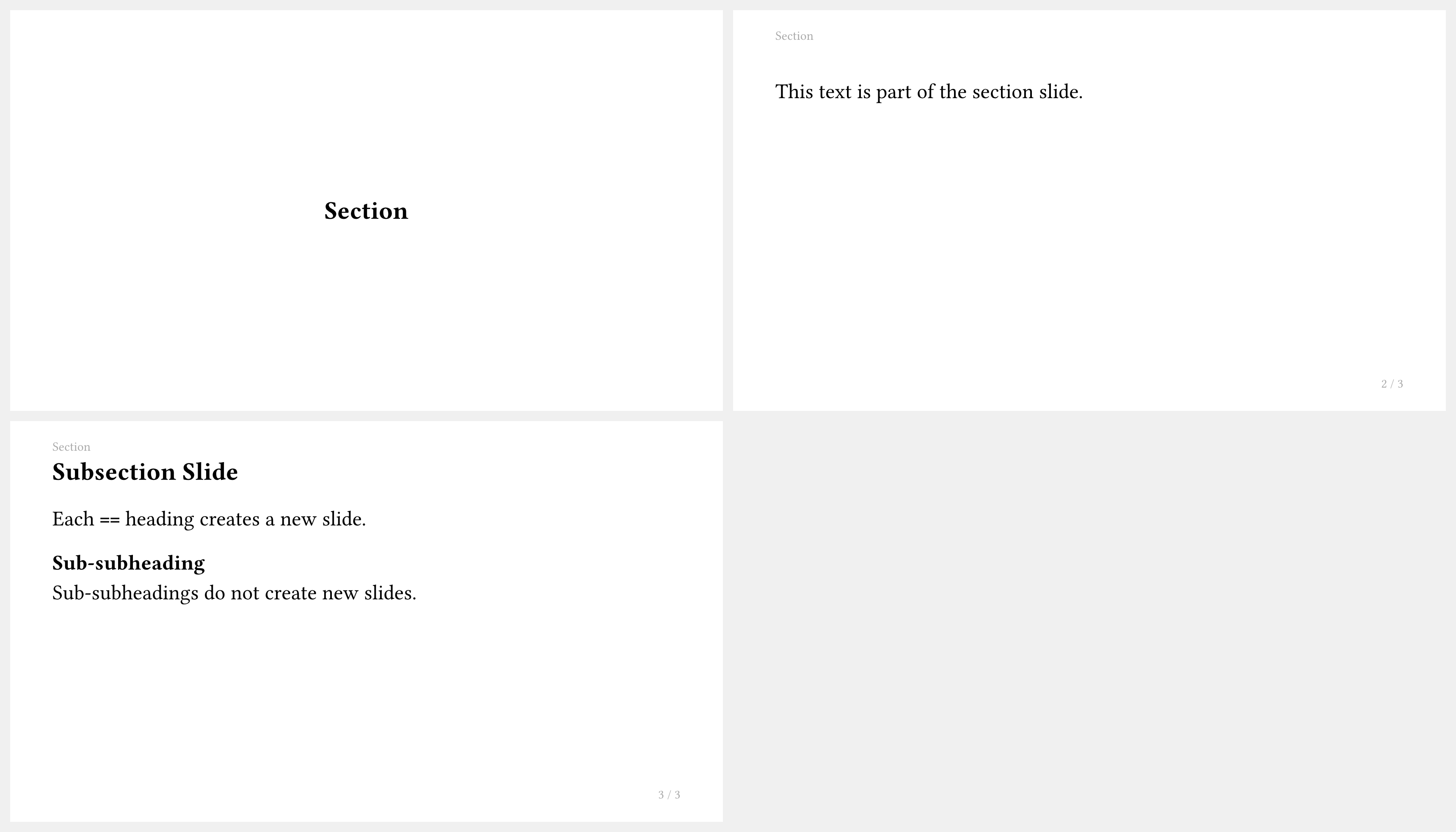
Use config-common(slide-level: ...). The default varies by theme:
#import "@preview/touying:0.7.4": *
#import themes.simple: *

#show: simple-theme.with(
  aspect-ratio: "16-9",
  config-common(slide-level: 2),
)

= Section

This text is part of the section slide.

== Subsection Slide

Each `==` heading creates a new slide.

=== Sub-subheading

Sub-subheadings do not create new slides.
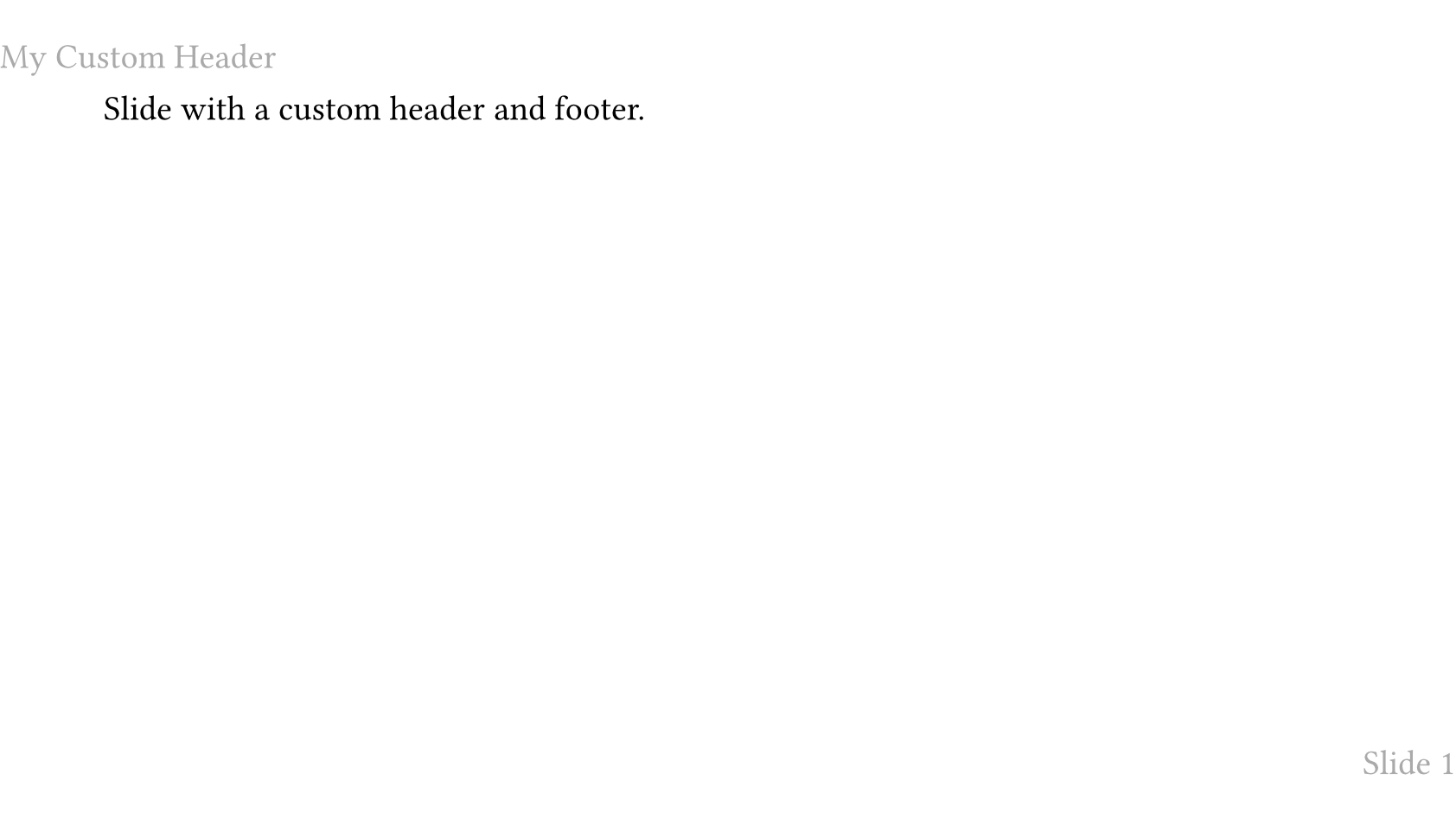
How do I add a custom header or footer?
Use config-page(header: ..., footer: ...):
#import "@preview/touying:0.7.4": *
#import themes.default: *

#show: default-theme.with(
  aspect-ratio: "16-9",
  config-page(
    header: text(gray)[My Custom Header],
    footer: context align(right, text(gray)[
      Slide #utils.slide-counter.display()
    ]),
  ),
)

= Section

== Slide

Slide with a custom header and footer.
config-common Reference
How do I prevent slide content from overflowing to the next page?
Use config-common(breakable: false) to prevent slide content from automatically overflowing to the next page. By default (breakable: true), content that exceeds the slide height creates new pages. When set to false, content is constrained to a single page using a non-breakable block, which is useful for ensuring a strict one-to-one mapping between source slides and output pages — especially in agentic workflows where an agent needs to reason about slide boundaries.
Related parameters:
clip(defaultfalse): Whentrue, content that exceeds the slide height is visually truncated.detect-overflow(defaulttrue): Whentrue, a layout measurement is performed andpanic()is called if the content height exceeds the available slide height, making it easy to catch overflow early. Set tofalseto avoid the extra layout overhead.
// Prevent overflow, panic on overflow (default behavior when breakable: false)
#show: simple-theme.with(
  config-common(breakable: false),
)

// Prevent overflow and visually clip overflowing content
#show: simple-theme.with(
  config-common(breakable: false, clip: true),
)

// Prevent overflow, disable overflow detection (performance-first)
#show: simple-theme.with(
  config-common(breakable: false, detect-overflow: false),
)
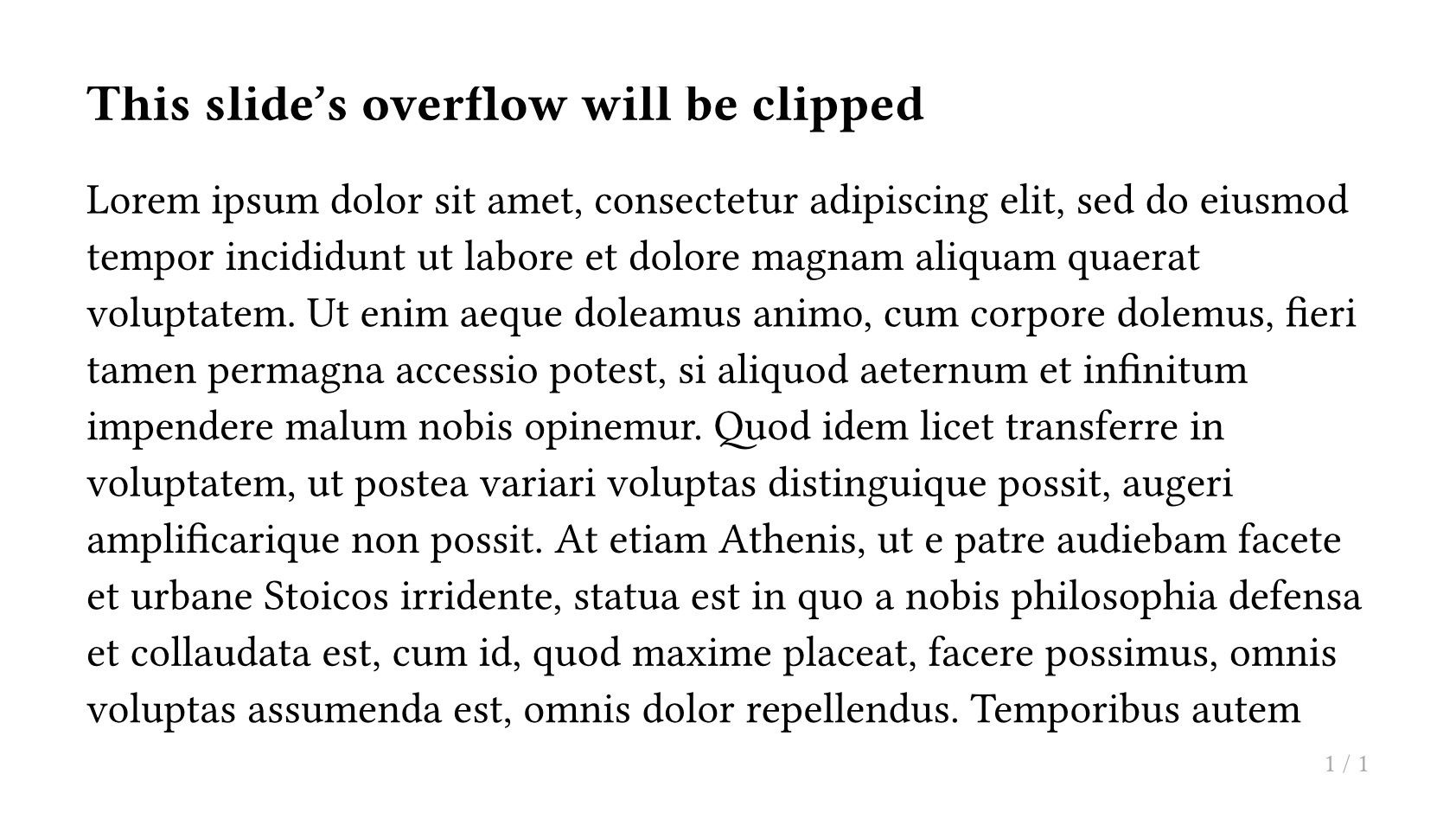
You can also switch these settings mid-presentation using touying-set-config:
== This slide's overflow will be clipped

// Enable clipping for a specific slide
#show: touying-set-config.with(config-common(clip: true))

#lorem(500)
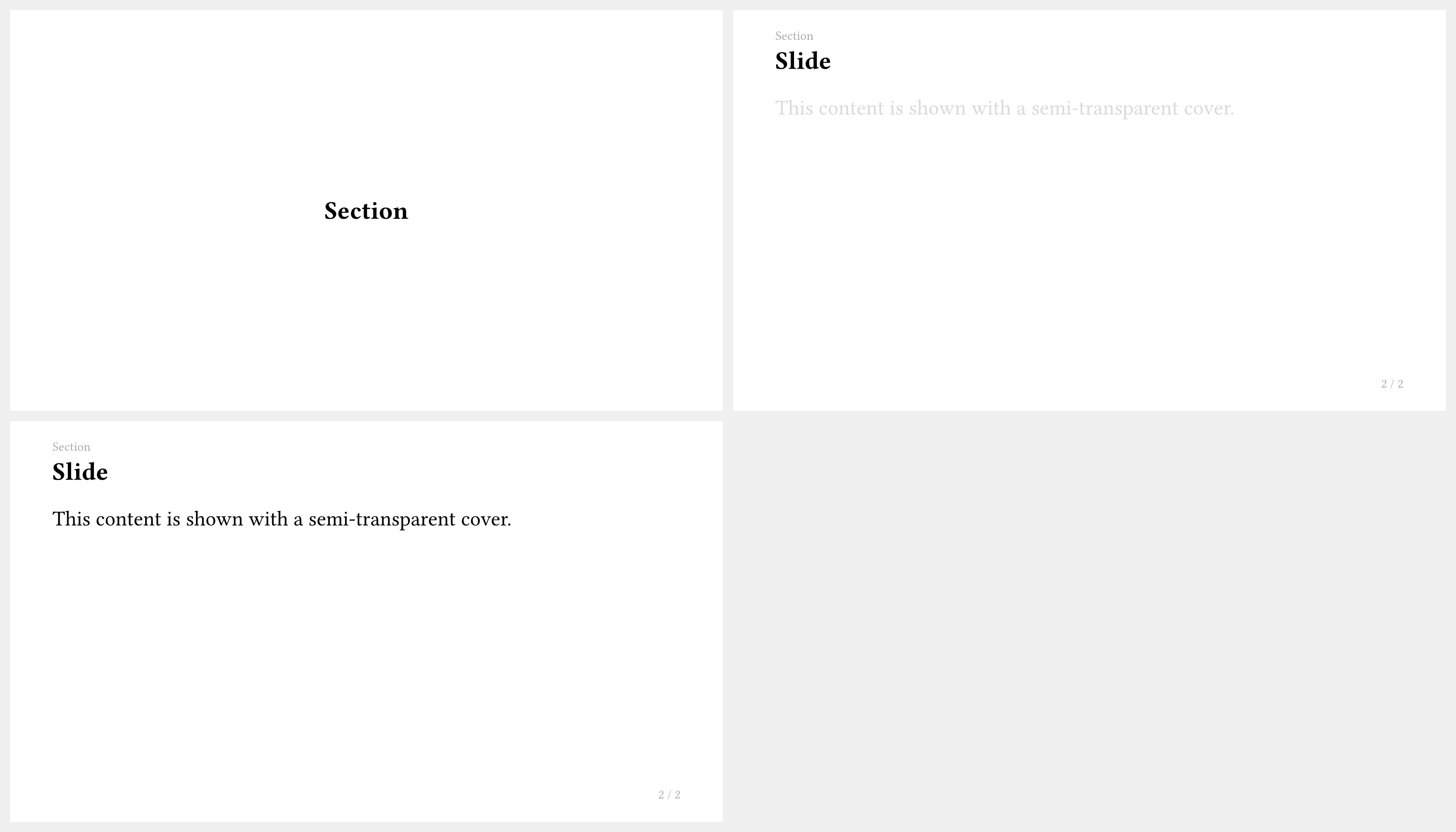
How do I use a semi-transparent cover instead of fully hiding content?
Use config-methods(cover: utils.semi-transparent-cover):
#import "@preview/touying:0.7.4": *
#import themes.simple: *

#show: simple-theme.with(
  aspect-ratio: "16-9",
  config-methods(cover: utils.semi-transparent-cover),
)

= Section

== Slide

#pause
This content is shown with a semi-transparent cover.
How do I use preamble to insert content before every slide?
Use config-common(preamble: ...) and subslide-preamble:
#import "@preview/touying:0.7.4": *
#import themes.simple: *

#show: simple-theme.with(
  aspect-ratio: "16-9",
  config-common(
    preamble: text(gray)[This appears before every slide],
    subslide-preamble: (2: [Special prelude for subslide 2]),
  ),
)

= Section

== Slide

Content here.

#pause

More content.
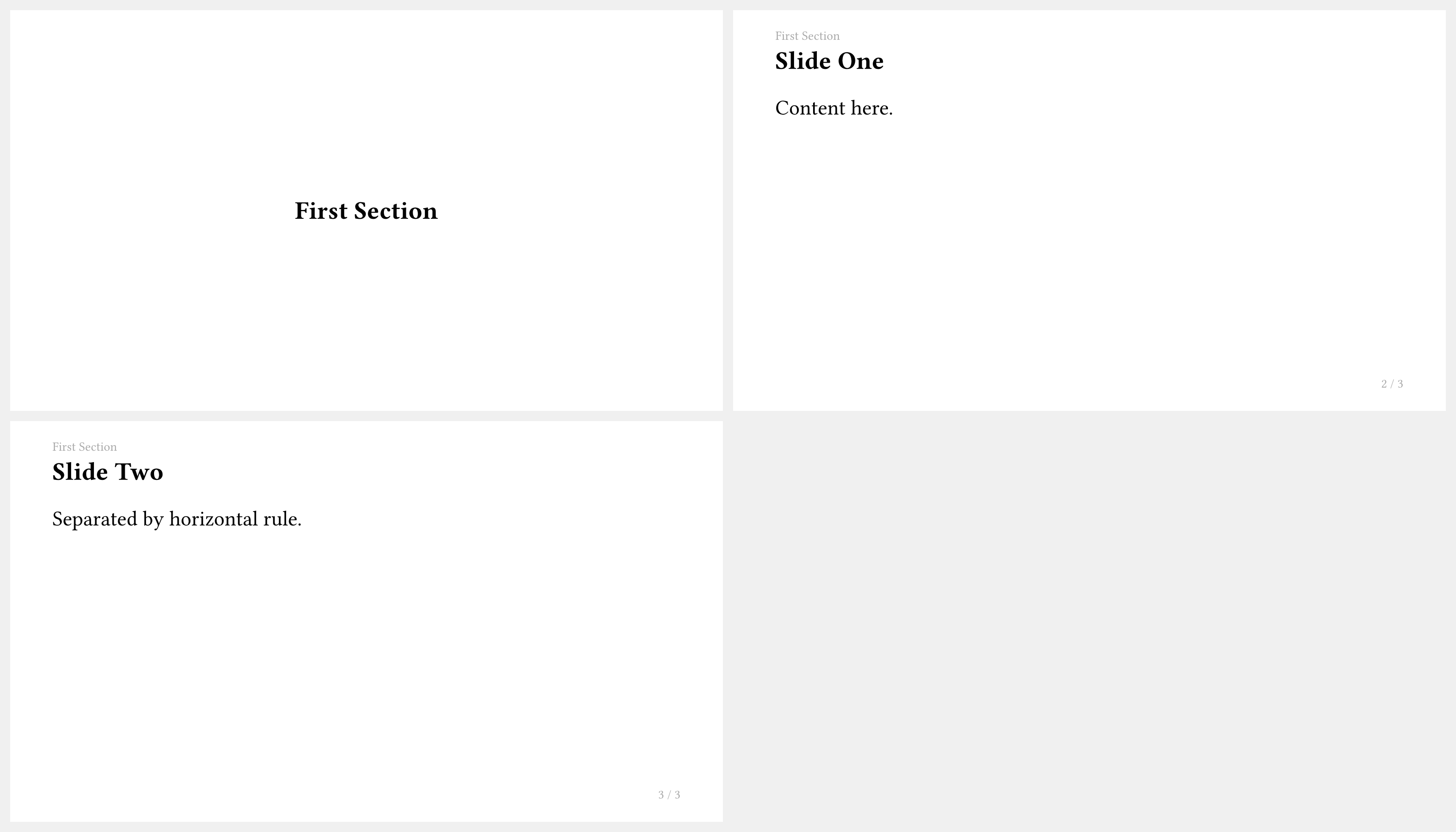
How do I use --- to separate slides?
Set horizontal-line-to-pagebreak: true (default) and use --- to create page breaks:
#import "@preview/touying:0.7.4": *
#import themes.simple: *

#show: simple-theme.with(
  aspect-ratio: "16-9",
  config-common(horizontal-line-to-pagebreak: true),
)

= First Section

== Slide One

Content here.

---

== Slide Two

Separated by horizontal rule.
Testing and Development
How do I run Touying's test suite?
Touying uses the tytanic test framework. Install it with:
cargo binstall tytanic
Run tests with:
tt run
Tests are organized in the tests/ directory:
features/— Feature tests for core functionalitythemes/— Theme-specific testsintegration/— Third-party package integration tests (cetz, fletcher, pinit, theorion, codly, mitex)issues/— Regression tests for reported issuesexamples/— Example tests from the documentation
How do I contribute to Touying?
To contribute to Touying:
- Fork the repository on GitHub
- Create a new branch for your changes
- Make your changes following the existing code style
- Format your code with typstyle
- Run
tt runto ensure all tests pass - Submit a pull request with a clear description of your changes
Miscellaneous
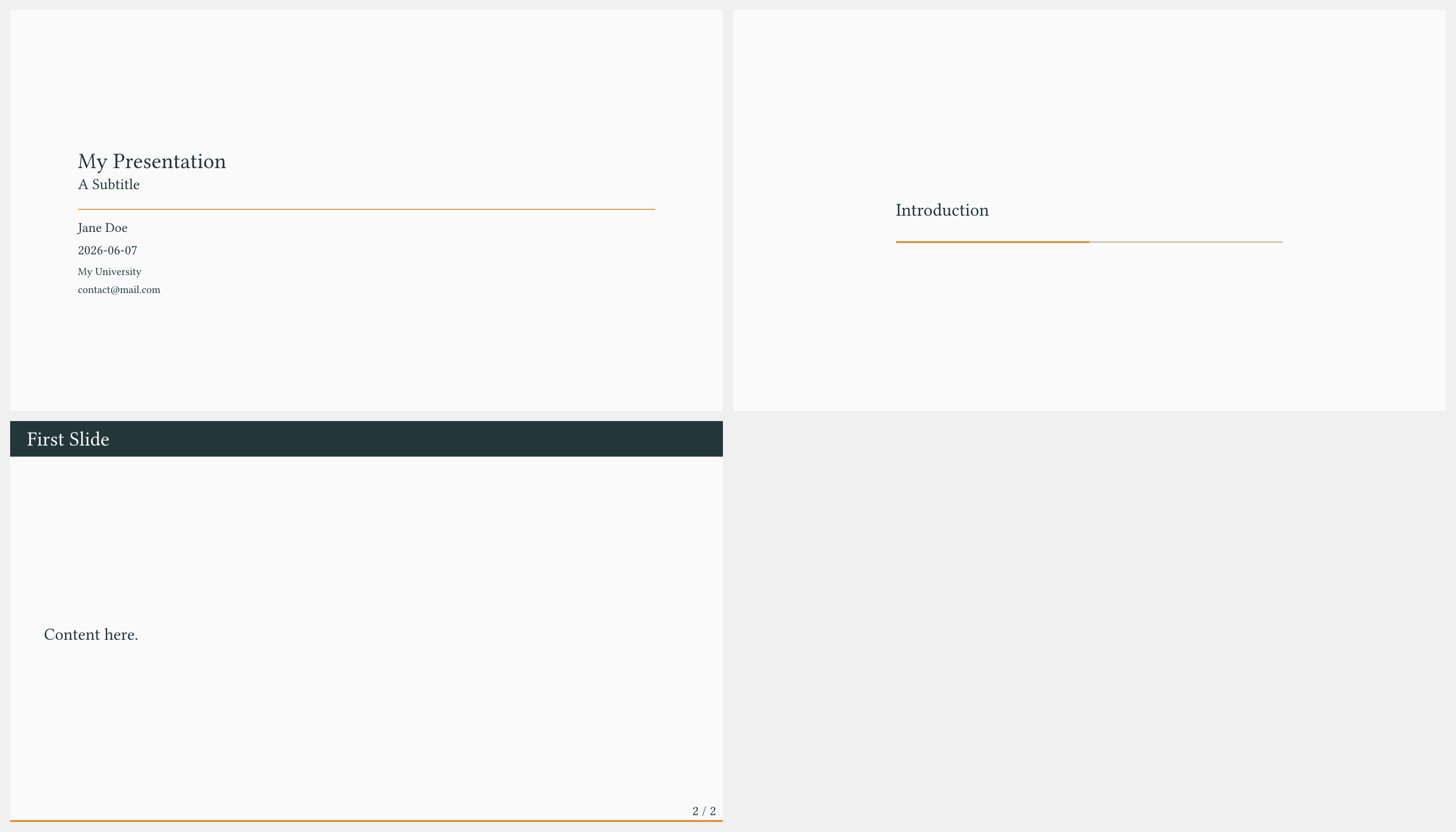
How do I set the presentation title, author, date, etc.?
Use config-info(...):
#import "@preview/touying:0.7.4": *
#import themes.metropolis: *

#show: metropolis-theme.with(
  aspect-ratio: "16-9",
  config-info(
    title: [My Presentation],
    subtitle: [A Subtitle],
    author: [Jane Doe],
    date: datetime.today(),
    institution: [My University],
    contact: [contact\@mail.com],
  ),
)

#title-slide()

= Introduction

== First Slide

Content here.
How do I override the config for a single slide?
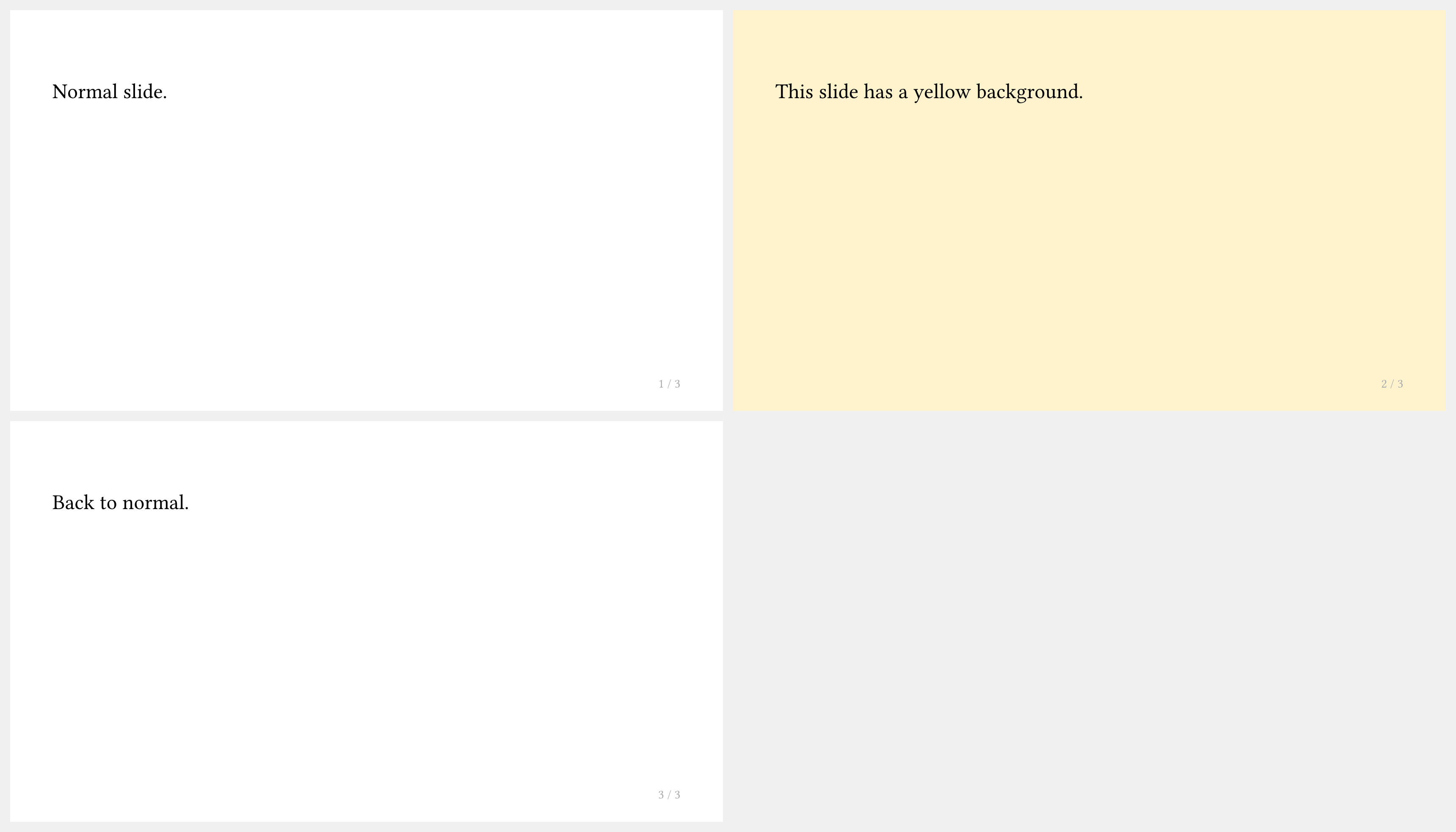
Use touying-set-config around the content you want to change:
#import "@preview/touying:0.7.4": *
#import themes.simple: *
#show: simple-theme
#slide[
  Normal slide.
]

#touying-set-config(config-page(fill: rgb("#fff3cd")))[
  #slide[
    This slide has a yellow background.
  ]
]

#slide[
  Back to normal.
]
How do I access global or slide config information?
Use touying-get-config at the position you want to know the config. The config is only accessible during context time, thus computing with this may lead to problems.
If you write this inside a slide that has local config, the local config will be returned instead of the global config.
#import "@preview/touying:0.7.4": *
#import themes.simple: *
#show: simple-theme.with(
  config-info(author: "Beautiful Name")
)
#slide(config:config-colors(primary: rgb("ABCDEF")))[
  #touying-get-config().info.author

  #touying-get-config().colors.primary
]

How do I compile my Touying presentation?
Touying is a pure Typst package — there is no separate build step:
typst compile slides.typ
For live preview during editing:
typst watch slides.typ
Or use the Typst Preview VS Code extension for instant in-editor preview.
How do I create a multi-file presentation?
Import lib.typ from the main entry file and use include for sections:
// main.typ
#import "@preview/touying:0.7.4": *
#import themes.simple: *

#show: simple-theme.with(aspect-ratio: "16-9")

#include "intro.typ"
#include "methods.typ"
#include "results.typ"
Each included file uses headings normally — no extra imports needed in each file.
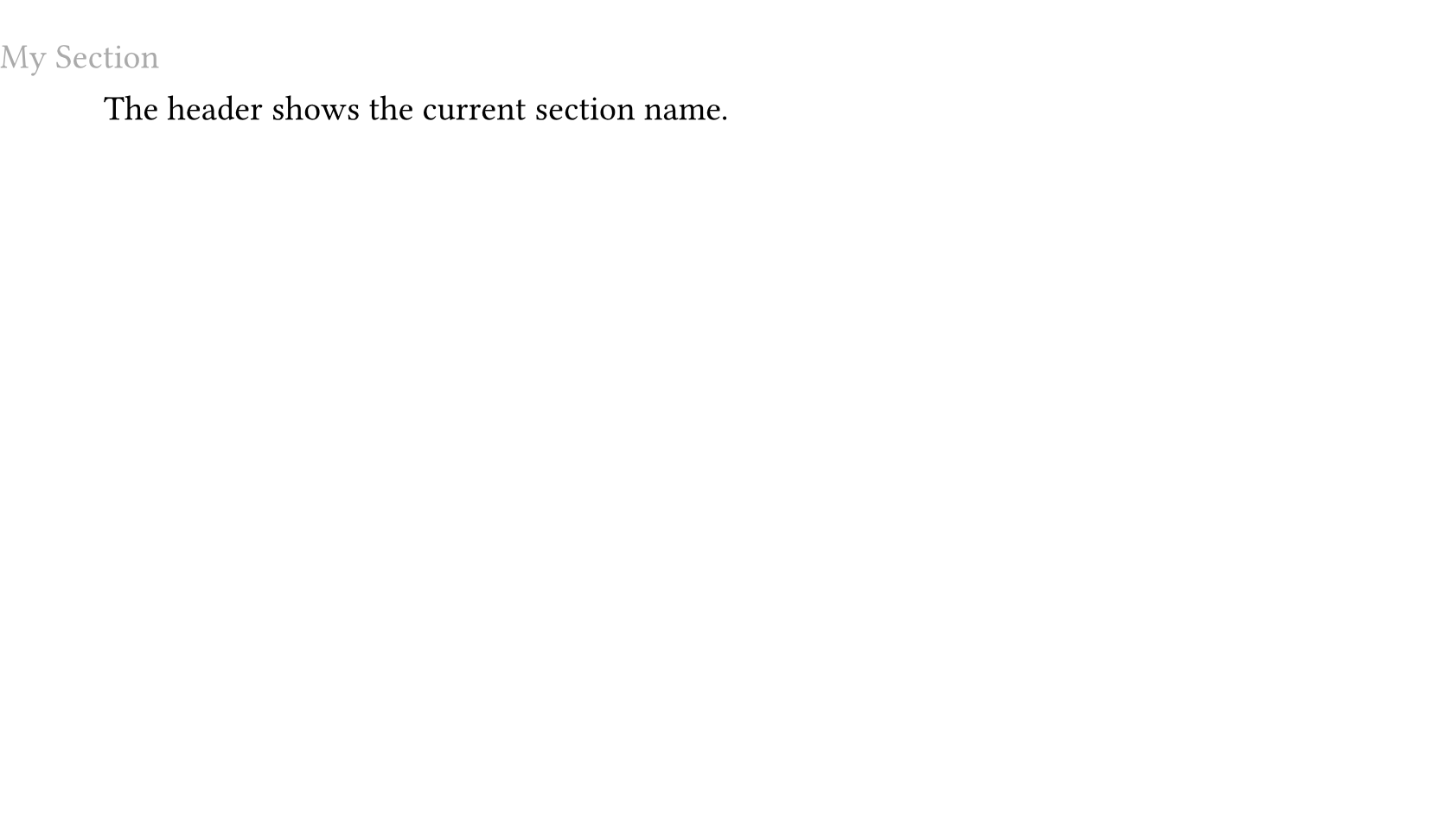
How do I display the current section name in the header or footer?
Use utils.display-current-heading(...) or utils.display-current-short-heading(...):
#import "@preview/touying:0.7.4": *
#import themes.default: *

#show: default-theme.with(
  aspect-ratio: "16-9",
  config-page(
    header: context text(gray)[
      #utils.display-current-heading(level: 1)
    ],
  ),
)

= My Section

== Slide

The header shows the current section name.
How do I use Touying with the pinit package for pin annotations?
Import both packages and use #pin/#pinit-highlight inside slides as normal:
#import "@preview/touying:0.7.4": *
#import "@preview/pinit:0.2.2": *
#import themes.simple: *

#show: simple-theme.with(aspect-ratio: "16-9")

#slide[
  A #pin(1)key term#pin(2) to highlight.

  #pinit-highlight(1, 2)
]

For animated pin reveals, use the callback-style slide so #pause interacts correctly with pinit.
How do I freeze counters (figures, equations) across subslides?
Touying freezes common counters between subslides by default. To freeze additional counters, pass a counter array to frozen-counters:
#show: simple-theme.with(
  config-common(frozen-counters: (counter("my-custom-counter"),)),
)
How do I disable/enable warnings?
Touying uses uniwarn for its warnings with the namespace touying.
We bind the functions into touying so you can directly do
#import "@preview/touying:0.7.4": *

//to disable the warnings emitted by touying
#touying-disable-warnings
//to reenable the warnings emitted by touying
#touying-enable-warnings
But you can also do
#import "@preview/uniwarn:0.1.0"
#uniwarn.disable-warnings("touying")
#uniwarn.enable-warnings("touying")