Codly
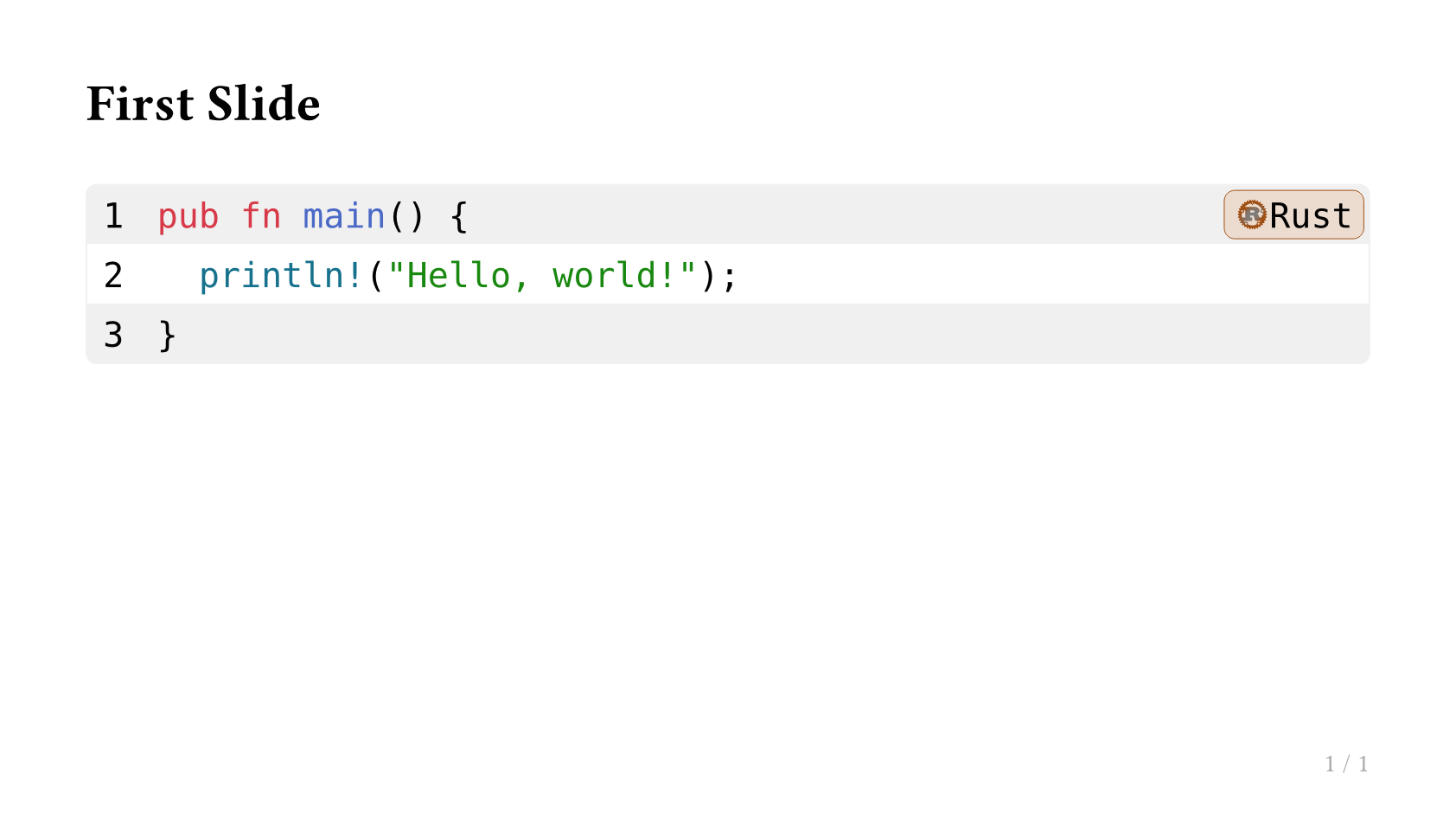
Codly 是一个 Typst 包,提供带有语言图标、行号和语法高亮的精美代码块。
设置
由于 Touying 在每个子幻灯片上都会重新渲染内容,codly 的每页状态必须在每张幻灯片绘制前恢复。将 codly 的初始化作为 preamble 传入:
#import "@preview/touying:0.7.4": *
#import themes.simple: *
#import "@preview/codly:1.3.0": *
#import "@preview/codly-languages:0.1.10": *

#show: codly-init.with()

#show: simple-theme.with(
  aspect-ratio: "16-9",
  config-common(preamble: {
    codly(languages: codly-languages)
  }),
)

== First Slide

#raw(lang: "rust", block: true,
`pub fn main() {
  println!("Hello, world!");
}`.text)
动画代码块
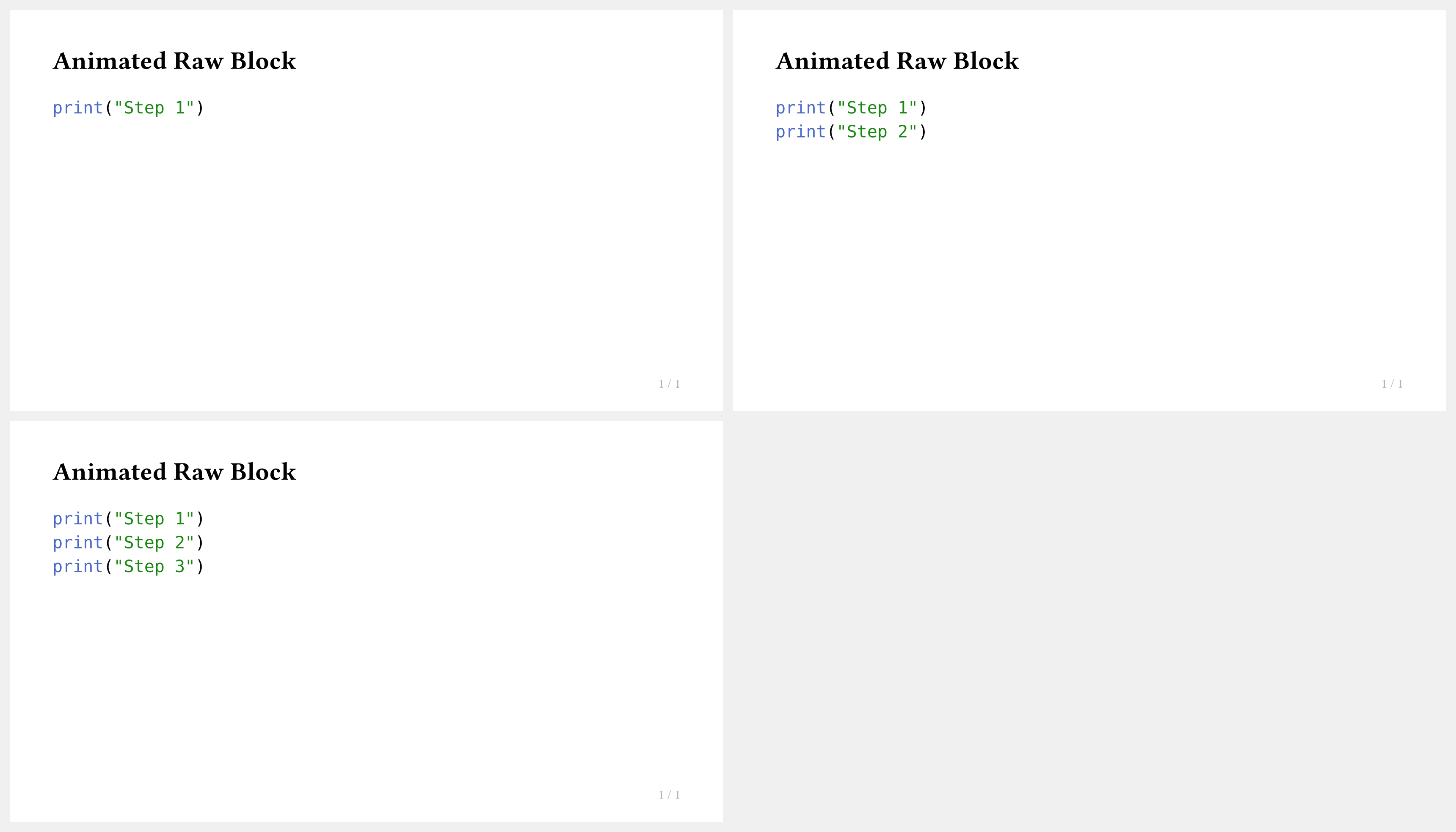
你可以使用 #pause 或 #only 逐行展示代码。但请注意,#pause 无法直接在 raw 块内使用——请使用 touying-raw 实现动画代码:
#import "@preview/touying:0.7.4": *
#import themes.simple: *

#show: simple-theme.with(aspect-ratio: "16-9")

== Animated Raw Block

#touying-raw(lang: "python", ```
print("Step 1")
// pause
print("Step 2")
// pause
print("Step 3")
```)
提示
touying-raw 使用特殊注释标记(// pause、// meanwhile)触发动画步骤,使源码保持可读性。
Codly + 动画
若要将完整 codly 样式的代码块与动画相结合,可将 touying-raw 与 config-common(preamble: ...) 搭配使用:
#show: simple-theme.with(
  aspect-ratio: "16-9",
  config-common(preamble: {
    codly(languages: codly-languages)
  }),
)

== Animated Code

#touying-raw(lang: "python", ```
def greet(name):
// pause
    return f"Hello, {name}!"
// pause
print(greet("World"))
```)