Custom Theme
If none of the built-in themes quite fits your needs, you have two options:
- Extend an existing theme — copy a theme file locally and modify it.
- Build a new theme from scratch — implement your own
xxx-themefunction.
Both approaches are described in detail in the Build Your Own Theme tutorial.
Quick Modifications
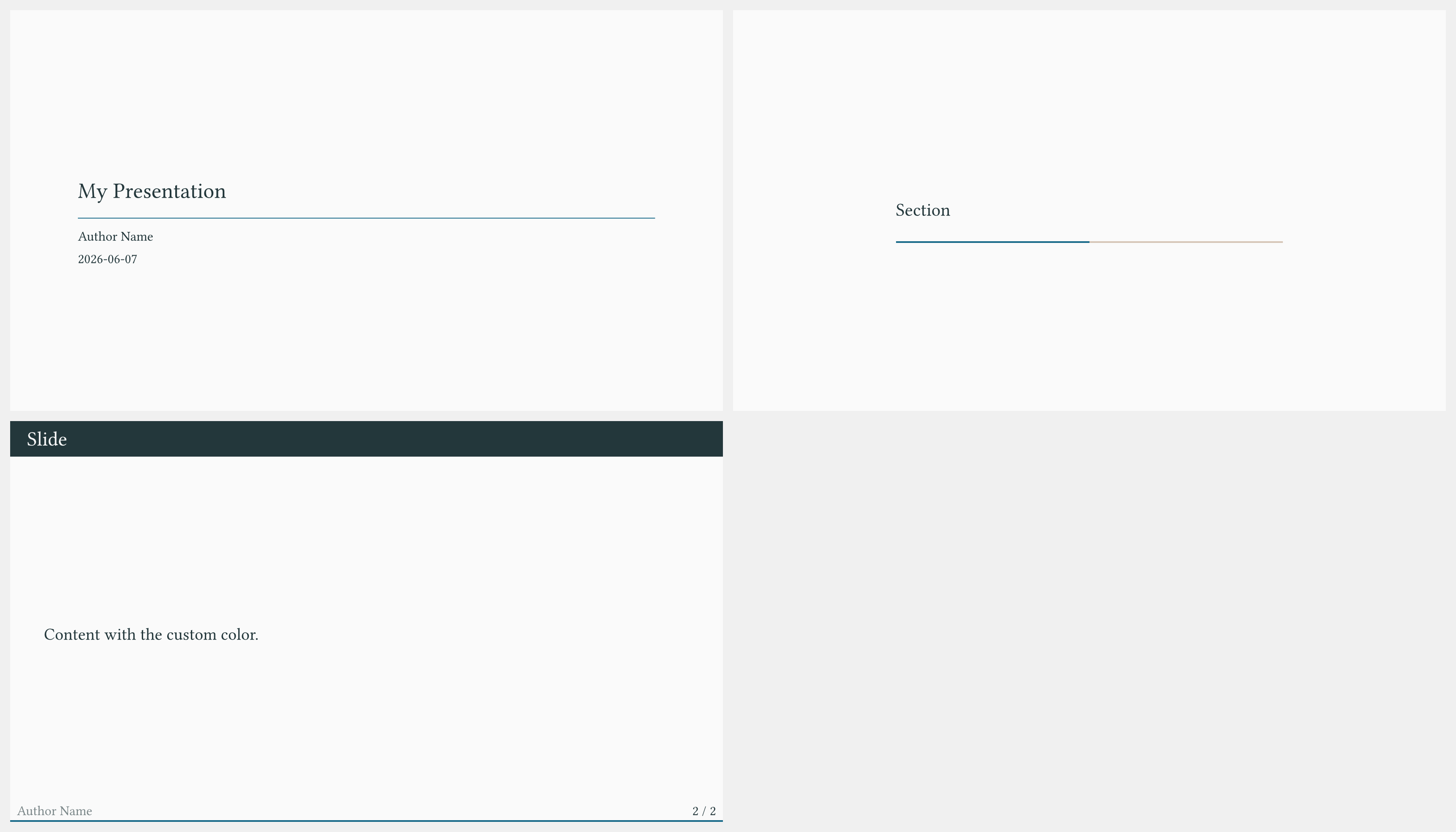
For minor adjustments to an existing theme, you do not need to create a separate theme file. You can override individual settings inline:
#import "@preview/touying:0.7.4": *
#import themes.metropolis: *

#show: metropolis-theme.with(
  aspect-ratio: "16-9",
  // Override the primary color
  config-colors(primary: rgb("#1a6b8a")),
  // Change the footer content
  footer: self => self.info.author,
  config-info(
    title: [My Presentation],
    author: [Author Name],
    date: datetime.today(),
  ),
)

#title-slide()

= Section

== Slide

Content with the custom color.
Copying a Theme Locally
To make deeper structural changes, copy the theme source file to your project:
- Download the relevant file from
themes/in the Touying repository (e.g.,themes/metropolis.typ). - Change the import at the top from
#import "../src/exports.typ": *to#import "@preview/touying:0.7.4": *. - Import the local copy instead of the built-in theme.
#import "@preview/touying:0.7.4": *
#import "metropolis.typ": *   // your local copy

#show: metropolis-theme.with(
  aspect-ratio: "16-9",
  config-info(title: [Title]),
)
You can now freely edit metropolis.typ without affecting other projects.