Fit to Height / Width
Thanks to ntjess for the code.
Fit to Height
If you need to make an image fill the remaining slide height, you can try the fit-to-height function:
#utils.fit-to-height(1fr)[BIG]
Function definition:
#let fit-to-height(
  width: none, prescale-width: none, grow: true, shrink: true, height, body
) = { .. }
Parameters:
width: If specified, this will determine the width of the content after scaling. So, if you want the scaled content to fill half of the slide width, you can usewidth: 50%.prescale-width: This parameter allows you to make Typst's layout assume that the given content is to be laid out in a container of a certain width before scaling. For example, you can useprescale-width: 200%assuming the slide's width is twice the original.grow: Whether it can grow, default istrue.shrink: Whether it can shrink, default istrue.height: The specified height.body: The specific content.
Fit to Width
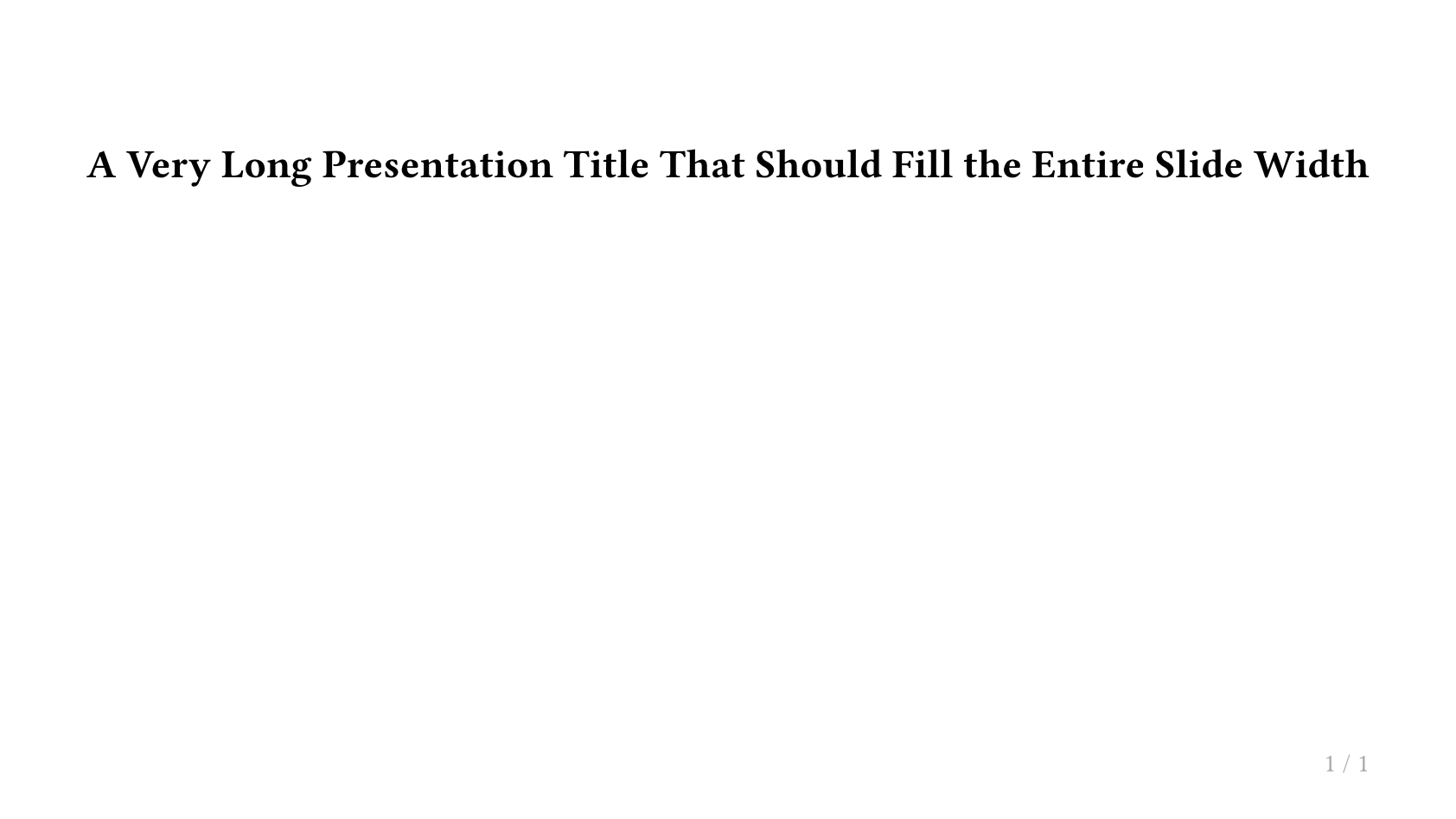
If you need to limit the title width to exactly fill the slide width, you can try the fit-to-width function:
#utils.fit-to-width(1fr)[#lorem(20)]
Function definition:
#let fit-to-width(grow: true, shrink: true, width, body) = { .. }
Parameters:
grow: Whether it can grow, default istrue.shrink: Whether it can shrink, default istrue.width: The specified width.body: The specific content.
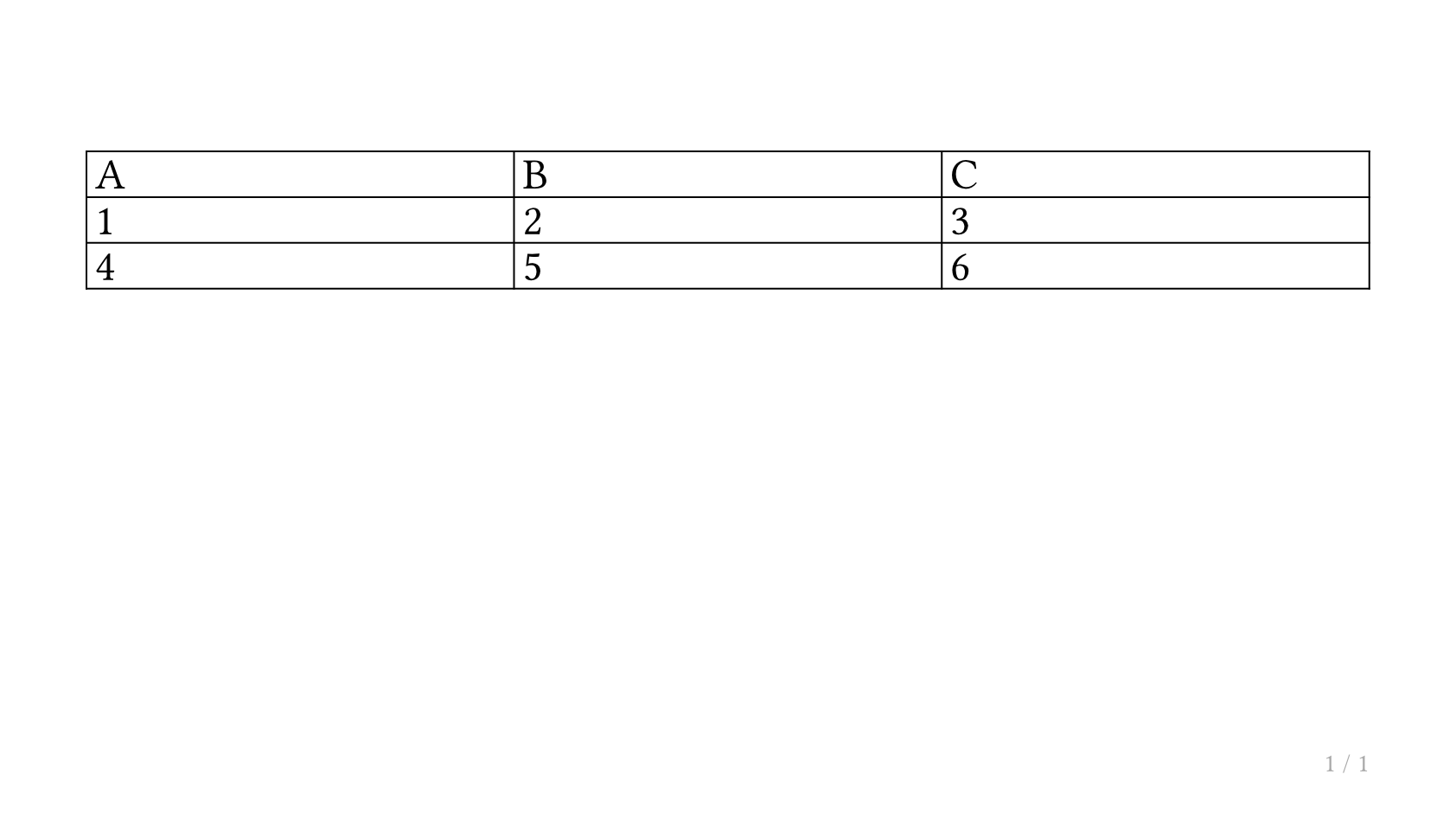
Practical Example: Fitting a Table to the Slide
#slide[
  #utils.fit-to-height(1fr)[
    #table(
      columns: (1fr, 1fr, 1fr),
      [A], [B], [C],
      [1], [2], [3],
      [4], [5], [6],
    )
  ]
]
Fitting a Heading to Full Width
#slide[
  #utils.fit-to-width(1fr)[
    #text(weight: "bold")[A Very Long Presentation Title That Should Fill the Entire Slide Width]
  ]
]