Fit to height / width
感谢 ntjess 的代码。
Fit to height
如果你需要将图片占满剩余的 slide 高度,你可以来试试 fit-to-height 函数:
#utils.fit-to-height(1fr)[BIG]
函数定义:
#let fit-to-height(
  width: none, prescale-width: none, grow: true, shrink: true, height, body
) = { .. }
参数:
width: 如果指定,这将确定缩放后内容的宽度。因此,如果您希望缩放的内容填充幻灯片宽度的一半,则可以使用width: 50%。prescale-width: 此参数允许您使 Typst 的布局假设给定的内容在缩放之前要布局在一定宽度的容器中。例如,您可以使用prescale-width: 200%假设幻灯片的宽度为原来的两倍。grow: 是否可扩张,默认为true。shrink: 是否可收缩,默认为true。height: 需要指定的高度。body: 具体的内容。
Fit to width
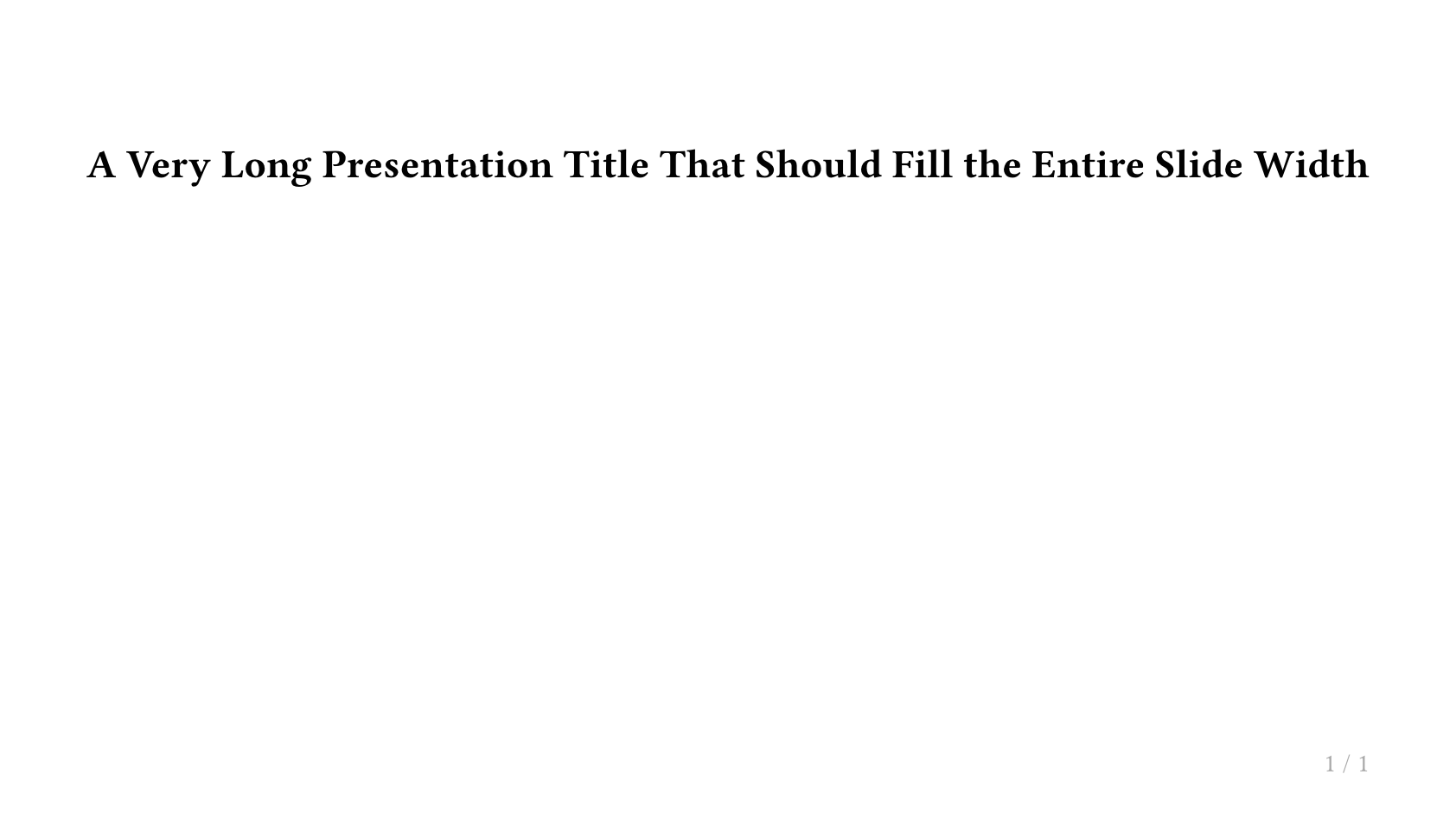
如果你需要限制标题宽度刚好占满 slide 的宽度,你可以来试试 fit-to-width 函数:
#utils.fit-to-width(1fr)[#lorem(20)]
函数定义:
#let fit-to-width(grow: true, shrink: true, width, body) = { .. }
参数:
grow: 是否可扩张,默认为true。shrink: 是否可收缩,默认为true。width: 需要指定的宽度。body: 具体的内容。
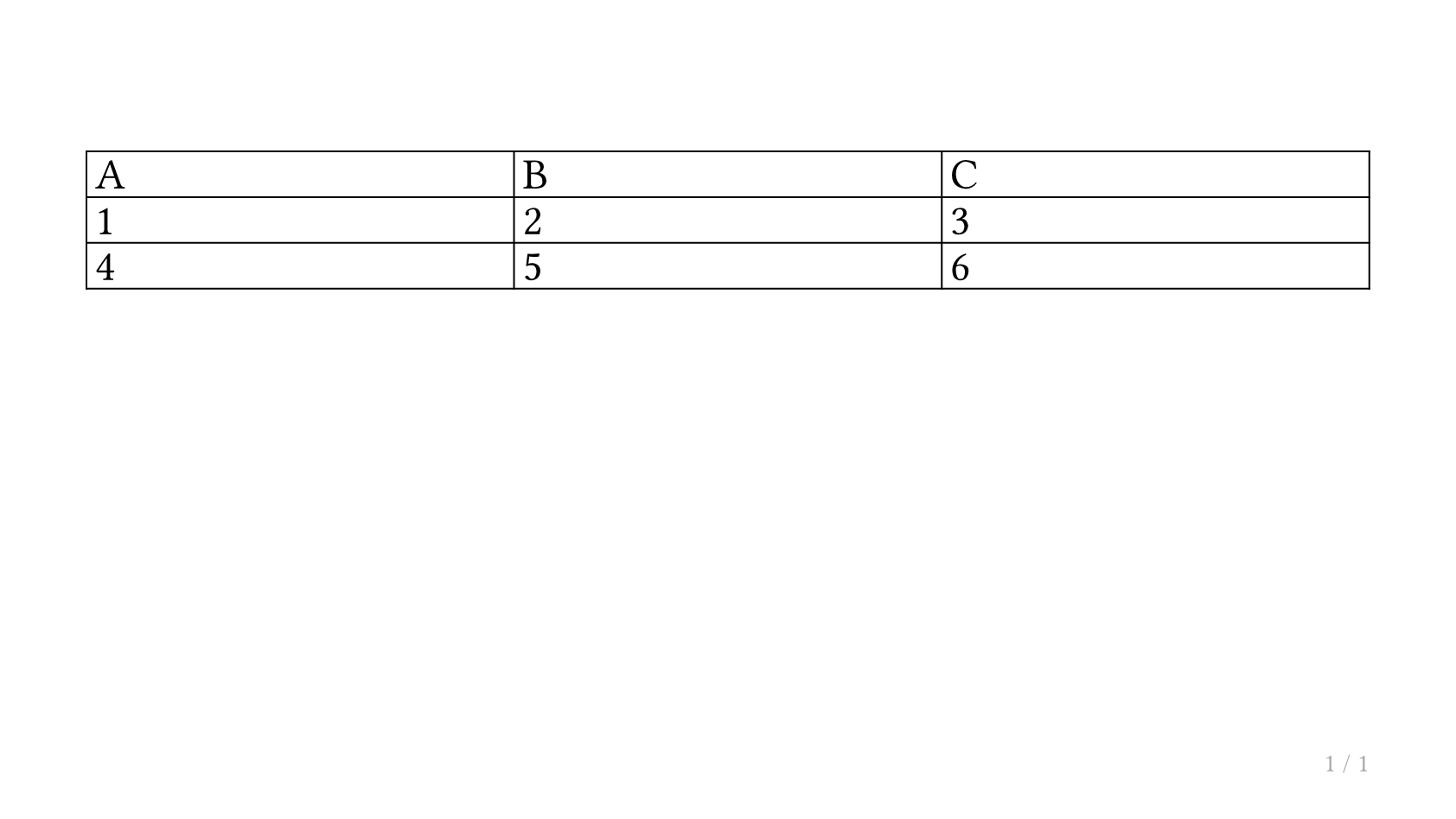
实用示例:将表格适配到幻灯片
#slide[
  #utils.fit-to-height(1fr)[
    #table(
      columns: (1fr, 1fr, 1fr),
      [A], [B], [C],
      [1], [2], [3],
      [4], [5], [6],
    )
  ]
]
将标题适配到全宽
#slide[
  #utils.fit-to-width(1fr)[
    #text(weight: "bold")[A Very Long Presentation Title That Should Fill the Entire Slide Width]
  ]
]