节与小节
结构
与 Beamer 相同,Touying 同样有着 section 和 subsection 的概念。
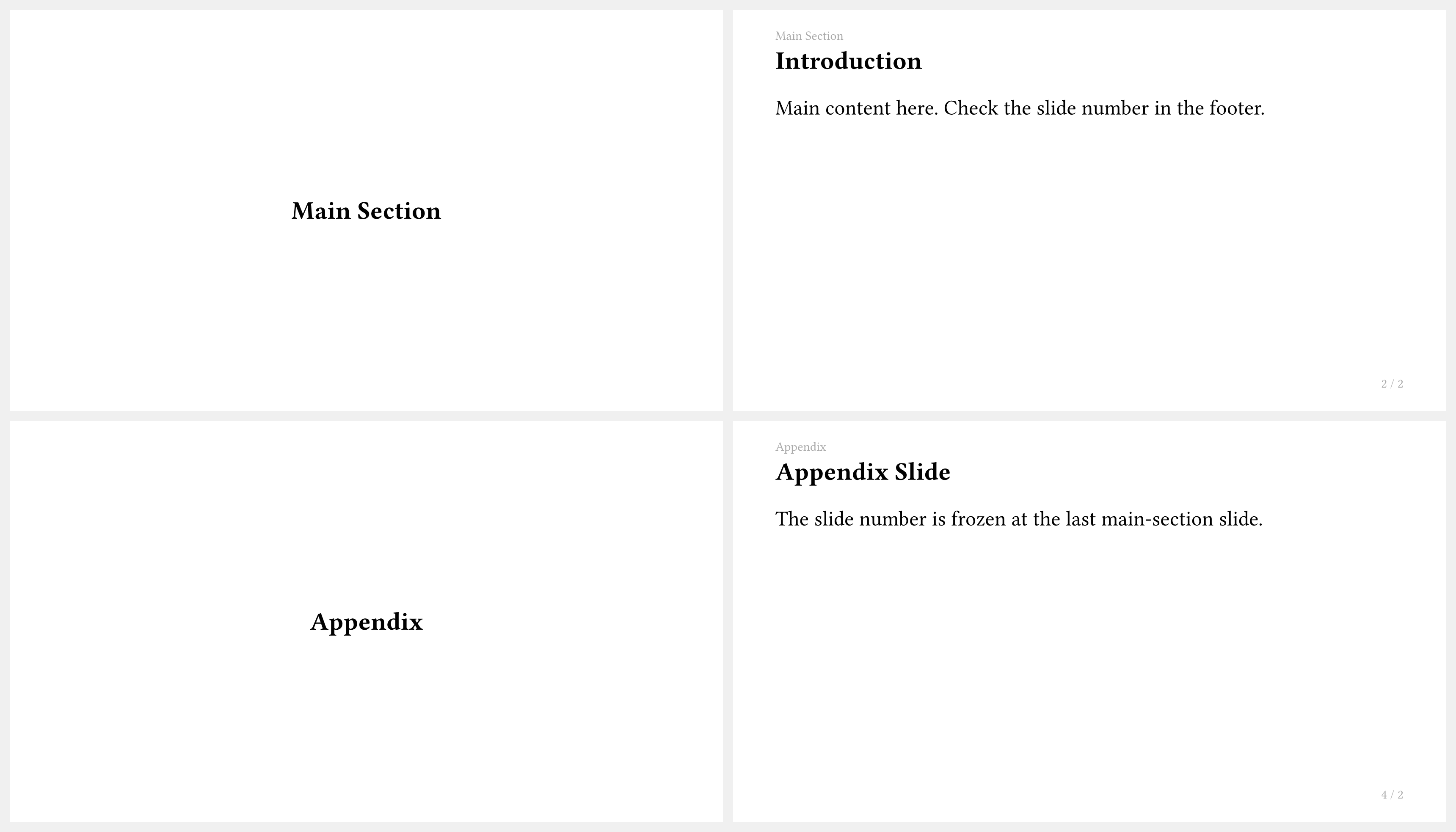
一般而言,1 级、2 级和 3 级标题分别用来对应 section、subsection 和 subsubsection,例如 dewdrop 主题。
#import "@preview/touying:0.7.4": *
#import themes.dewdrop: *

#show: dewdrop-theme.with(aspect-ratio: "16-9")

= Section

== Subsection

=== Title

Hello, Touying!
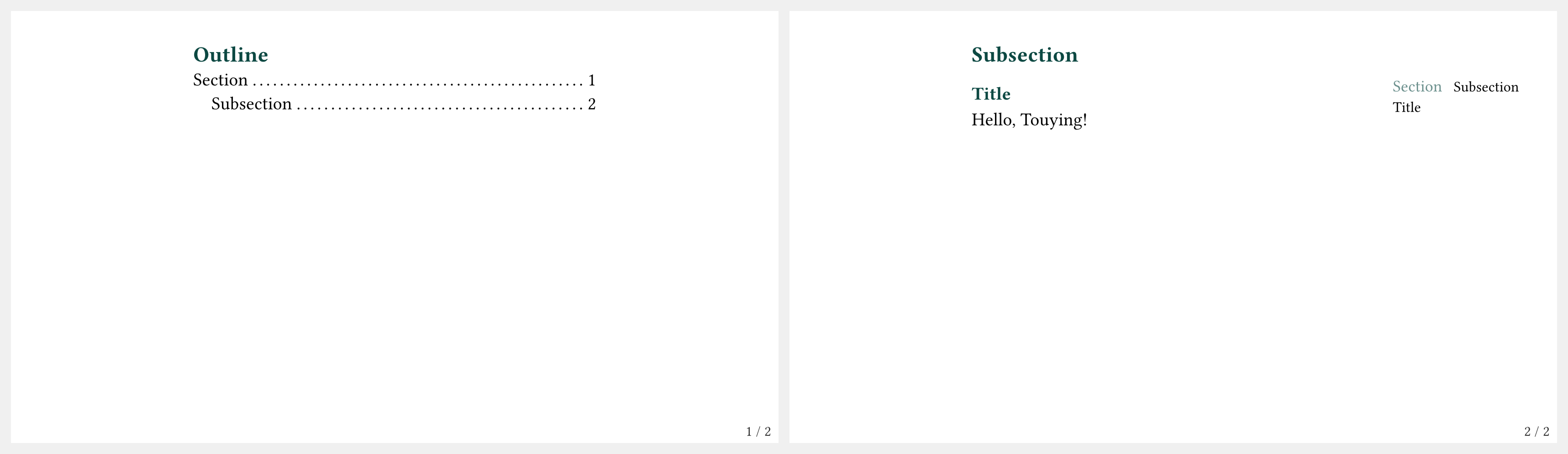
但是很多时候我们并不需要 subsection,因此也会使用 1 级和 2 级标题来分别对应 section 和 title,例如 university 主题。
#import "@preview/touying:0.7.4": *
#import themes.university: *

#show: university-theme.with(aspect-ratio: "16-9")

= Section

== Title

Hello, Touying!
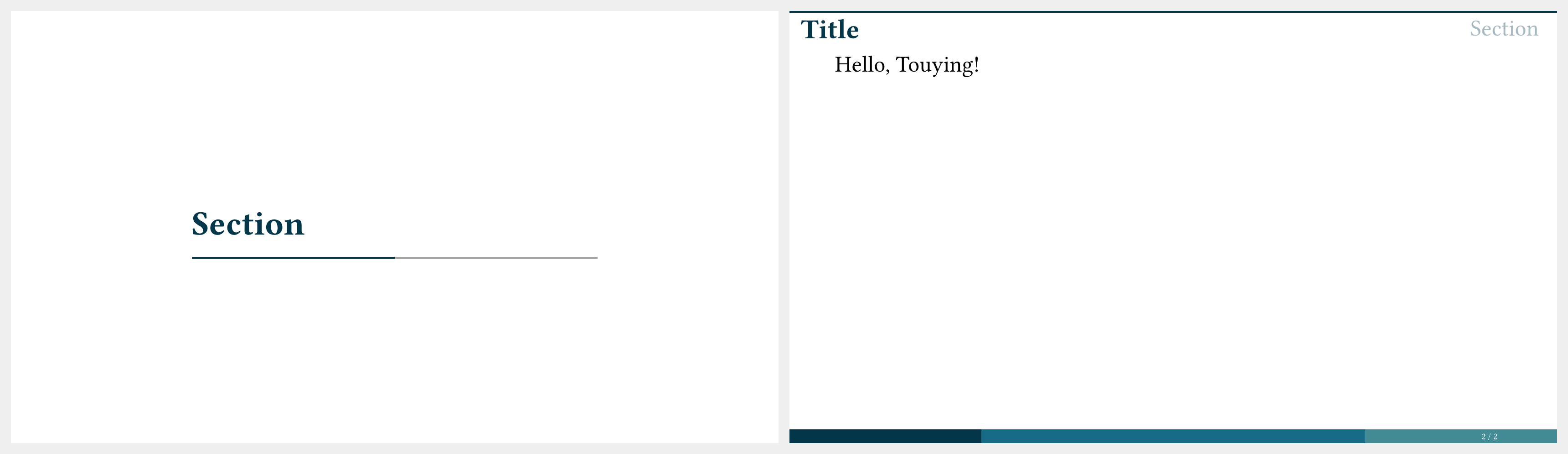
实际上,我们可以通过 config-common 函数的 slide-level 参数来控制这里的行为。slide-level 代表着嵌套结构的复杂度,从 0 开始计算。例如 #show: university-theme.with(config-common(slide-level: 2)) 等价于 section 和 subsection 都会创建新 slide;而 #show: university-theme.with(config-common(slide-level: 3)) 等价于 section,subsection 和 subsubsection 都会创建新 slide。
编号
为了给节与小节加入编号,我们只需要使用
#set heading(numbering: "1.1")
#show heading.where(level: 1): set heading(numbering: "1.")
即可设置默认编号为 1.1,且 section 对应的编号为 1.。
目录
在 Touying 中显示目录很简单:
#import "@preview/touying:0.7.4": *
#import themes.simple: *
#import "@preview/numbly:0.1.0": numbly

#set heading(numbering: numbly("{1}.", default: "1.1"))

#show: simple-theme.with(aspect-ratio: "16-9")

= Section

== Subsection

#components.adaptive-columns(outline(indent: 1em))
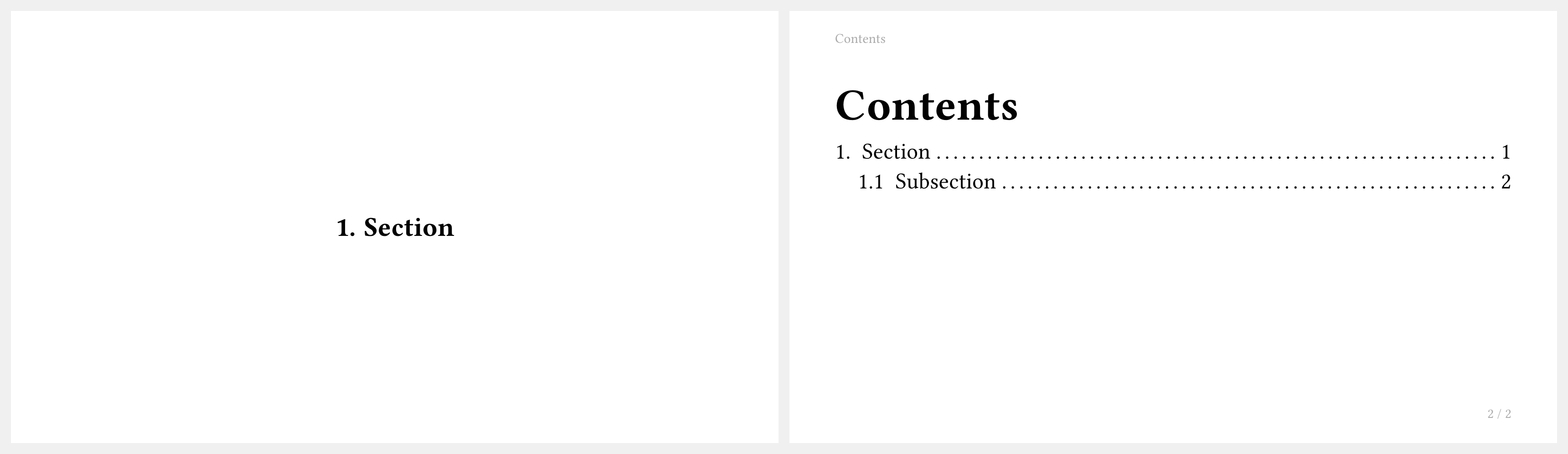
其中 outline(indent: 1em) 是 Typst 的原生目录函数。而 #components.adaptive-columns() 函数可以让目录尽可能只占据一个页面,即它会自适应分别设置 #columns(1, body) 或者 #columns(2, body),以此类推。
如果你需要一个可以显示当前进度的 outline 函数,你可以考虑使用 #components.progressive-outline() 或 #components.custom-progressive-outline(),就像 dewdrop 主题那样。
或者通过操控 outline.entry 元素自行编写,对于某些特定效果,你可能需要用到 #utils.section-relationship。
特殊标题标签
Touying 识别标题上的特殊标签以控制幻灯片行为:
| 标签 | 效果 |
|---|---|
<touying:hidden> | 幻灯片完全不渲染(内容和页面均被抑制)。 |
<touying:skip> | 该标题不创建新的章节幻灯片。 |
<touying:unnumbered> | 幻灯片不计入幻灯片计数器。 |
<touying:unoutlined> | 该标题从 outline() 中排除。 |
<touying:unbookmarked> | 不为该标题生成 PDF 书签。 |
<touying:handout> | 该幻灯片仅在讲义模式下显示。 |
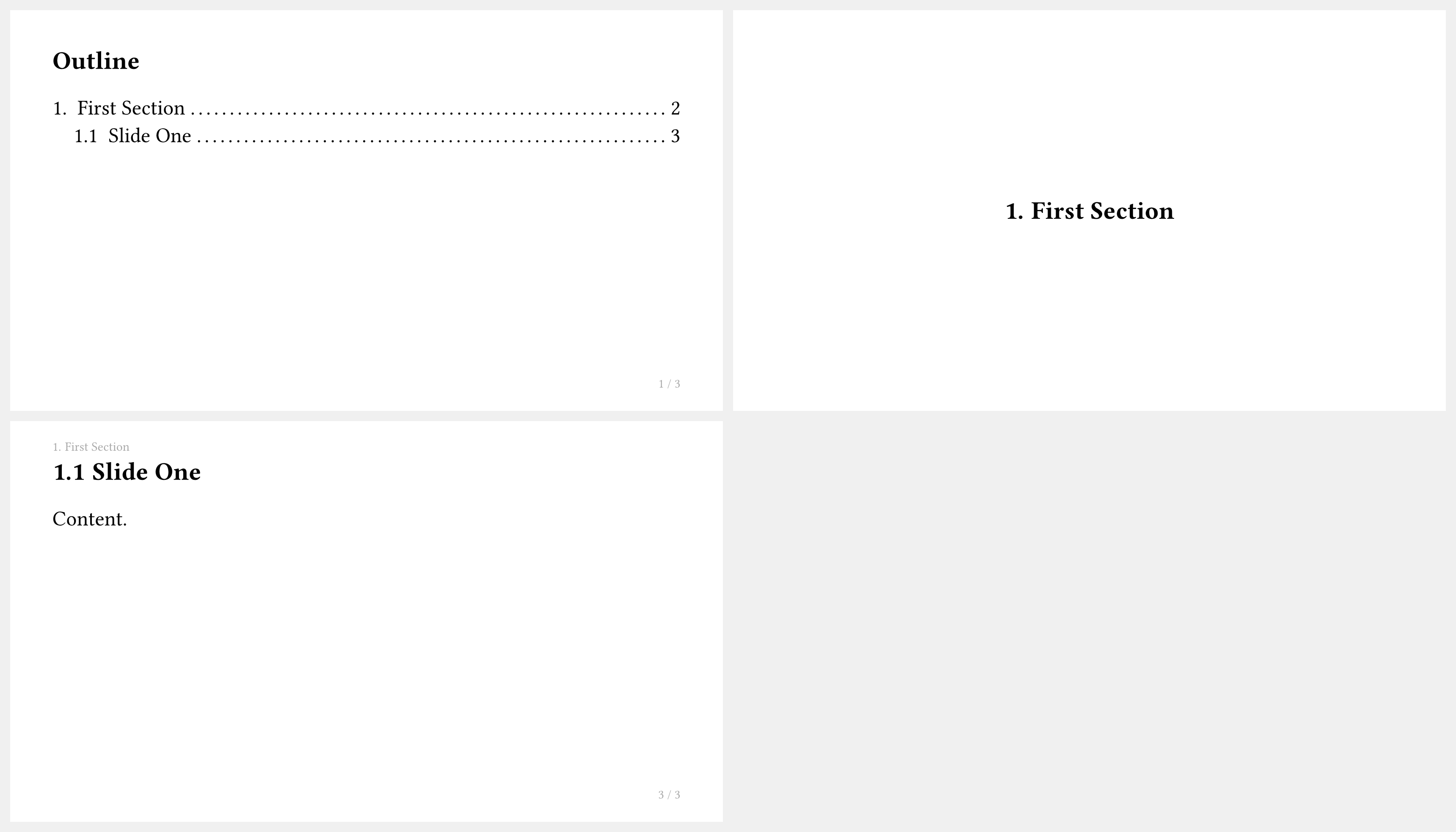
示例——使用 <touying:hidden> 标签隐藏目录幻灯片,使其不出现在最终 PDF 中:
#import "@preview/touying:0.7.4": *
#import themes.simple: *
#import "@preview/numbly:0.1.0": numbly

#set heading(numbering: numbly("{1}.", default: "1.1"))

#show: simple-theme.with(aspect-ratio: "16-9")

== Outline <touying:hidden>

#components.adaptive-columns(outline(title: none, indent: 1em))

= First Section

== Slide One

Content.
附录
appendix 函数会停止幻灯片计数器,使附录幻灯片不影响页脚中显示的总数。
#import "@preview/touying:0.7.4": *
#import themes.simple: *

#show: simple-theme

= Main Section

== Introduction

Main content here. Check the slide number in the footer.

#show: appendix

= Appendix

== Appendix Slide

The slide number is frozen at the last main-section slide.