Slide Counters and Progress
Touying provides a set of counters and utilities for tracking and displaying presentation progress.
Slide Counter
utils.slide-counter is the primary Typst counter that increments on every slide.
// Get the current slide number
#context utils.slide-counter.get()
Use it in a custom footer:
#import "@preview/touying:0.7.4": *
#import themes.default: *

#show: default-theme.with(
  aspect-ratio: "16-9",
  config-page(
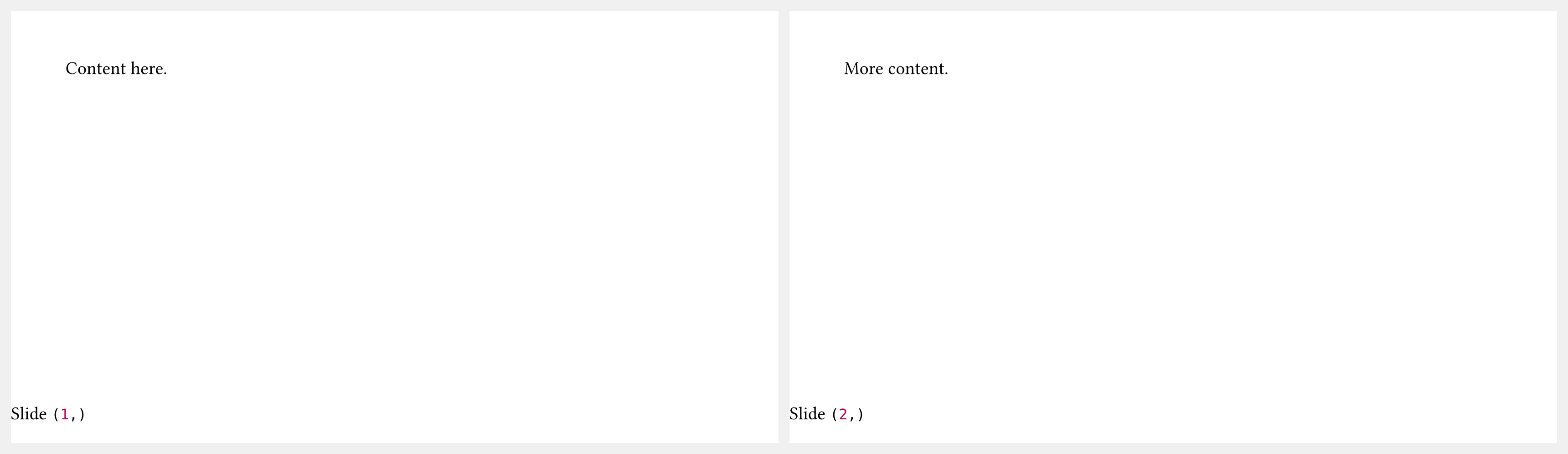
    footer: context [Slide #utils.slide-counter.get()],
  ),
)

= Section

== First Slide

Content here.

== Second Slide

More content.
Total Slide Number
utils.last-slide-number holds the number of the last slide before the appendix. This is what you typically want to show as the denominator in a "slide X of Y" footer:
#context utils.slide-counter.get() + " / " + utils.last-slide-number
Progress Bar
utils.touying-progress provides a ratio (0.0–1.0) representing how far through the presentation you are:
#utils.touying-progress(ratio => {
  // ratio is a float between 0.0 and 1.0
  box(width: ratio * 100%, height: 4pt, fill: primary)
})
This is how the metropolis and aqua themes implement their progress bars.
Appendix
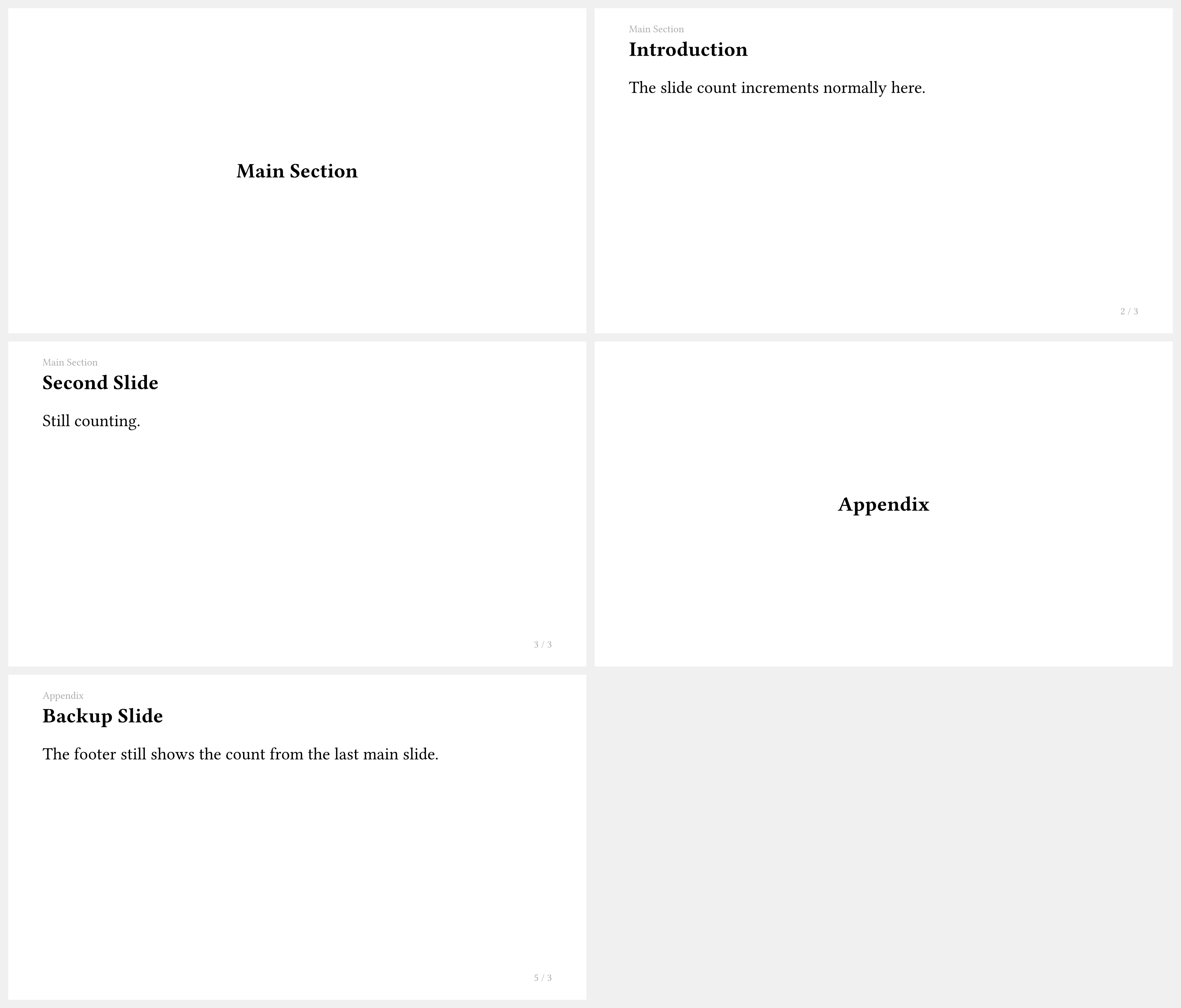
The appendix show rule stops the slide counter so that appendix slides do not change the total shown in the footer:
#import "@preview/touying:0.7.4": *
#import themes.simple: *

#show: simple-theme

= Main Section

== Introduction

The slide count increments normally here.

== Second Slide

Still counting.

#show: appendix

= Appendix

== Backup Slide

The footer still shows the count from the last main slide.