Navigation Elements
For more advanced slide themes it is common to incorporate navigation elements. See e.g. the dewdrop theme.
Left-Right Navigation
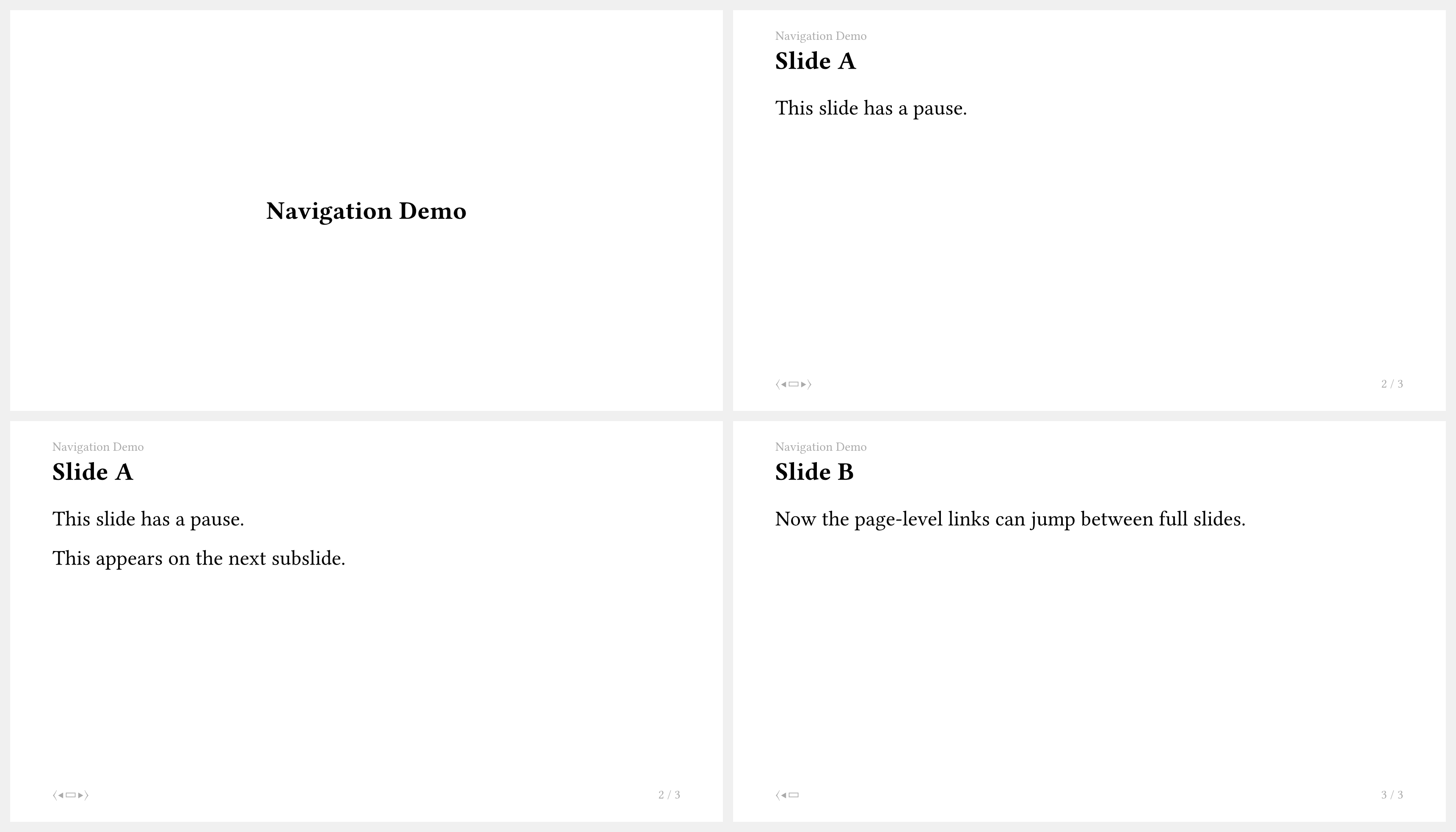
lr-navigation creates clickable previous and next controls. It can navigate by slides and subslides (physical pages), or both.
#import "@preview/touying:0.7.4": *
#import themes.simple: *

#show: simple-theme.with(
  footer: self=>[
    #align(center,
      lr-navigation(
        self: self,
        mode: "both",
        show-useless: false,
        nav: (
          filled: sym.triangle.filled,
          stroked: sym.chevron,
        ),
      )
    )
  ],
)

= Navigation Demo

== Slide A

This slide has a pause.

#pause

This appears on the next subslide.

== Slide B

Now the page-level links can jump between full slides.
Mini-Slides Navigation
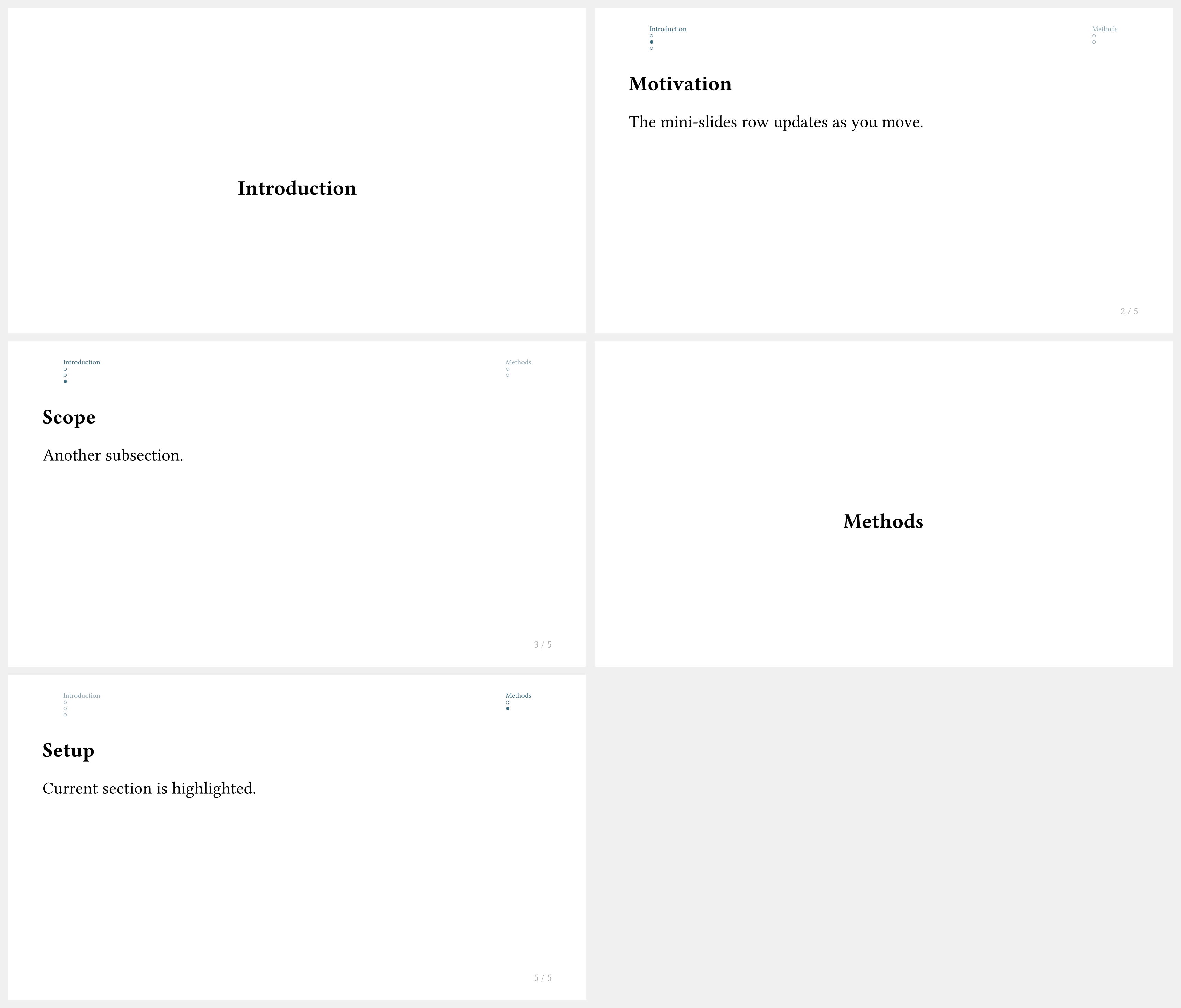
components.mini-slides shows section and subsection links with small per-slide dots.
This pattern works well in the header when you want compact progress feedback without a full sidebar or a progressbar.
#import "@preview/touying:0.7.4": *
#import themes.simple: *

#show: simple-theme.with(
	config-page(
		margin: (top: 4em, bottom: 2em, x: 2em),
		header-ascent: 2em,
	),
    header: self => components.mini-slides(
        self: self,
        fill: self.colors.primary,
        display-section: true,
        display-subsection: true,
        linebreaks: true,
        short-heading: true,
    ),
)

= Introduction

== Motivation

The mini-slides row updates as you move.

== Scope

Another subsection.

= Methods

== Setup

Current section is highlighted.
Sidebar Navigation
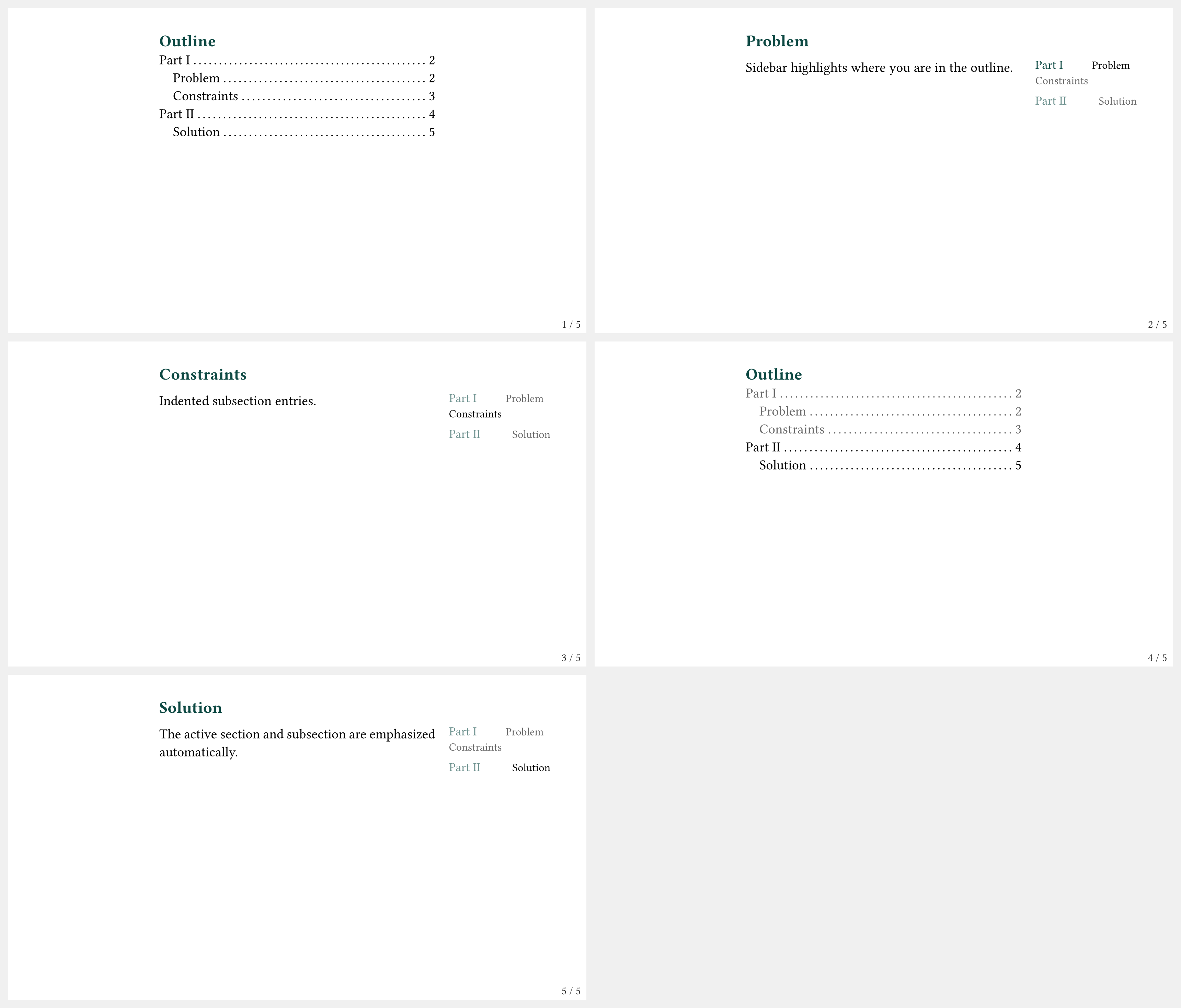
Touying does not provide a single sidebar-navigation function. In practice, a sidebar is built with components.custom-progressive-outline, as done by the Dewdrop theme.
The quickest way to use this style is to enable Dewdrop's built-in sidebar navigation and tune its options:
#import "@preview/touying:0.7.4": *
#import themes.dewdrop: *

#show: dewdrop-theme.with(
	aspect-ratio: "16-9",
	navigation: "sidebar",
	sidebar: (
		width: 11em,
		filled: false,
		numbered: true,
		indent: .8em,
		short-heading: true,
	),
)
#outline-slide()

= Part I <touying:skip>

== Problem

Sidebar highlights where you are in the outline.

== Constraints

Indented subsection entries.

= Part II

== Solution

The active section and subsection are emphasized automatically.
If you want to copy this approach, take a look at how it is implemented for the dewdrop theme.