幻灯片计数器与进度
Touying 提供了一组计数器和工具函数,用于追踪和显示演示文稿的播放进度。
幻灯片计数器
utils.slide-counter 是 Typst 主计数器,每张幻灯片时递增。
// 显示当前幻灯片编号
#context utils.slide-counter.get()
在自定义页脚中使用:
#import "@preview/touying:0.7.4": *
#import themes.default: *

#show: default-theme.with(
  aspect-ratio: "16-9",
  config-page(
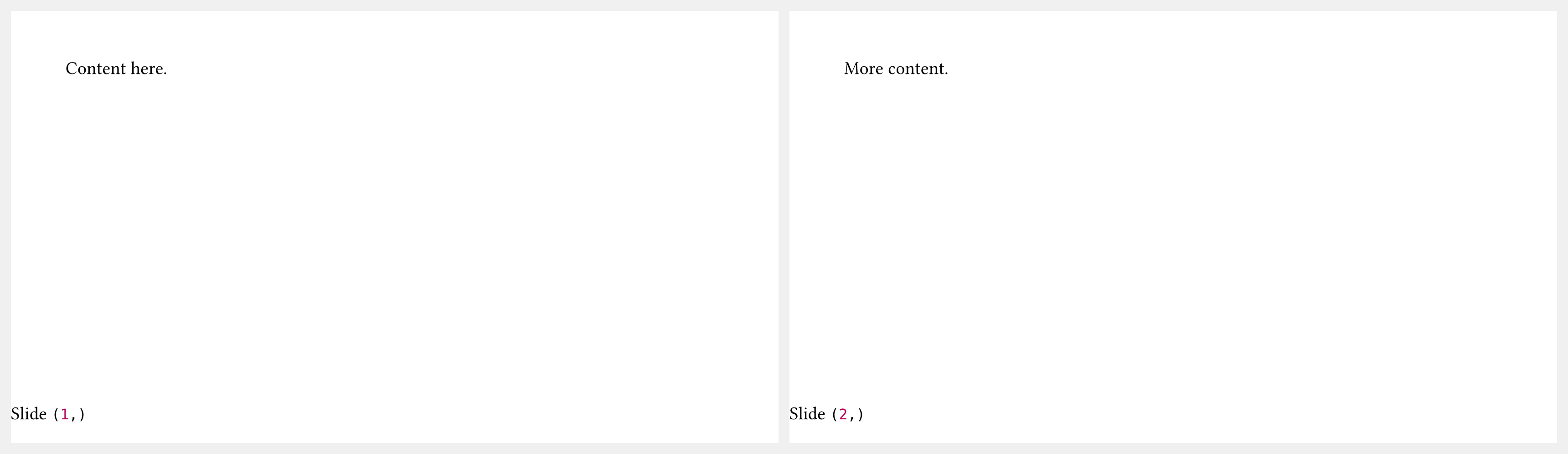
    footer: context [Slide #utils.slide-counter.get()],
  ),
)

= Section

== First Slide

Content here.

== Second Slide

More content.
幻灯片总数
utils.last-slide-number 保存附录之前最后一张幻灯片的编号。这通常用作"第 X / Y 页"页脚中的分母:
#context utils.slide-counter.get() + " / " + utils.last-slide-number
进度条
utils.touying-progress 提供一个 0.0 至 1.0 的比例值,表示当前在演示文稿中的进度:
#utils.touying-progress(ratio => {
  // ratio 是一个介于 0.0 和 1.0 之间的浮点数
  box(width: ratio * 100%, height: 4pt, fill: primary)
})
metropolis 和 aqua 主题的进度条即以此方式实现。
附录
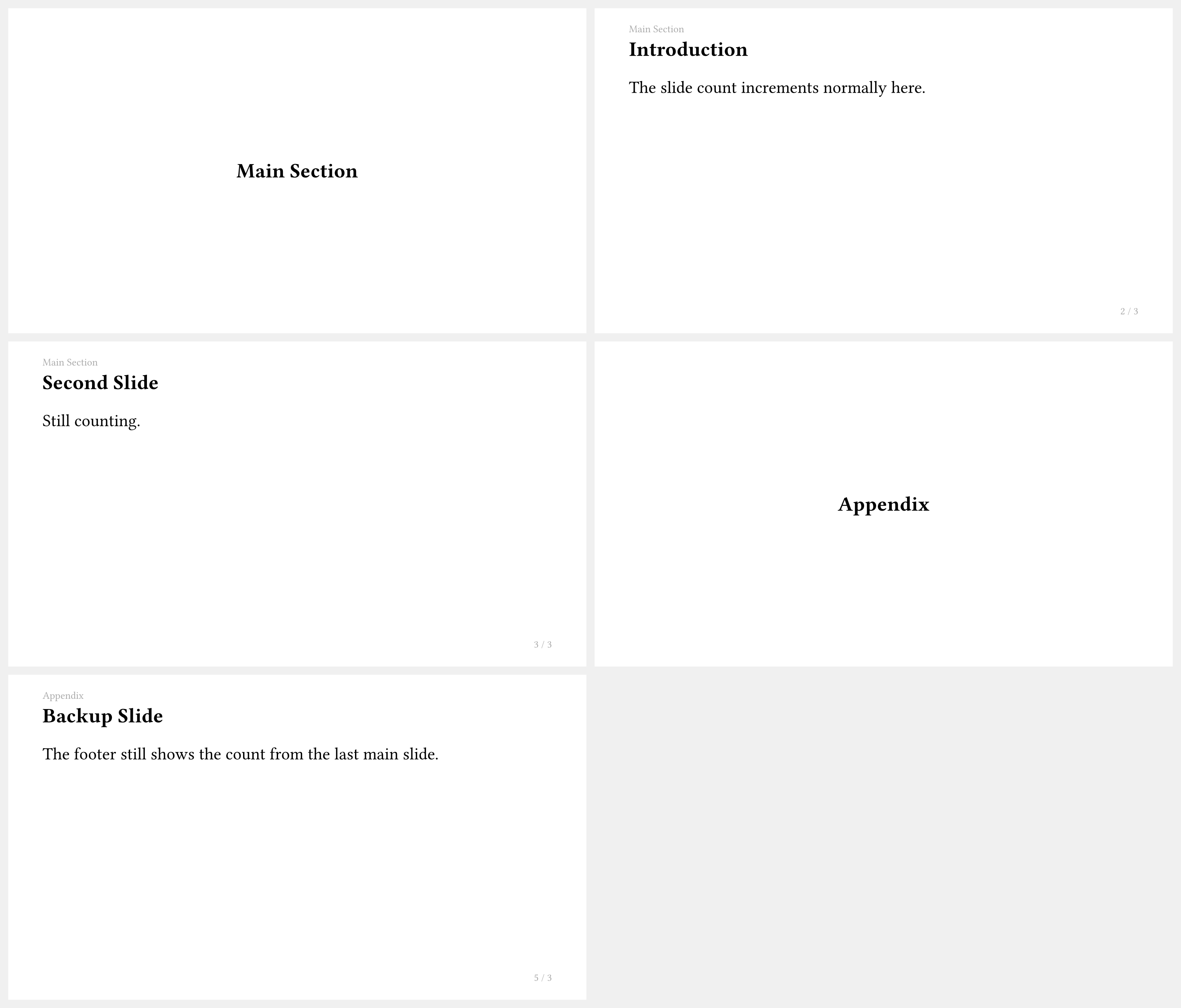
appendix show 规则会停止幻灯片计数器,使附录幻灯片不改变页脚中显示的总数:
#import "@preview/touying:0.7.4": *
#import themes.simple: *

#show: simple-theme

= Main Section

== Introduction

The slide count increments normally here.

== Second Slide

Still counting.

#show: appendix

= Appendix

== Backup Slide

The footer still shows the count from the last main slide.