Math Equation Animations
Math equations animate like any other content: write #pause, #meanwhile, #only, #uncover or #alternatives directly inside $ .. $. Inside math mode a bare pause works too, without the hash.
Simple Animation
Let's start with an example:
#slide[
  Equation with pause:

  $
    f(x) &= pause x^2 + 2x + 1  \
         &= pause (x + 1)^2  \
  $

  #meanwhile

  Animating an equation is very simple.
]
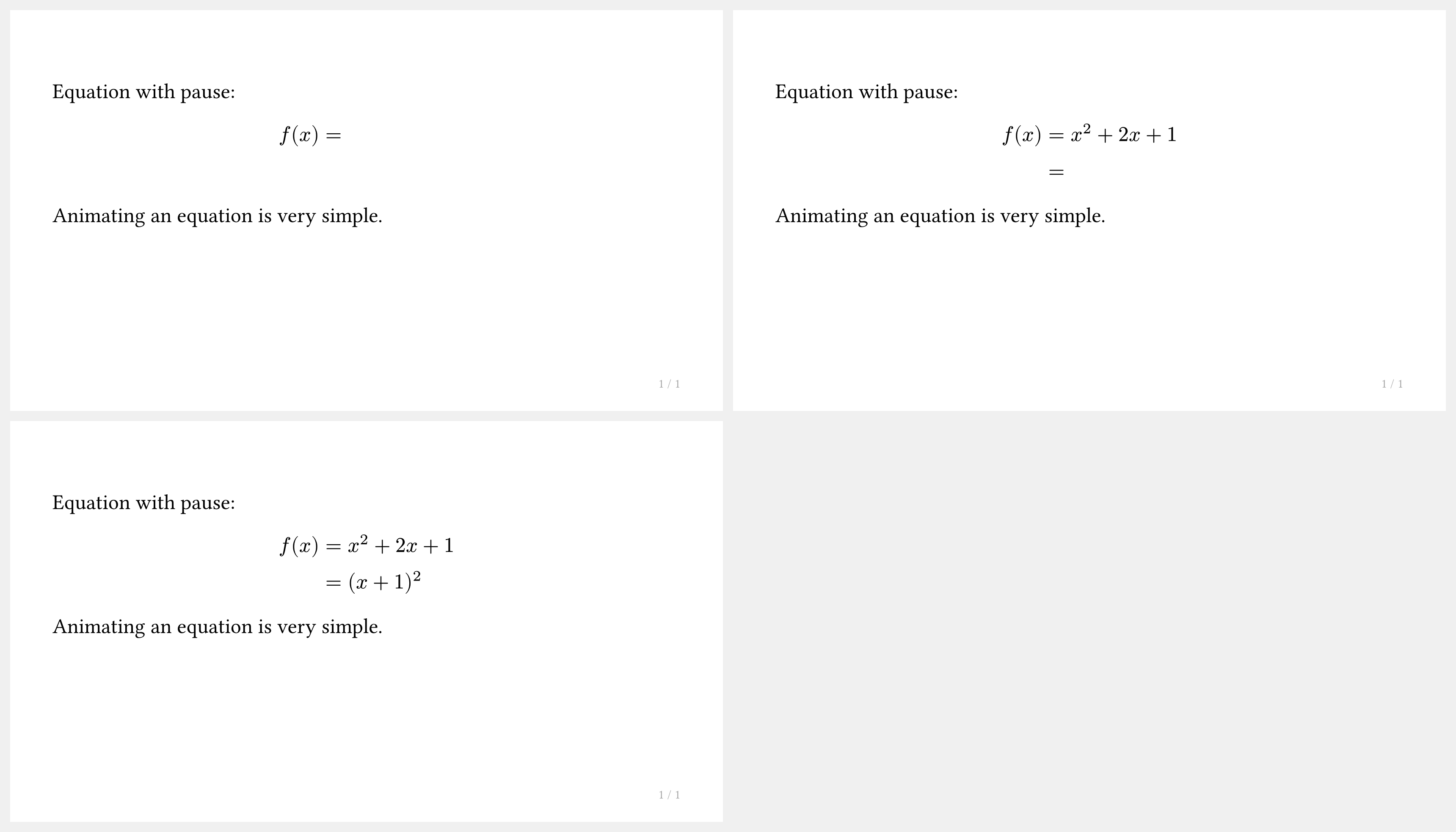
The equation is displayed step by step, which suits presenting a derivation one line at a time.
Complex Animation
only, uncover, effect and alternatives work inside an equation as well:
#slide[
  $
    f(x) &= #pause x^2 + 2x + #uncover("3-")[1]  \
         &= #pause (x + 1)^2  \
  $
]
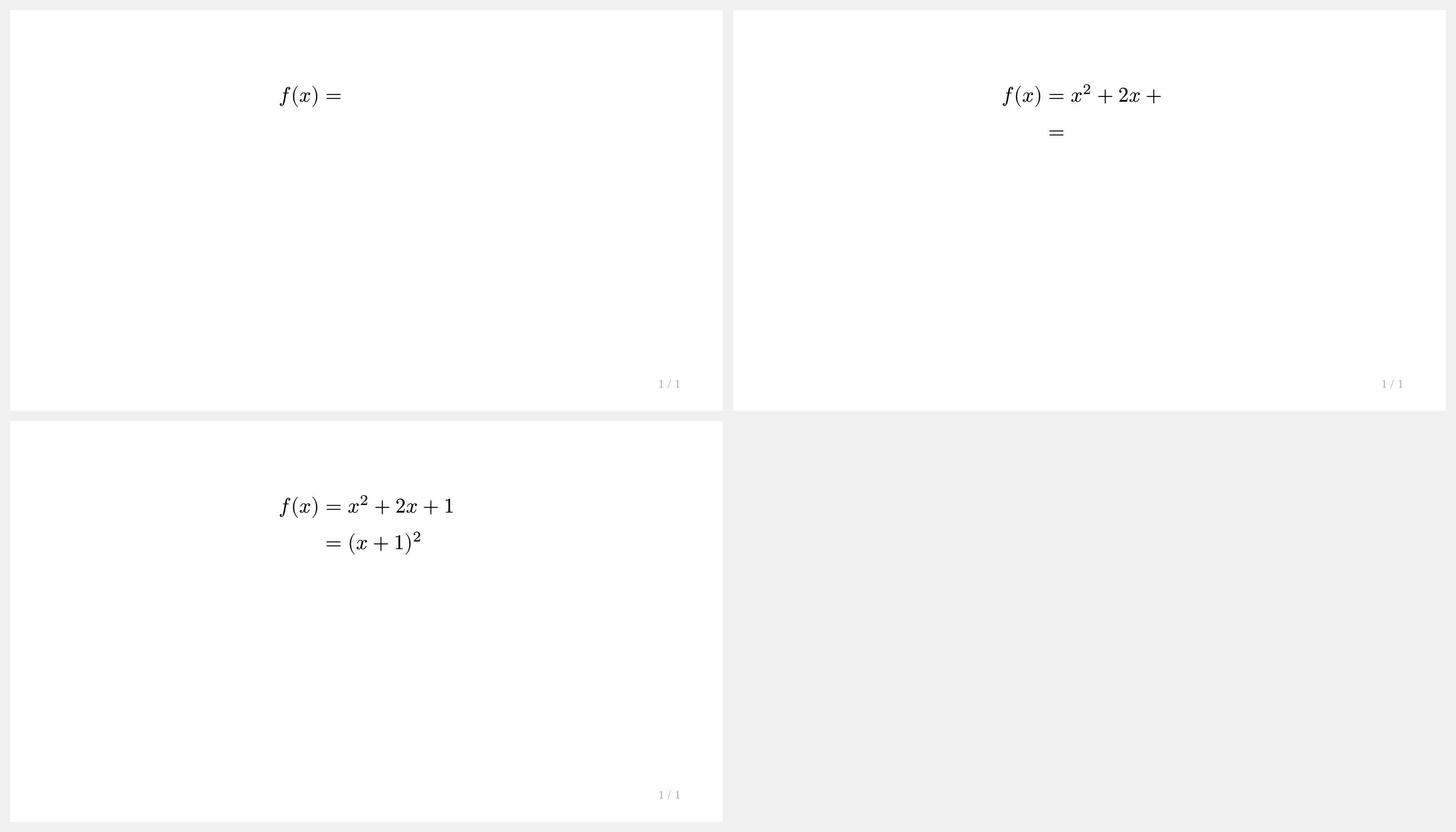
Inside frac, mat and the other math elements
Animations also reach into math elements that hold their content in their own
fields, such as frac, mat, vec, cases, binom, root, attach,
accent and the brace family:
#slide[
  $ frac(a #pause + b, c) $

  $ mat(a, #pause b; c, d) $

  $ a^(2 #pause + 1) $
]
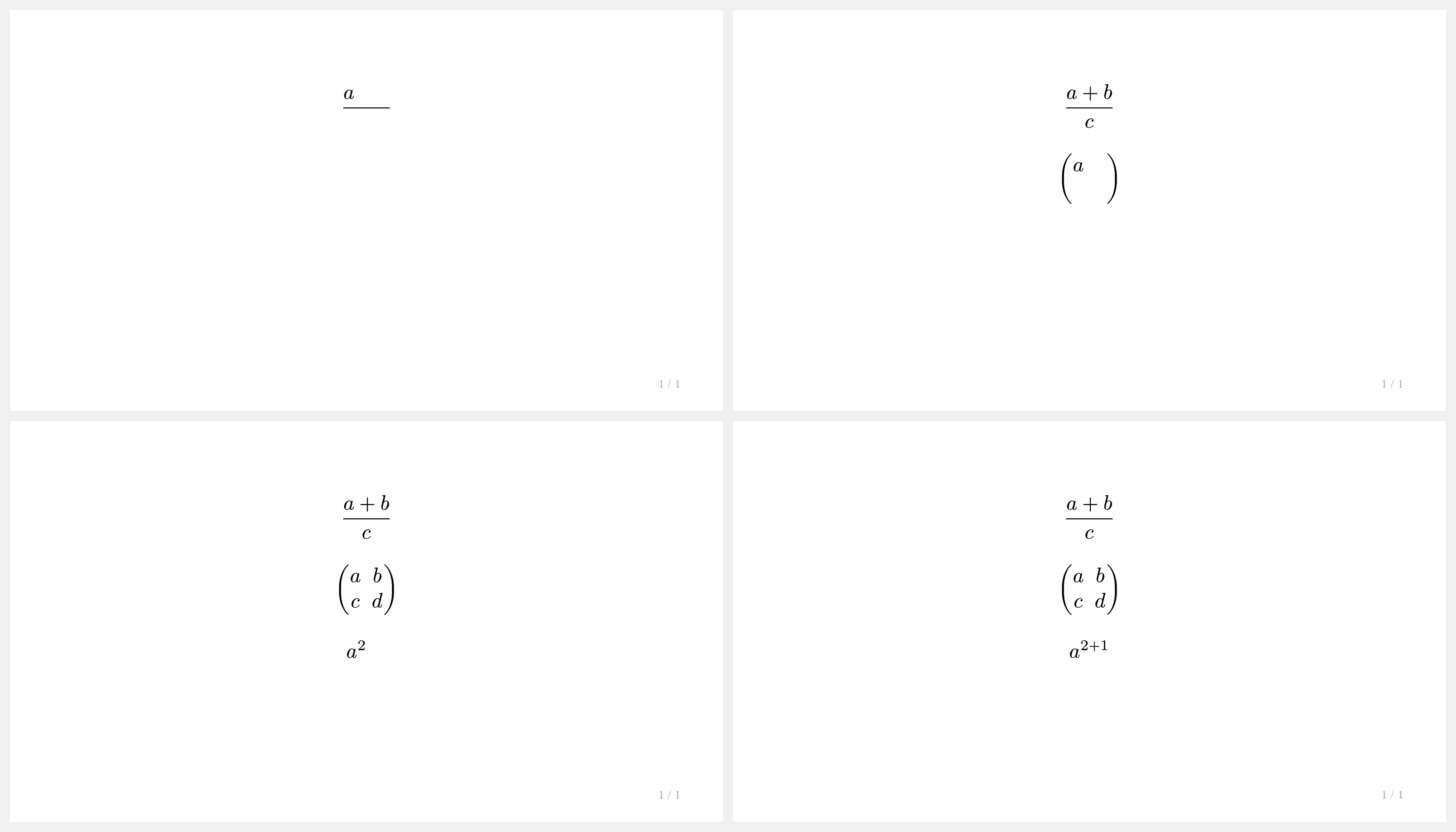
The one exception is an accent's accent argument (the hat in accent(x, hat)), which Typst stores as a single symbol rather than as content, so it cannot be animated in place. Swap the whole element instead:
#alternatives($accent(x, hat)$, $accent(x, tilde)$)
Referencing animated content
Typst only lets you write @label for a few element kinds — figures, equations,
headings and footnotes. Everything else has to be wrapped in a figure. So to reference an animated code block or a reducer graphic, wrap it:
#figure(
  touying-raw(```py
x = 1
# pause
y = 2
```),
)<my-code>

See @my-code.
The figure gives you a caption and a kind as well. A label attached directly to the raw block
still works for #link(<my-code>)[jump there], which needs no figure.
A label on animated content should not be repeated on each subslide. config-common(label-only-on-last-subslide: ..) controls which
element functions' labels are deduplicated.