Output Modes
One source file can produce more than one document. Touying calls these output modes, and there are four:
| Mode | What you get |
|---|---|
presentation | The slide deck, with every animation subslide as its own page. |
handout | The same deck with the subslides of each slide collapsed onto one or more pages. See Handout Mode. |
slides | Either of the two above, chosen by config-common(handout: ..). This is the default. |
article | A flowing prose document instead of a deck. See Article Mode. |
Choosing one
Set it in the config:
#show: simple-theme.with(
  config-common(export-mode: "article"),
)

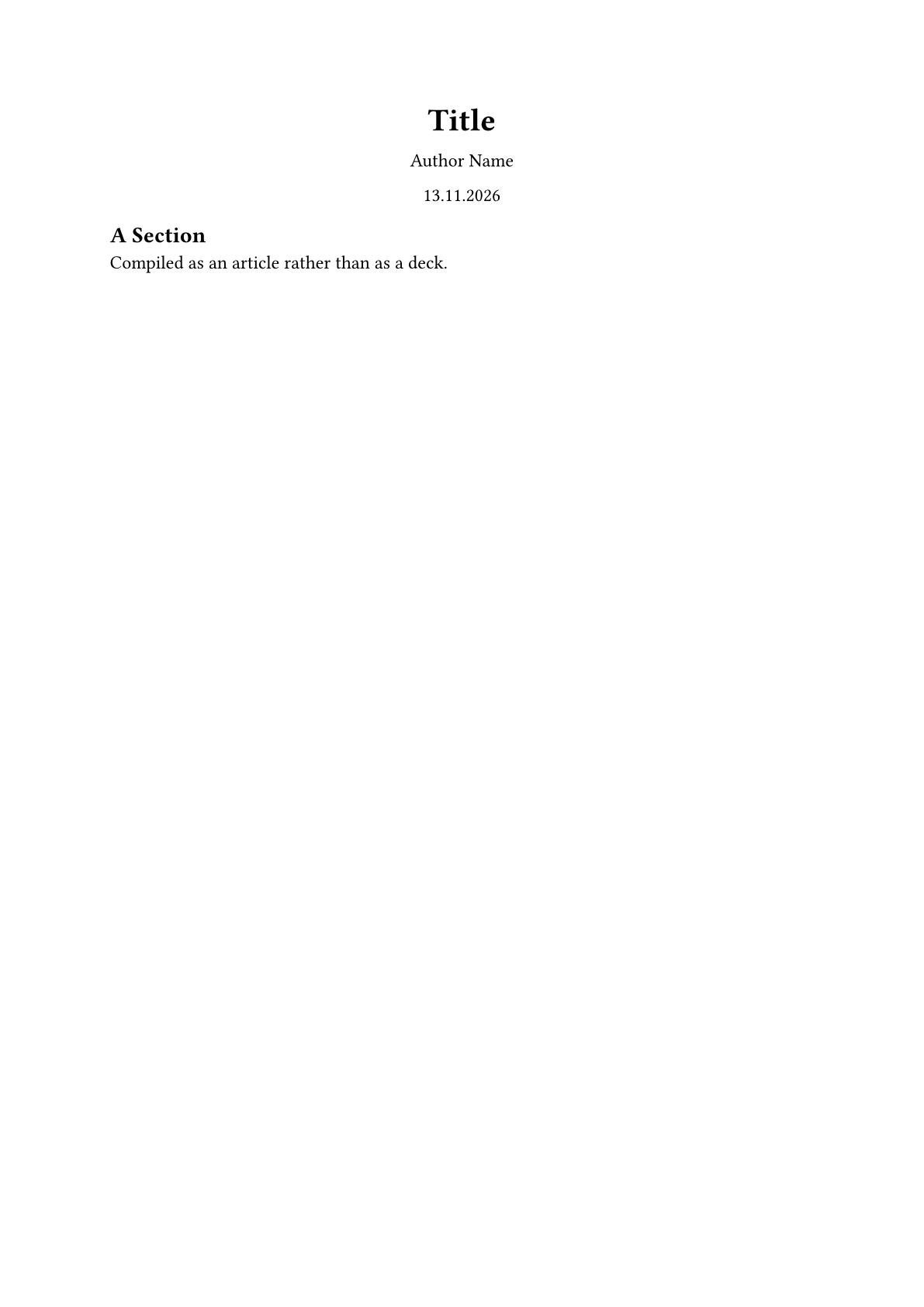
== A Section

Compiled as an article rather than as a deck.
or pass it on the command line, which overrides the config in the file:
typst compile talk.typ deck.pdf
typst compile --input export-mode=handout talk.typ handout.pdf
typst compile --input export-mode=article talk.typ paper.pdf
Content for one mode only
Four markers keep a piece of content out of the modes it does not suit:
| Marker | Appears in |
|---|---|
#presentation-only[..] | presentation mode only |
#handout-only[..] | handout mode only |
#slides-only[..] | both slide modes, never the article |
#article-only[..] | article mode only |
== What Each Mode Keeps

#presentation-only[_Live demo here, watch the screen._]

#handout-only[The demo showed three cases.]

#slides-only[Visible in both slide modes, never in the article.]

#article-only[A fuller derivation than the talk had time for.]
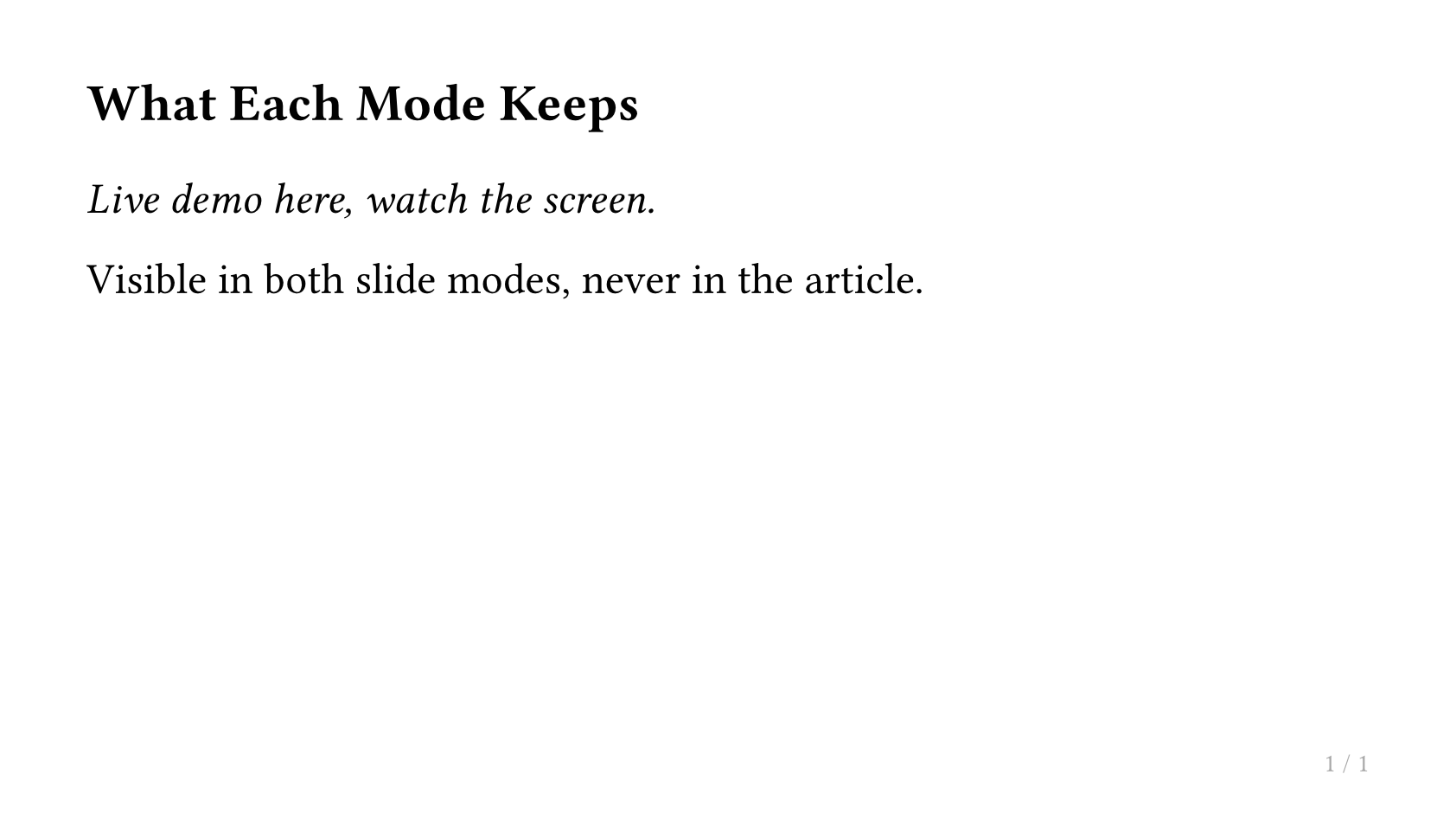
When a marker's content is not wanted, it is removed outright and reserves no space. The body may contain slide-breaking elements such as a heading, a #pagebreak() or a bare ---, and in whichever mode it is visible those behave exactly as if the marker were not there.
Where to put a marker
A marker works both inside a slide's body and around the call, and the difference is what it covers:
#slide[a #slides-only[b] c]

#slides-only(slide[a b c])
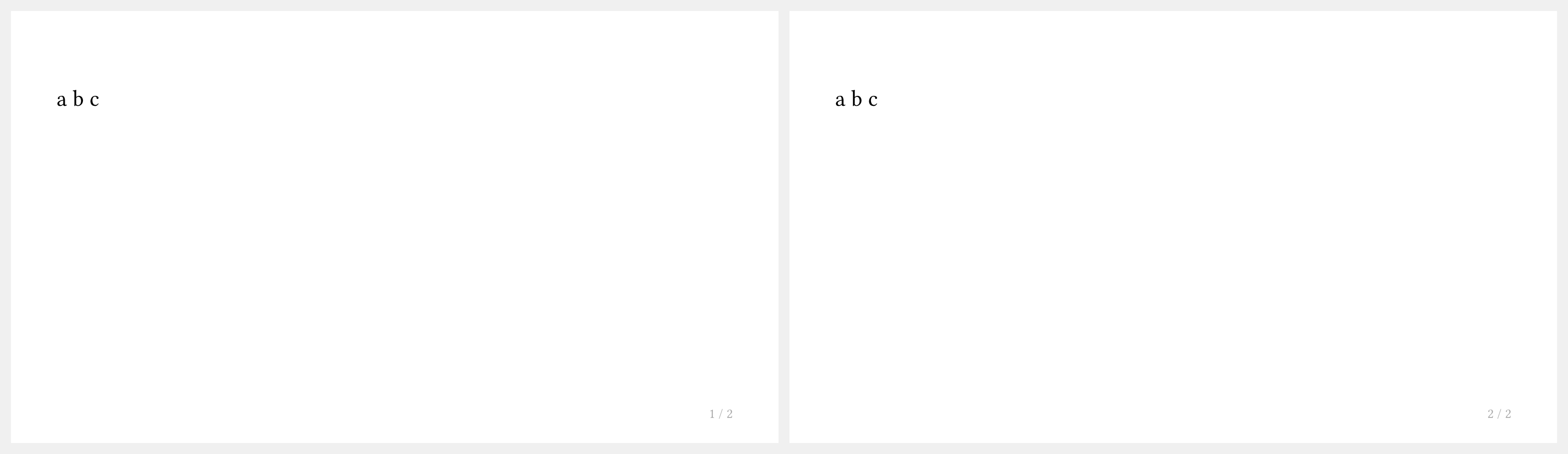
The first keeps b out of the article and leaves a and c; the second keeps the whole slide out.
That holds for every slide function, so #slides-only(title-slide[]) keeps a title slide out of the article while #title-slide[#slides-only[..]] only removes that part of it.
Replacing a slide with prose
#article-text[..] goes further than #article-only[..]: it stands in for the slide it is written in, so the slide's own content never reaches the article. It claims the whole slide wherever you put it, and there is one per slide, a slide being a heading no deeper than slide-level plus everything under it, up to the next heading, or #pagebreak() if there is one.
== Why This Matters

- terse
- bullet
- points

#article-text[
  In the article this paragraph takes the place of the bullet points above.
]
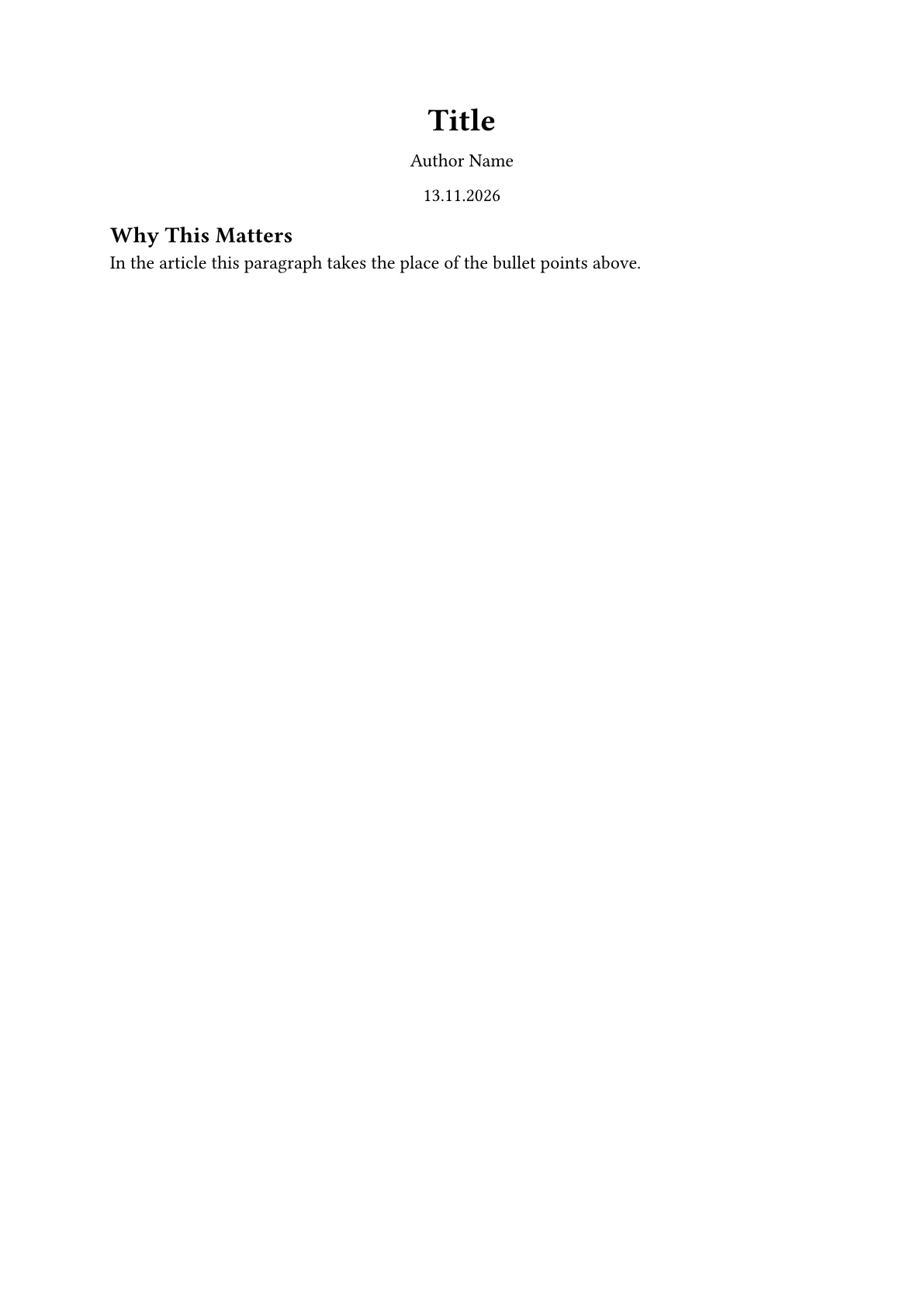
This is the usual way to write a talk that also has to read as a document. See Article Mode for the rest.
Label Markers
The markers above take content. You can instead use the label markers on headings.
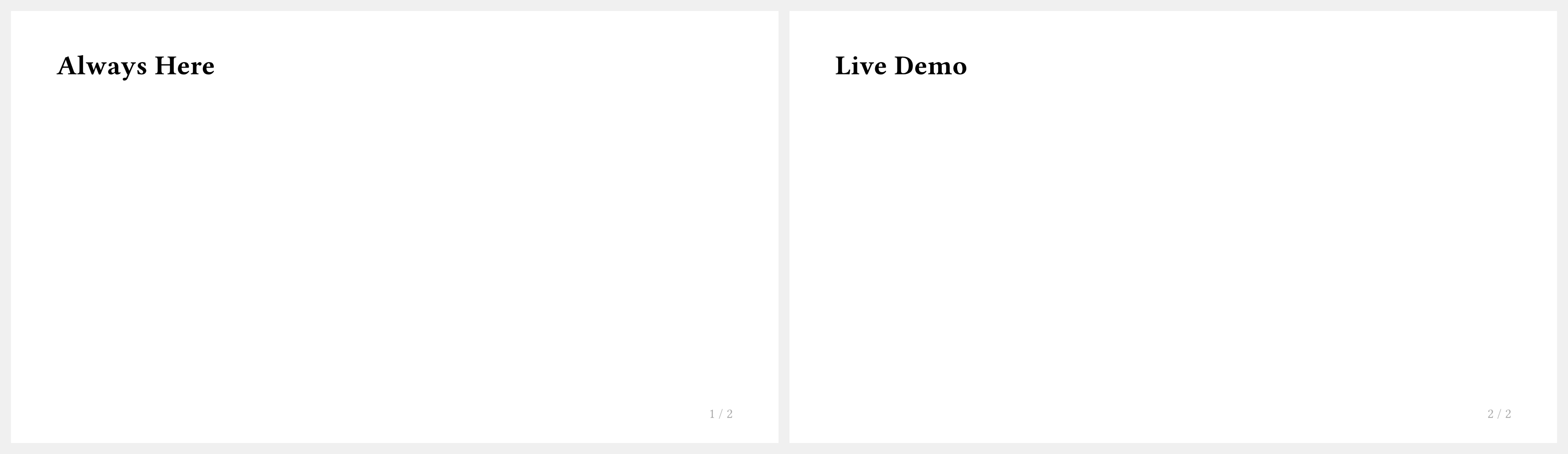
== Always Here

== Extra Detail for the Handout <touying:handout>

== Live Demo <touying:presentation>
<touying:slides>, <touying:article>, ... work the same way as the function, and the keywords combine with hyphens. Sections and Labels has the full table.
Additionally there is the marker <touying:never> which marks a section to not be included in any output.