输出模式
一份源文件可以产出不止一种文档。Touying 把这些称为输出模式,一共有四种:
| 模式 | 得到的结果 |
|---|---|
presentation | 幻灯片,每个动画子幻灯片各占一页。 |
handout | 同样的幻灯片,但每张幻灯片的子幻灯片会被折叠进一页或几页。参见讲义模式。 |
slides | 上面两种之一,由 config-common(handout: ..) 决定选哪一种。这是默认值。 |
article | 一篇连续的散文文档,而不是幻灯片。参见文章模式。 |
选择一种模式
在 config 中设置:
#show: simple-theme.with(
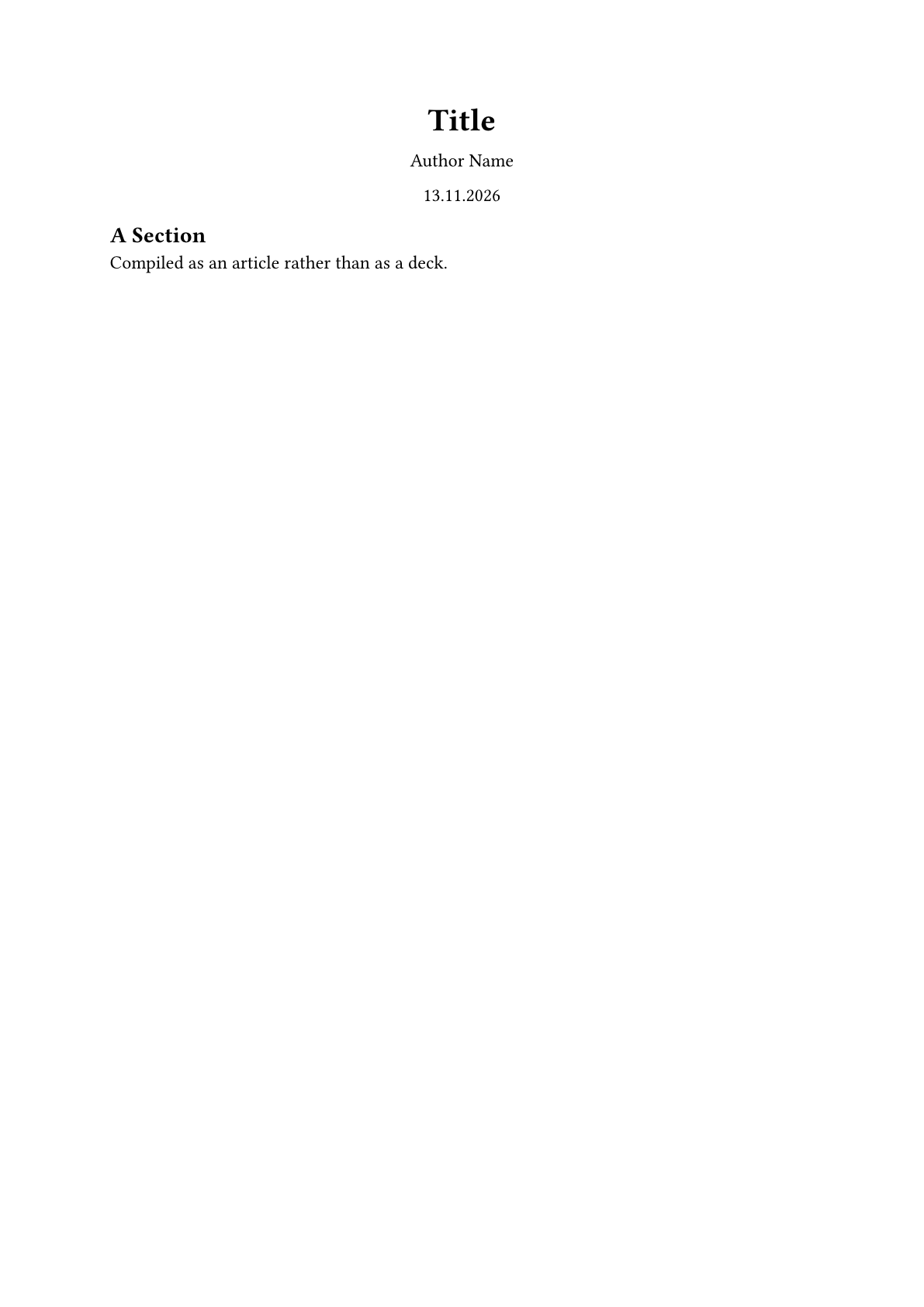
  config-common(export-mode: "article"),
)

== A Section

Compiled as an article rather than as a deck.
或者在命令行中传入,这会覆盖文件里的 config:
typst compile talk.typ deck.pdf
typst compile --input export-mode=handout talk.typ handout.pdf
typst compile --input export-mode=article talk.typ paper.pdf
仅在某一模式下显示的内容
四个标记可以让某一段内容不出现在不适合它的模式里:
| 标记 | 出现在 |
|---|---|
#presentation-only[..] | 仅 presentation 模式 |
#handout-only[..] | 仅 handout 模式 |
#slides-only[..] | 两种幻灯片模式,但从不出现在 article 中 |
#article-only[..] | 仅 article 模式 |
== What Each Mode Keeps

#presentation-only[_Live demo here, watch the screen._]

#handout-only[The demo showed three cases.]

#slides-only[Visible in both slide modes, never in the article.]

#article-only[A fuller derivation than the talk had time for.]
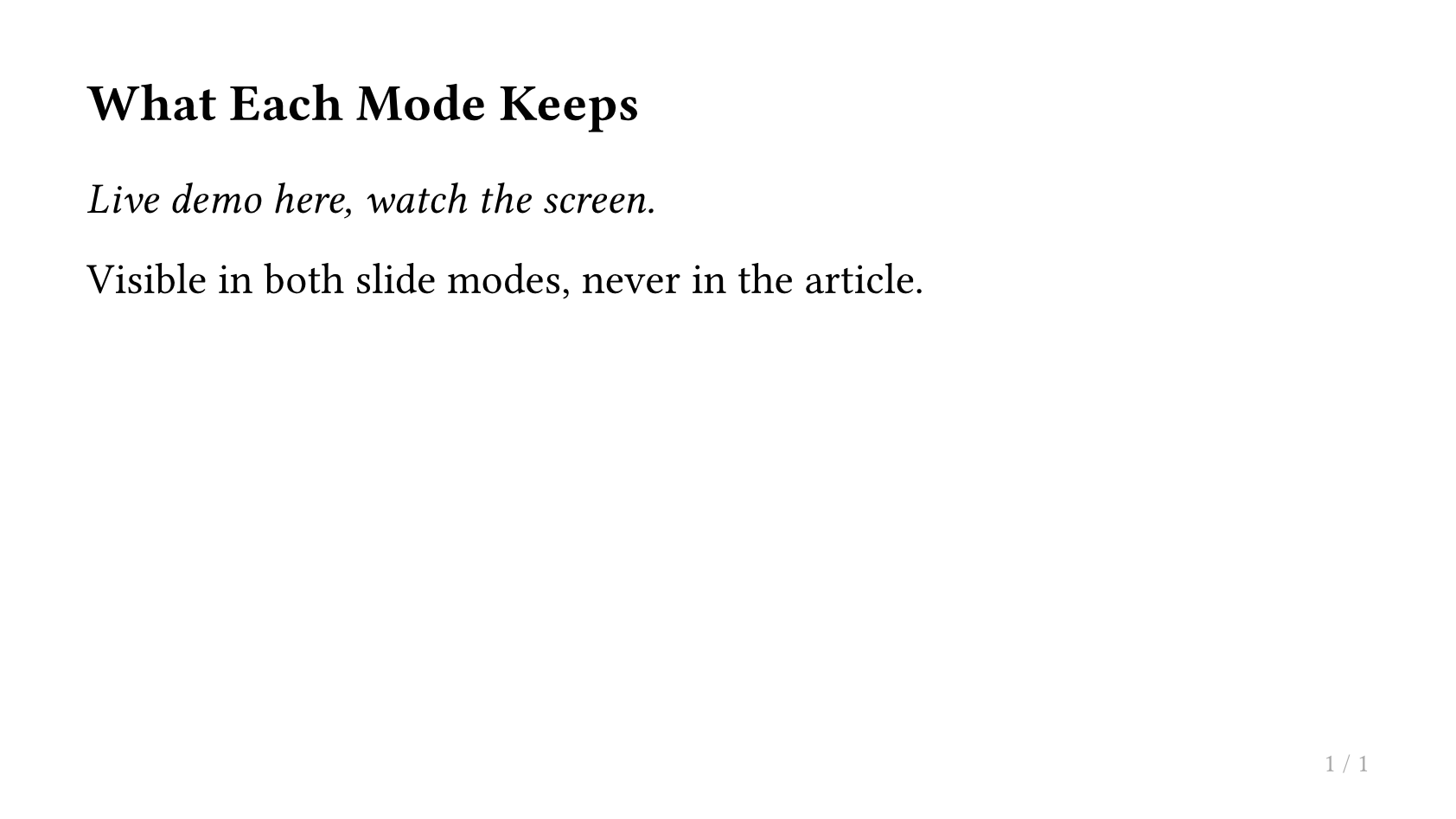
当某个标记里的内容不该出现时,它会被彻底移除,不占用任何空间。它的 body 中可以包含会打断幻灯片的元素,比如 heading、#pagebreak() 或裸的 ---,在它可见的那些模式下,这些元素的表现就和标记不存在时完全一样。
标记该放在哪里
一个标记既可以写在幻灯片 body 内部,也可以包住整次调用,二者的区别在于它覆盖的范围:
#slide[a #slides-only[b] c]

#slides-only(slide[a b c])
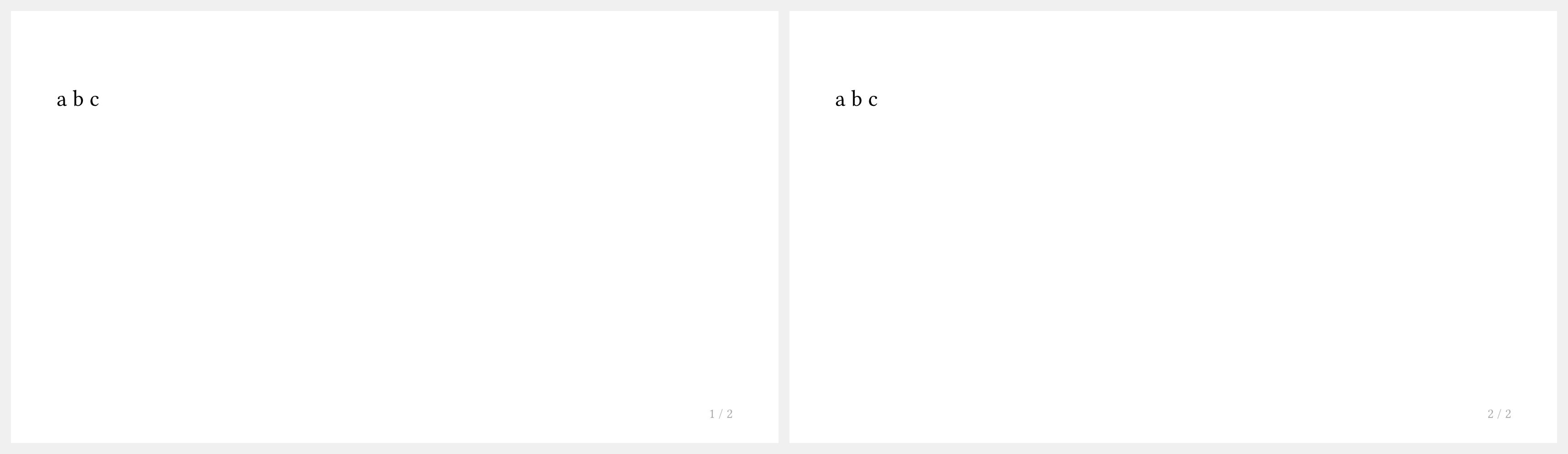
第一种只让 b 不出现在文章里,a 和 c 依然保留;第二种让整张幻灯片都不出现。
这对每个幻灯片函数都成立,因此 #slides-only(title-slide[]) 会让标题幻灯片不出现在文章里,而 #title-slide[#slides-only[..]] 只会去掉标题幻灯片中的那一部分。
用散文替换一张幻灯片
#article-text[..] 比 #article-only[..] 更进一步:它会取代它所写在的那张幻灯片,因此这张幻灯片本身的内容永远不会出现在文章里。无论你把它写在哪里,它都会占据整张幻灯片,并且每张幻灯片只能有一个——这里的"一张幻灯片"指的是一个不深于 slide-level 的 heading,加上它下面直到下一个 heading(如果有 #pagebreak() 的话则是到 #pagebreak())为止的全部内容。
== Why This Matters

- terse
- bullet
- points

#article-text[
  In the article this paragraph takes the place of the bullet points above.
]
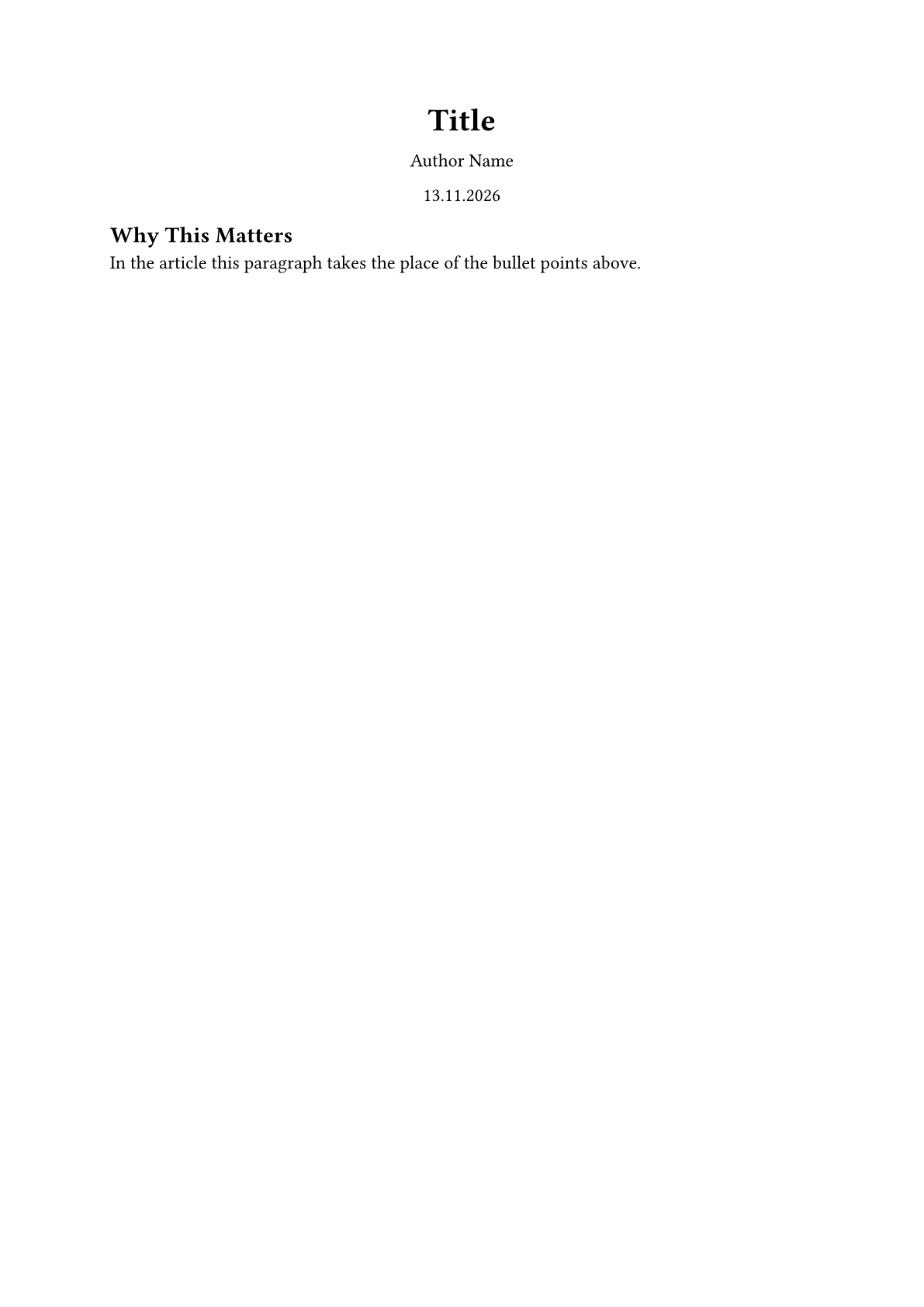
这是撰写"既要用来演讲、又要能当文档读"的内容时的常规做法。其余细节参见文章模式。
标签标记
上面这些标记接受内容作为参数。你也可以改用标签标记,把它们直接写在 heading 上。
== Always Here

== Extra Detail for the Handout <touying:handout>

== Live Demo <touying:presentation>
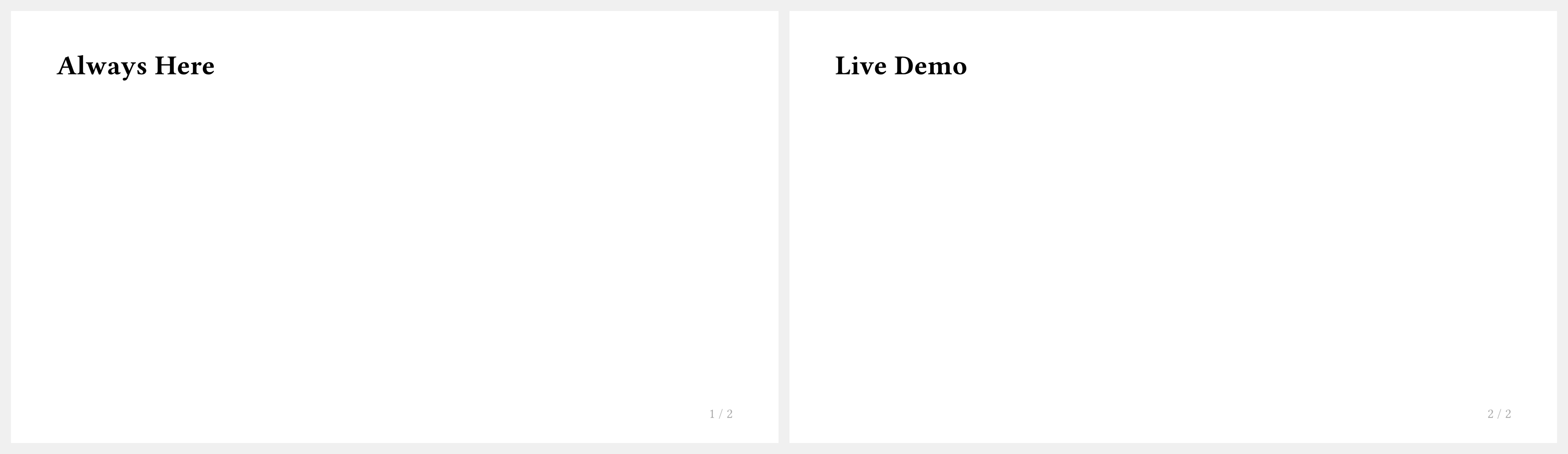
<touying:slides>、<touying:article> 等等的用法和对应的函数一样,这些关键词还可以用连字符组合起来。完整的对照表参见章节与标签。此外还有一个 <touying:never> 标记,用来让某个 section 不出现在任何一种输出中。