讲义模式
讲义模式将每张逻辑幻灯片的所有动画子幻灯片合并为单页,便于生成可打印或可分发的演示文稿版本。
启用讲义模式
config-common(handout: true)
将其放在主题设置中:
#import "@preview/touying:0.7.4": *
#import themes.simple: *

#show: simple-theme.with(
  aspect-ratio: "16-9",
  config-common(handout: true),
)

= Title

== Animated Slide

First item.

#pause

Second item (won't generate a separate page in handout mode).

#pause

Third item.
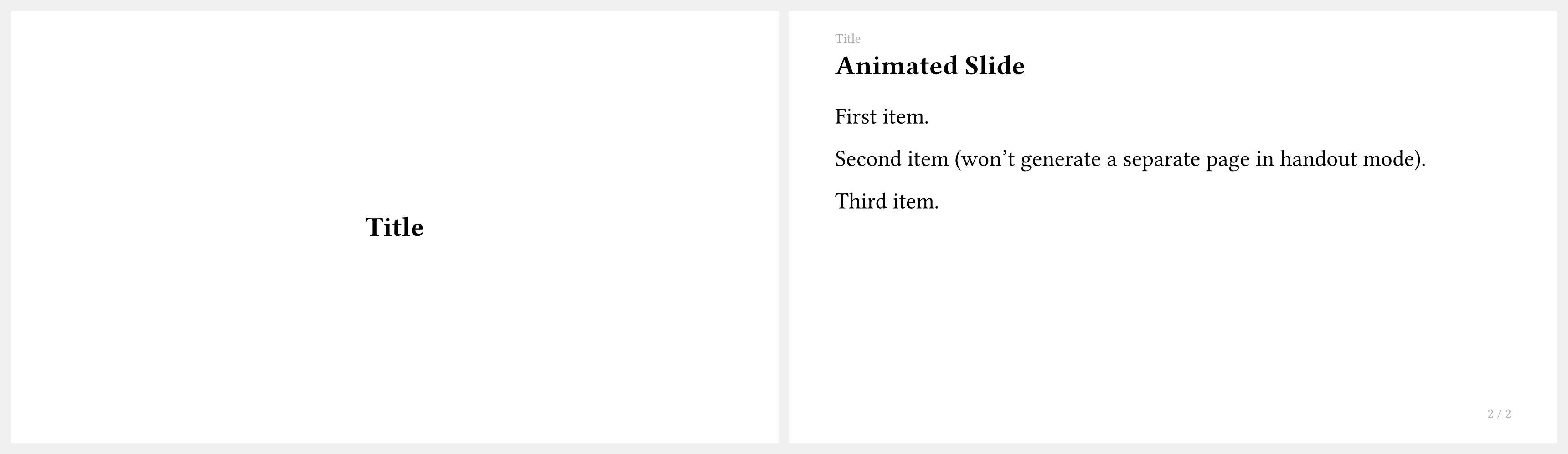
默认情况下,讲义模式只保留每张幻灯片的最后一个子幻灯片。
选择保留哪个子幻灯片
你可以使用 handout-subslides 指定讲义输出中保留特定的子幻灯片:
// 只保留第一个子幻灯片(适用于"之前"快照)
config-common(handout: true, handout-subslides: 1)

// 保留第一个和最后一个子幻灯片
config-common(handout: true, handout-subslides: (1, -1))

// 用字符串表示范围(与 `only`/`uncover` 语法相同)
config-common(handout: true, handout-subslides: "1-2")
仅在讲义中显示的幻灯片
使用 <touying:handout> 标签创建仅在讲义模式下显示、在正常演示时隐藏的幻灯片:
== Extra Notes for Handout <touying:handout>

This slide is included when `handout: true` but invisible otherwise.
工作流建议
一种常见的工作流是:演示时保持 handout: false(默认值),导出分发用的 PDF 时切换为 handout: true:
// 演示时
#show: my-theme.with(config-common(handout: false))

// 构建讲义 PDF 时
#show: my-theme.with(config-common(handout: true))